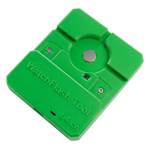
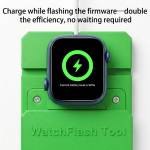
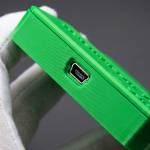
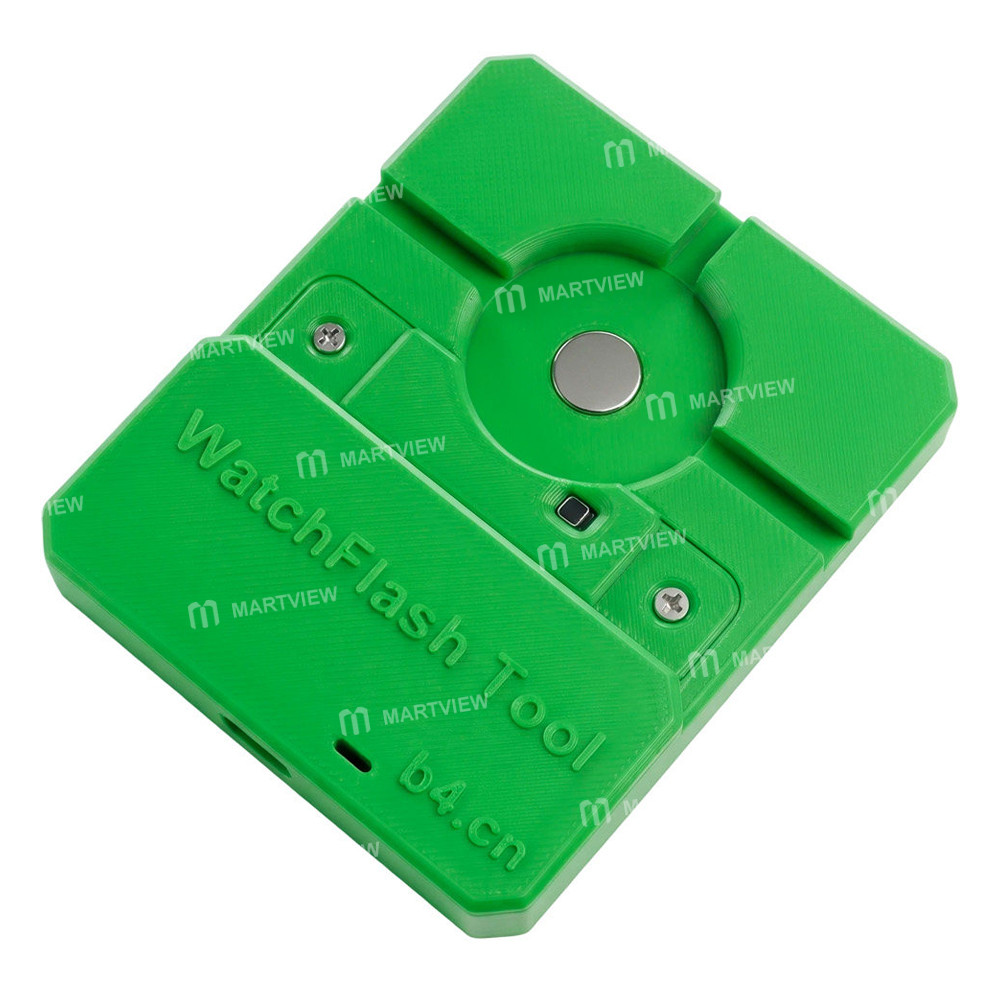
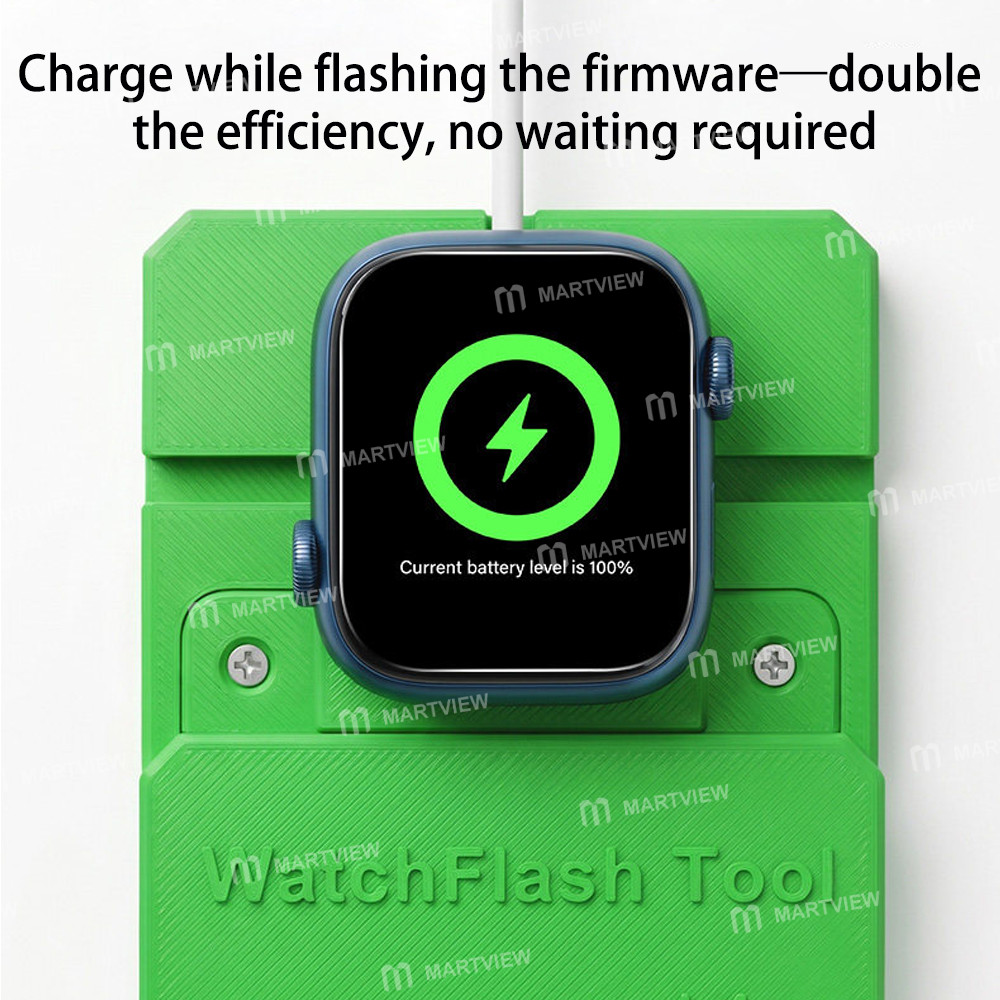
B4 9-in-1 iWatch Flashing Tool for Apple Watch S7 / S8 / S9 / S10 / S11 / S12 / Ultra 1 / Ultra 2 / Ultra 3


0 out of 5 stars
No review yetReady stock
NaN
As low as NaN
Worldwide shipping
Seller: Martview Shenzhen
ID: MV-2611034WZN14
Weight: 0.25 kg
| Qty | Price | Discount |
|---|---|---|
| 1 | NaN | |
| 3 | NaN | -2.5% |
| 5 | NaN | -4.1% |
| 10 | NaN | -6.6% |
Product details
Description
B4 9-in-1 iWatch Flashing Tool for Apple Watch S7 / S8 / S9 / S10 / S11 / S12 / Ultra 1 / Ultra 2 / Ultra 3
Features:
- This firmware flashing tool not only efficiently resolves stubborn issues such as the "White Apple" screen, endless recovery mode, and exclamation mark errors caused by software conflicts or system crashes, but also supports comprehensive diagnostics of your Apple Watch via a computer connection.
- Once connected, you can quickly view the following key data:
- Basic Identification Information: Device model, specific name, watchOS version, memory capacity, serial number, and device IMEI/MEID.
- Hardware Health Status: Battery health (including actual capacity and cycle count), and test results verifying whether the screen is an original component.
- Service and Security Status: Activation Lock status, official warranty period, and activation status check
- Regarding Firmware Updates: This tool does not include firmware packages; you must obtain the appropriate firmware yourself (we can recommend reliable firmware download sources).
- The firmware flashing service is billed on a per-session basis; fees vary depending on the watch model, and a fee is charged for each successful flashing session.
Important Notes for Firmware Updates:
- First, your computer must be a Mac with an Intel CPU; M1, M2, or M3 computers are not supported.
- The operating system must be macOS 13; specifically, all versions from 11.1 to 12.6 are supported. You must also install the S6 driver (contact customer service to obtain the driver).
Package includes:
- After installing the S6 driver, go to "Trust & Security" in your Mac's System Preferences and click "Restart" within that menu. Simply clicking "Restart" on the menu bar won't work—you must click "Restart" within the "Trust & Security" settings.
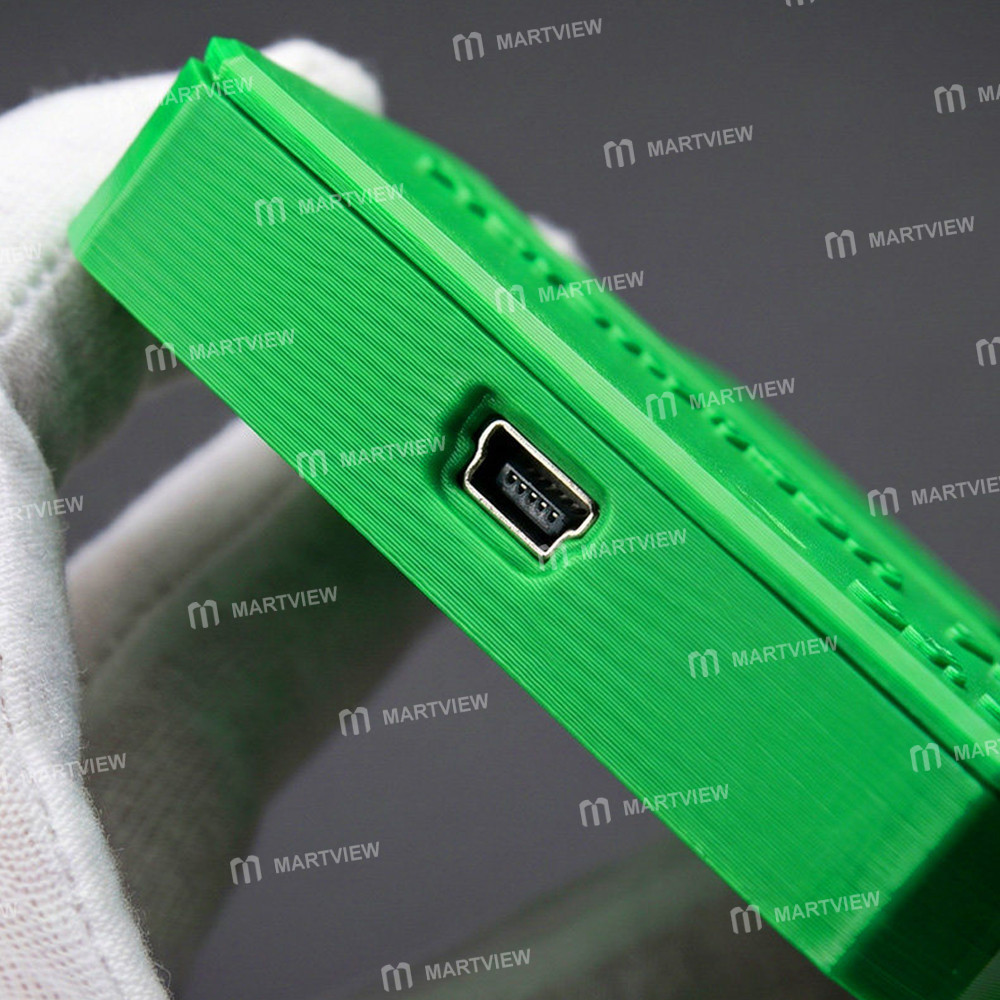
- 1 x Flashing Tool

Customer reviews
0.0/ 5.0
0
0
0
0
0