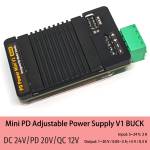
DC-DC 24V / 3A Mini PD Adjustable Power Supply V1 Buck Step-Down Module

0 out of 5 stars
No review yetReady stock
NaN
As low as NaN
Worldwide shipping
Seller: Martview Shenzhen
ID: MV-2605089QA89R
Weight: 0.10 kg
| Qty | Price | Discount |
|---|---|---|
| 1 | NaN | |
| 3 | NaN | -3.1% |
| 5 | NaN | -4.7% |
| 10 | NaN | -7.0% |
Please select Type
Choose a Type
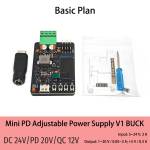
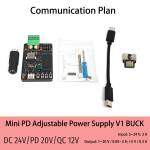
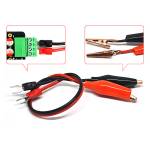
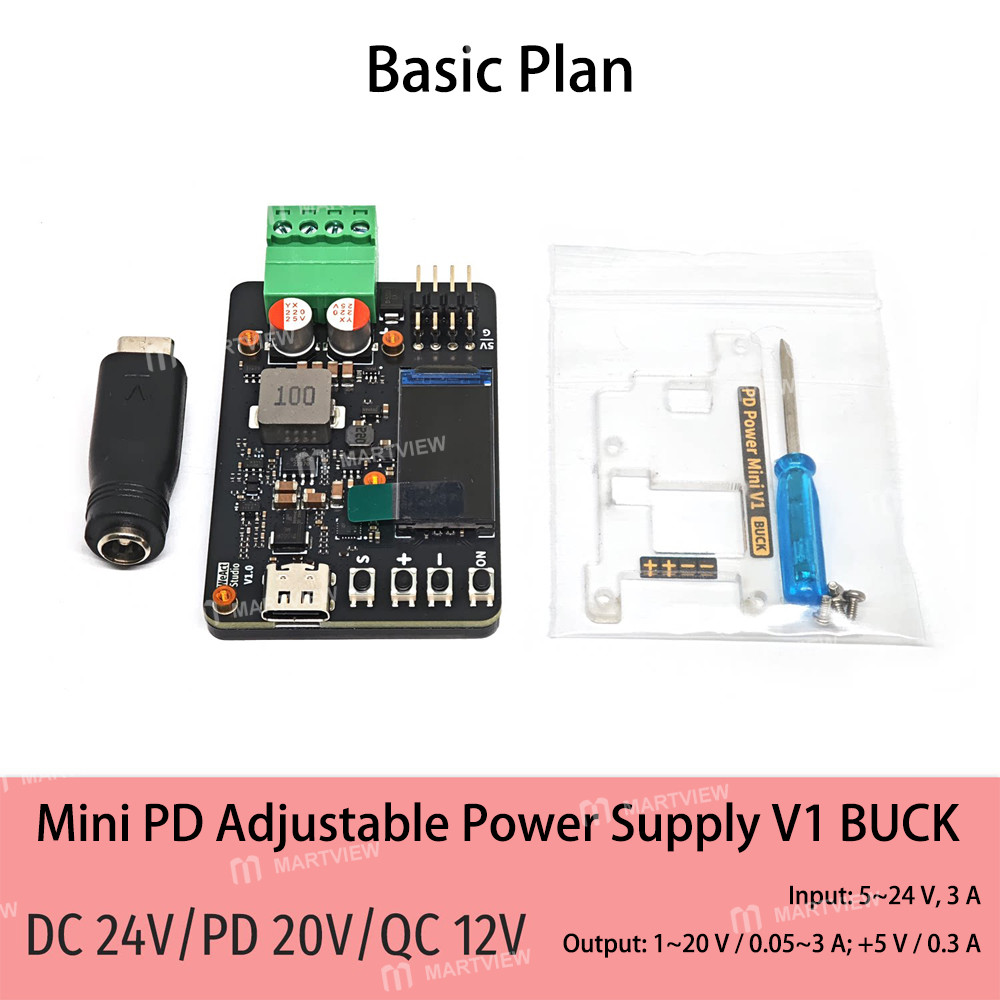
only Alligator Line/20cmBasic PlanCommunication PlanProduct details
Description
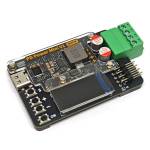
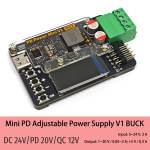
DC-DC 24V/3A Mini PD Adjustable Power Supply V1 Buck Step-Down Module
Specifications:
- Input: DC 5–24 V, 3 A
- Output: DC 1–20 V / 0.05–3 A; 5 V / 0.3 A
- Output setpoint accuracy: ±0.01 V / ±2 mA
- Output display accuracy: ±0.02 V / ±3 mA
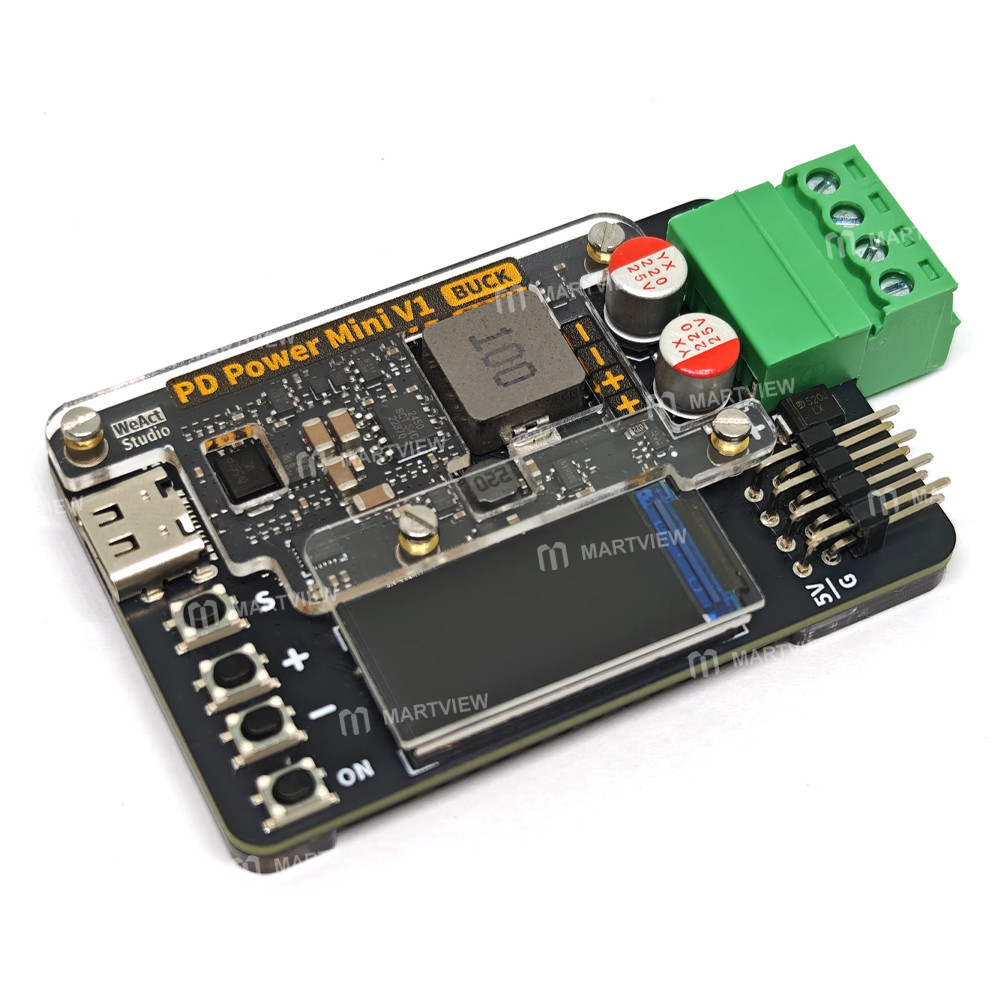
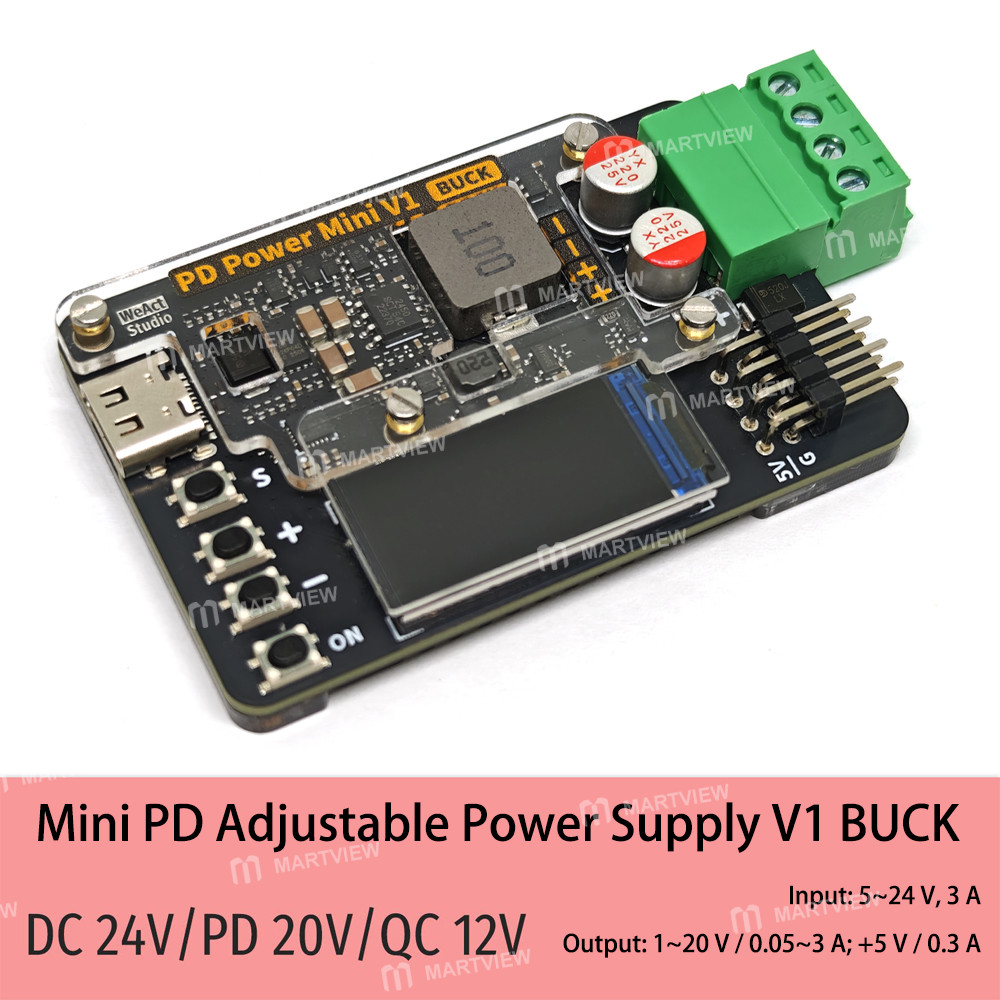
- Main output connector type: Plug-in terminal block, 3.81 mm – 4Pin
Notes:
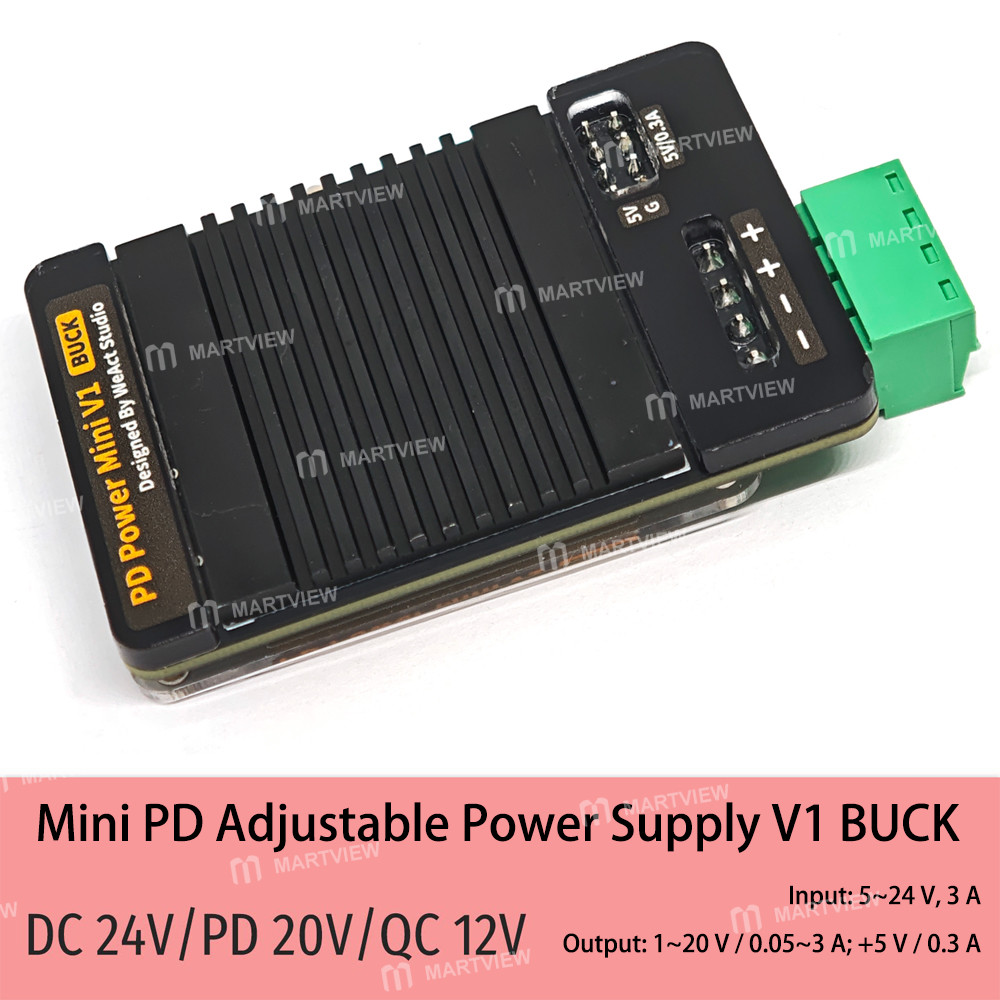
- Acrylic panels come with two protective films; both must be removed. The black plastic shell serves as a header pin protective cover.
- Under normal temperature conditions, the unit can operate continuously at a 2A output; a 3A output requires enhanced heat dissipation.
- The maximum output voltage is the input voltage minus 2V, with a maximum of 20V. For example, with a 12V input, the maximum output voltage is 10V.
Product Output Voltage and Current Settings Interface Instructions:
- Press the S button to enter the voltage and current settings interface; press the S button again to cycle through the settings.
- Press and hold the + button to enter the voltage settings interface; press the S button to cycle through the settings.
- Press and hold the - button to enter the current settings interface; press the S button to cycle through the settings.
Product Settings Interface Instructions (enter by long-pressing the S button):
- Brightness: 0–100% range; 0–10% is ultra-low brightness
- Display Flip: 0 = Normal, 1 = Flip 180° (takes effect after power cycle)
- Overcurrent Protection: 0 = Disabled, 1 = Enabled; output shuts off approximately 200 ms after current exceeds the set value
- Overcurrent Discharge: 0 = Disabled, 1 = Enabled
- Auto Output: 0 = Disabled, 1 = Enabled; output automatically enables upon power-up
- Output Filter Window Setting: 1–200, default 50
- Restore Factory Settings: Set to 1 to exit the settings menu and restore factory settings (calibration values will not be cleared)
- Calibration Enable: 0 = Disabled, 1 = Enabled; factory default is 1 (calibrated)
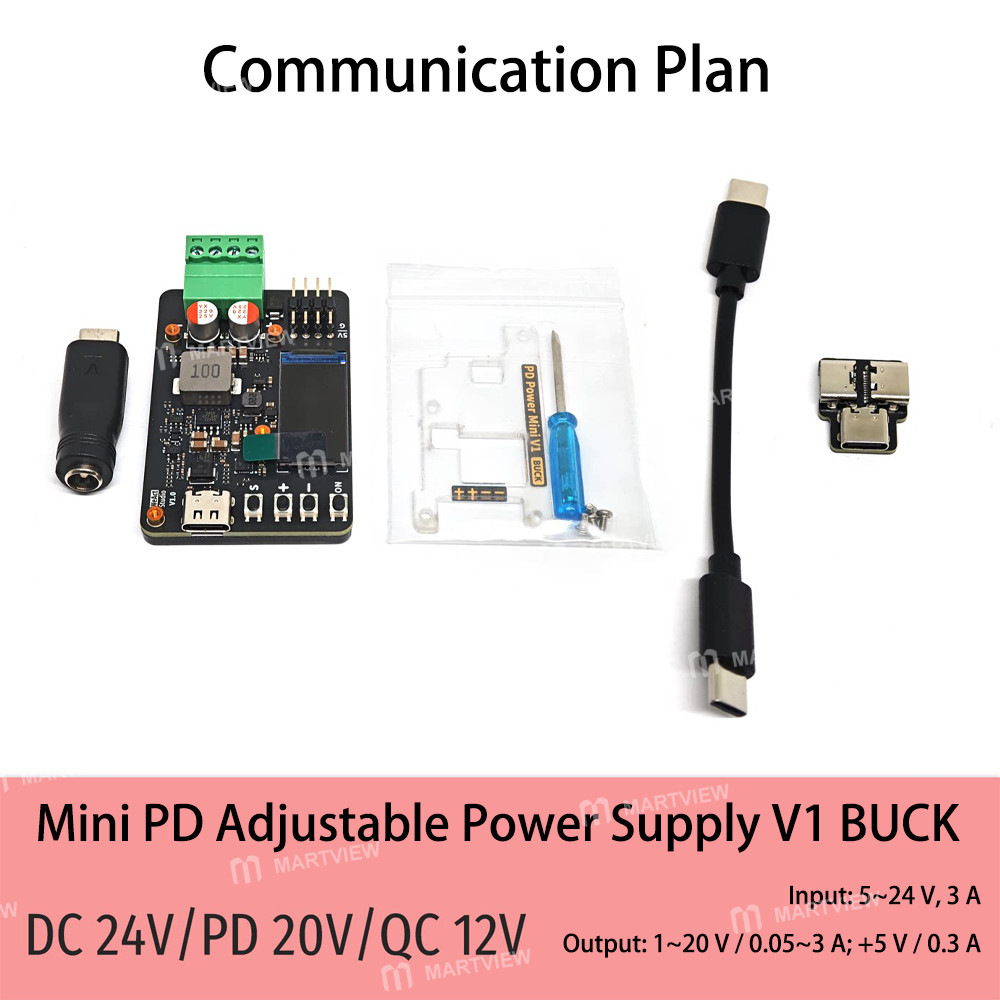
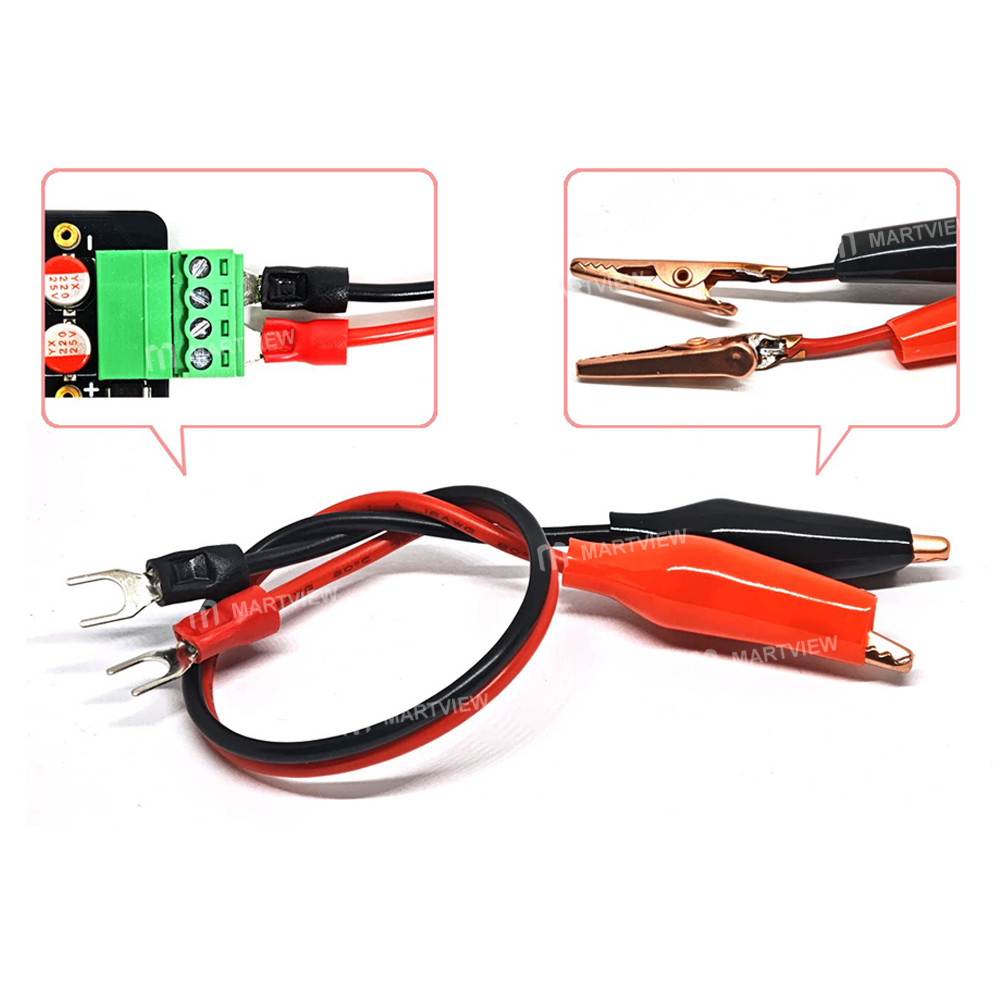
Package includes:
According to your choice
Customer reviews
0.0/ 5.0
0
0
0
0
0








