HMT-AP85 MacBook Lid Angle Sensor Calibration Tool for Apple MacBook Air / Pro Series

0 out of 5 stars
No review yetReady stock
NaN
As low as NaN
Worldwide shipping
Seller: Martview Shenzhen
ID: MV-260209KYV36F
Weight: 0.15 kg
| Qty | Price | Discount |
|---|---|---|
| 1 | NaN | |
| 3 | NaN | -2.4% |
| 5 | NaN | -4.8% |
| 10 | NaN | -7.1% |
Please select Type
Choose a Type
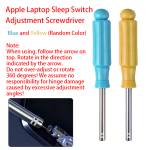
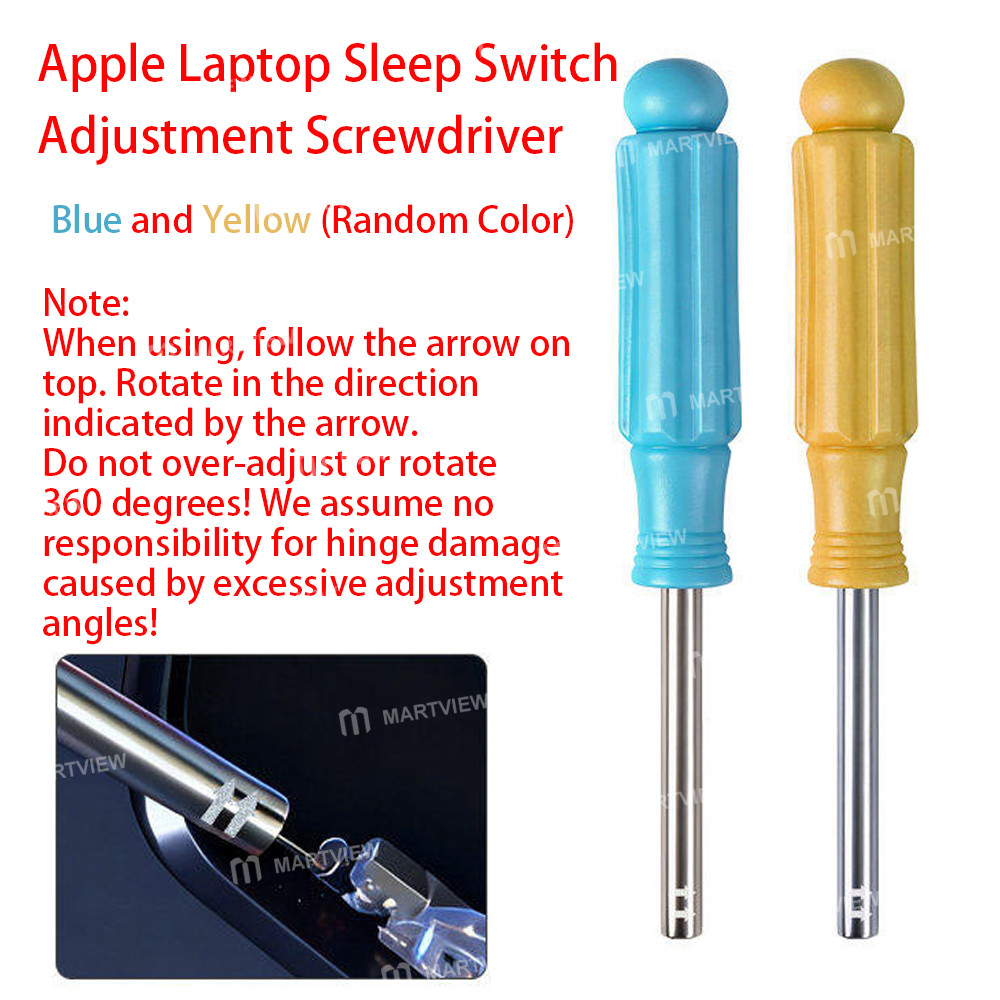
only Calibration Toolonly Adjustment Screwdriver/Random ColorProduct details
Description
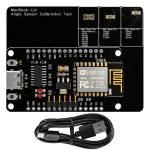
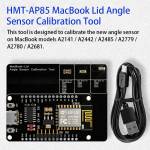
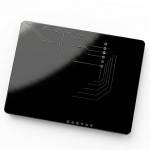
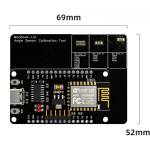
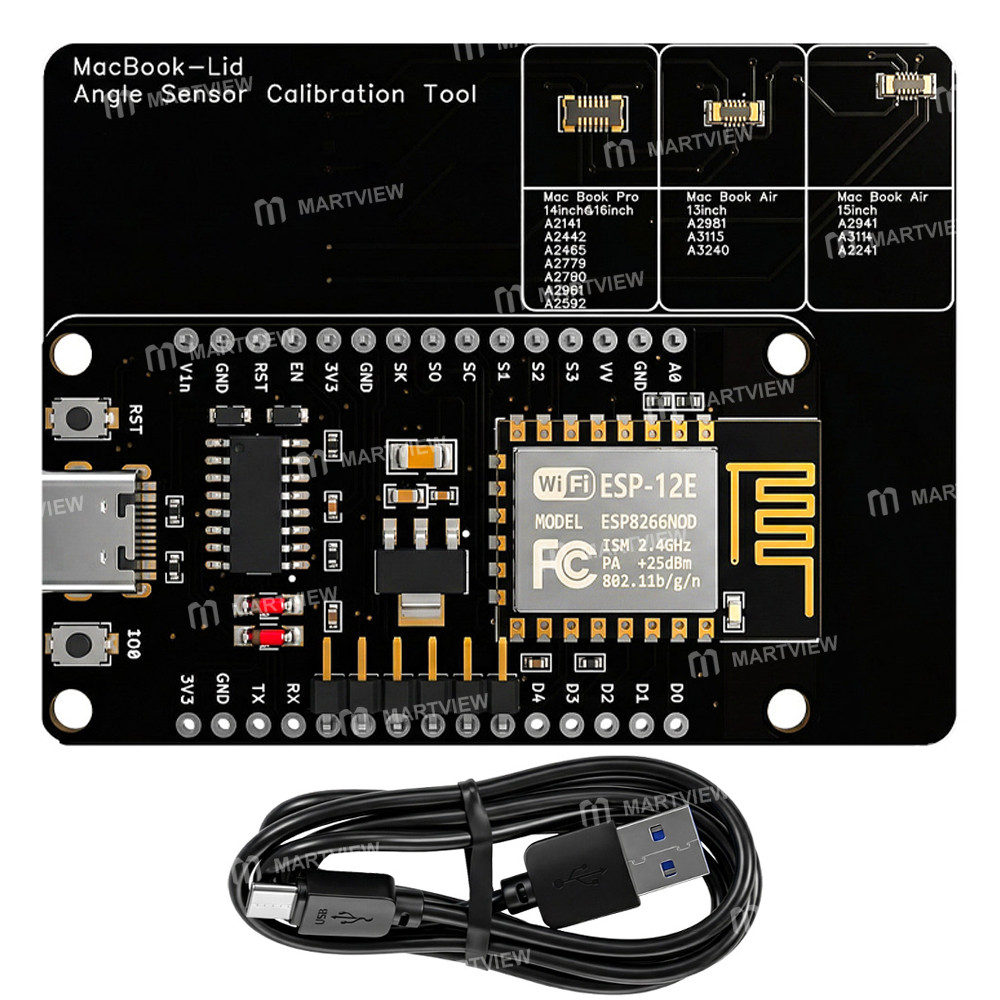
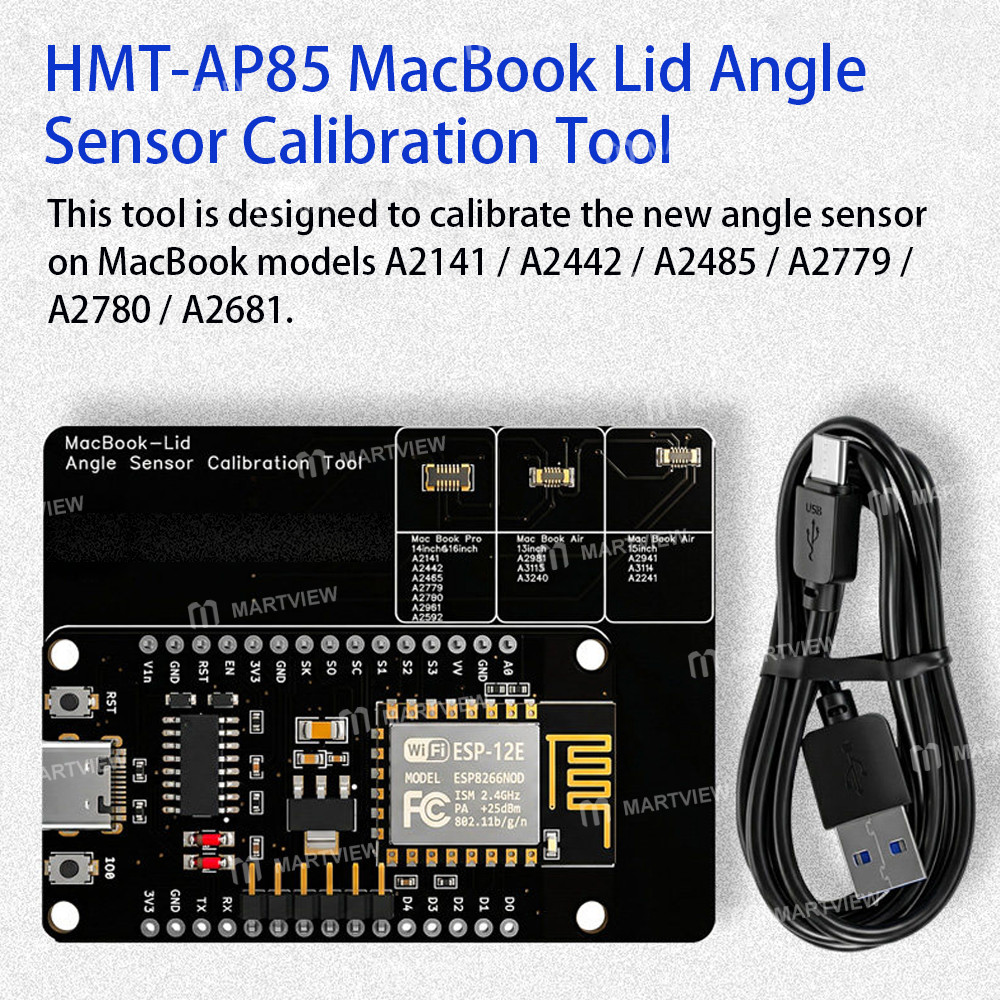
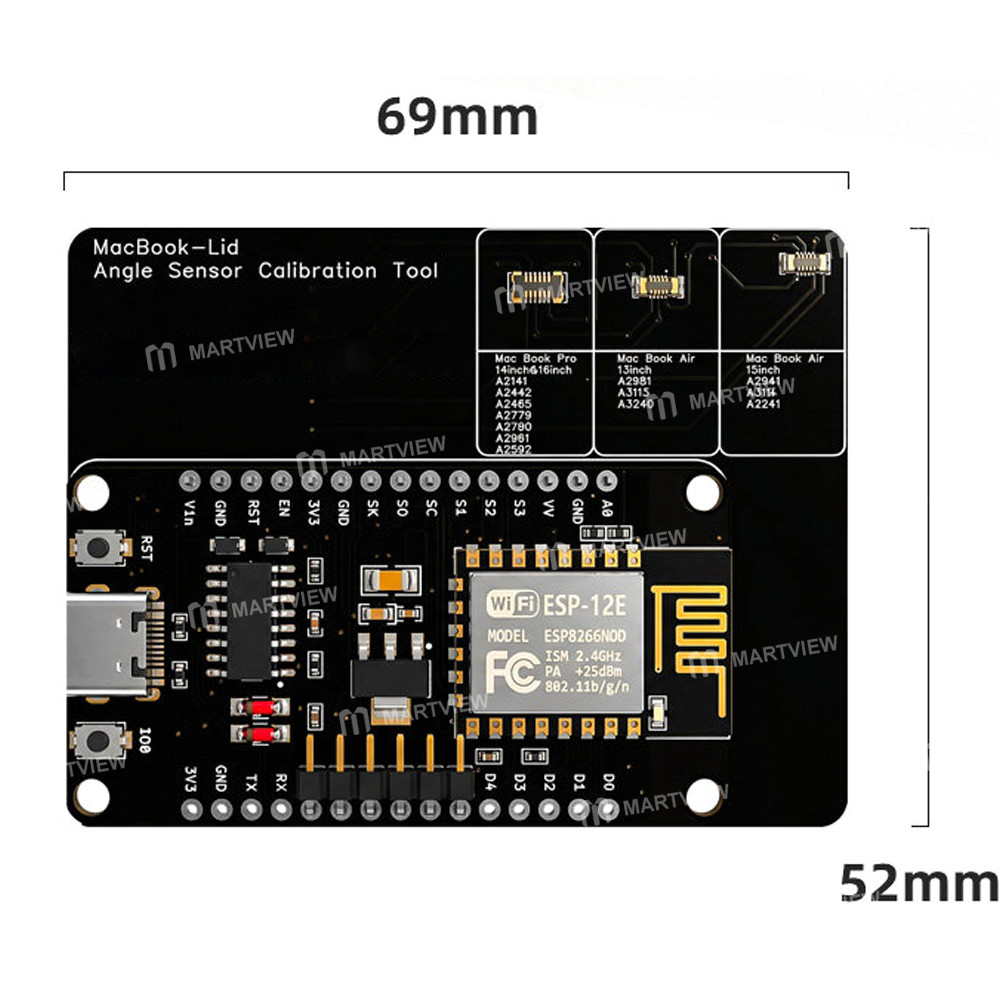
HMT-AP85 MacBook Lid Angle Sensor Calibration Tool for MacBook Air/Pro Series
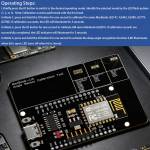
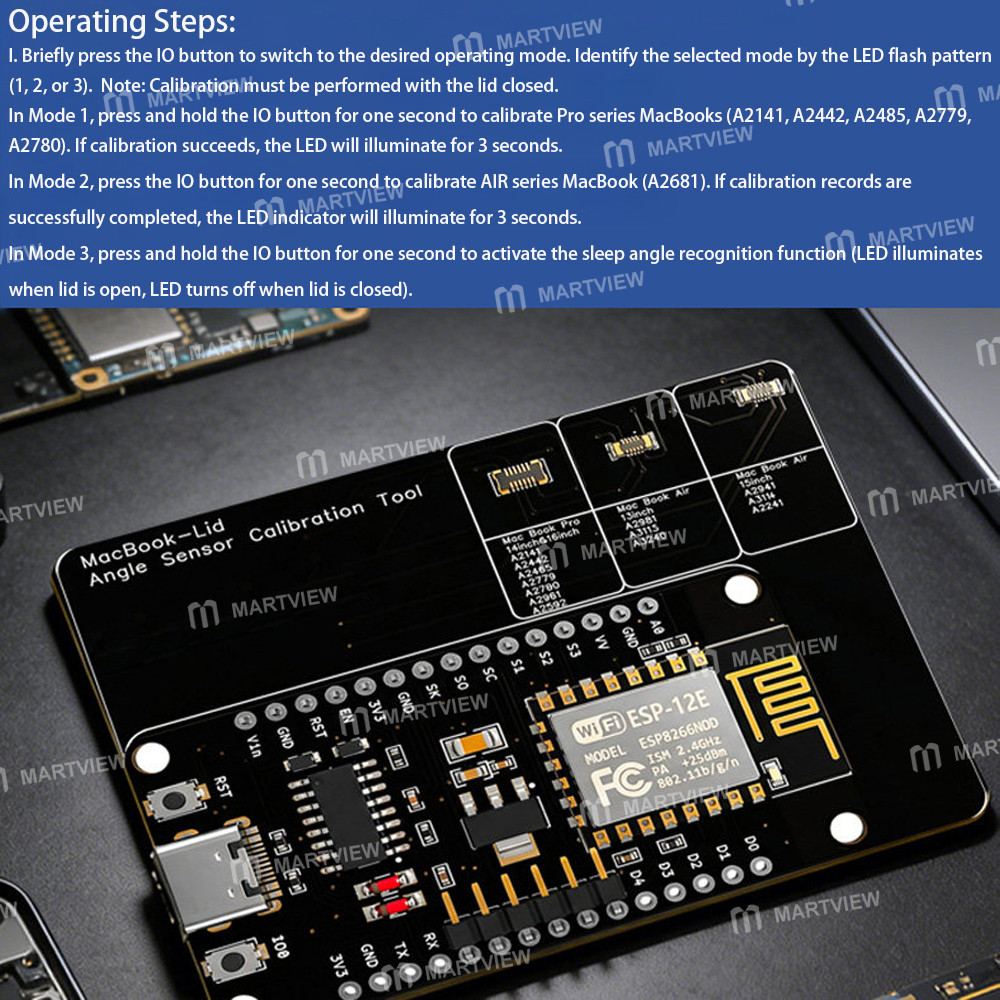
Operating Steps:
1. Briefly press the IO button to switch to the desired operating mode. Identify the selected mode by the LED flash pattern (1, 2, or 3). Note: Calibration must be performed with the lid closed.
- In Mode 1, press and hold the IO button for one second to calibrate Pro series MacBooks (A2141, A2442, A2485, A2779, A2780). If calibration succeeds, the LED will illuminate for 3 seconds.
- In Mode 2, press the IO button for one second to calibrate AIR series MacBook (A2681). If calibration records are successfully completed, the LED indicator will illuminate for 3 seconds.
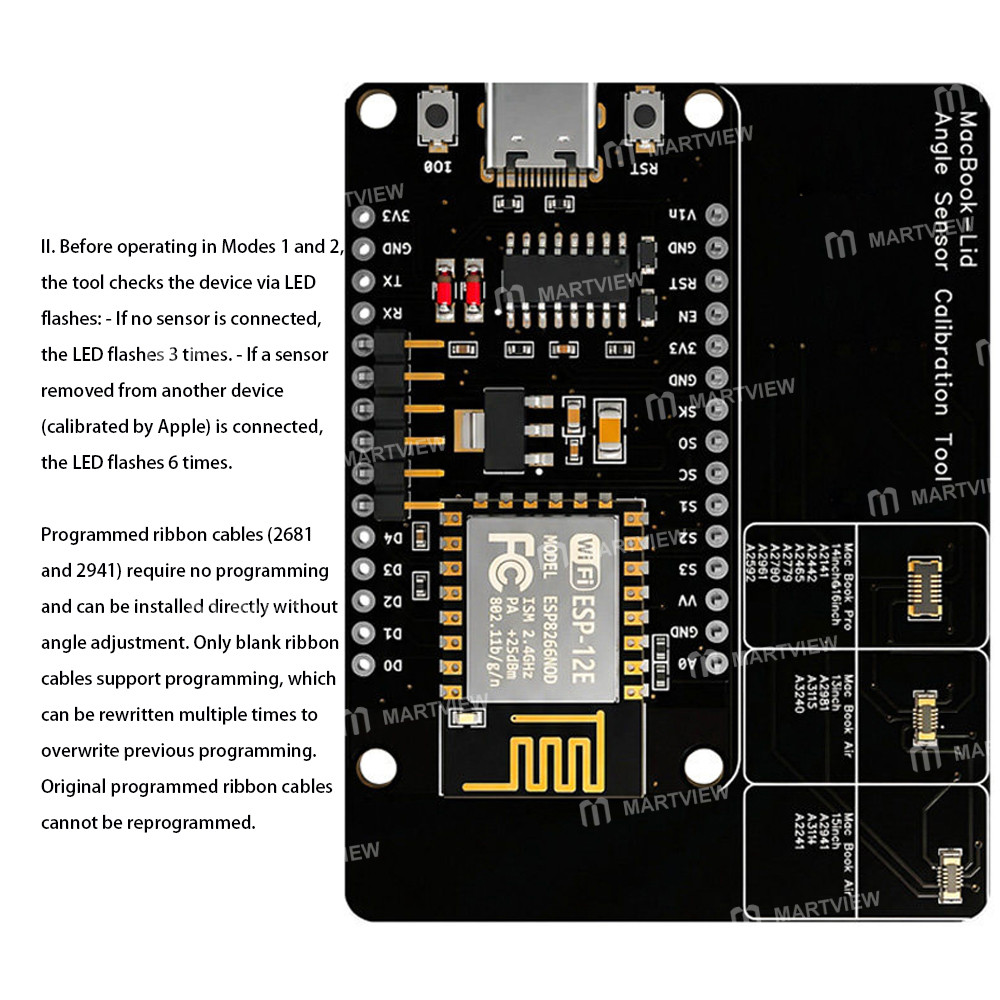
2. Before operating in Modes 1 and 2, the tool checks the device via LED flashes: - If no sensor is connected, the LED flashes 3 times. - If a sensor removed from another device (calibrated by Apple) is connected, the LED flashes 6 times.
- In Mode 3, press and hold the IO button for one second to activate the sleep angle recognition function (LED illuminates when lid is open, LED turns off when lid is closed).
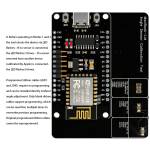
- Programmed ribbon cables (2681 and 2941) require no programming and can be installed directly without angle adjustment. Only blank ribbon cables support programming, which can be rewritten multiple times to overwrite previous programming. Original programmed ribbon cables cannot be reprogrammed.
Package includes:
- 1 x Calibration Tool
- 1 x Data Cable
Customer reviews
0.0/ 5.0
0
0
0
0
0








