JCID No-dismantling Automatic DFU Cable for iPhone & Apple Device System Recovery Workflow


0 out of 5 stars
No review yetReady stock
NaN
As low as NaN
Worldwide shipping
Seller: Martview Shenzhen
ID: MV-260629W35CQH
Weight: 0.08 kg
| Qty | Price | Discount |
|---|---|---|
| 1 | NaN | |
| 3 | NaN | -2.4% |
| 5 | NaN | -4.8% |
| 10 | NaN | -7.1% |
Please select Type
Choose a Type
for iPhonefor AndroidProduct details
Description
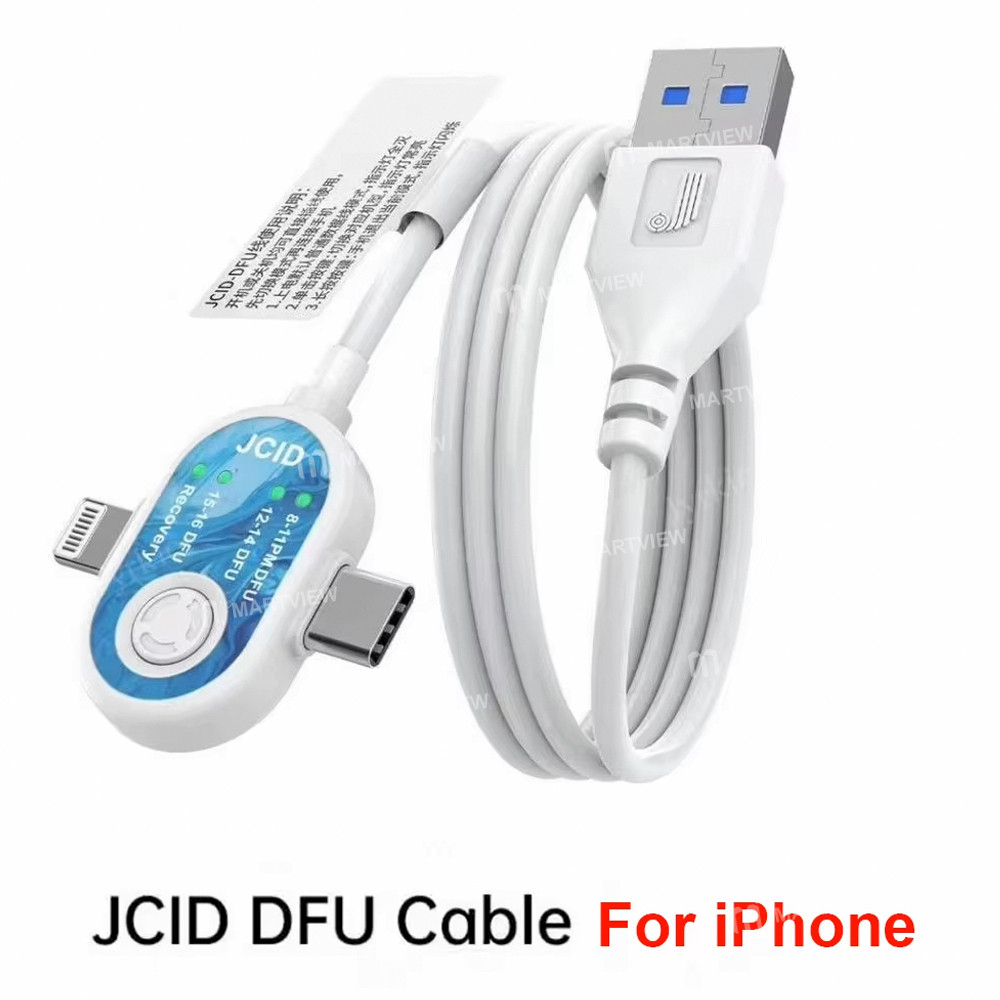
JCID No-dismantling Automatic DFU Cable for iPhone & Apple Device System Recovery Workflow
Features:
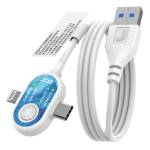
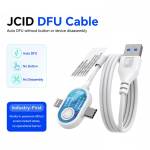
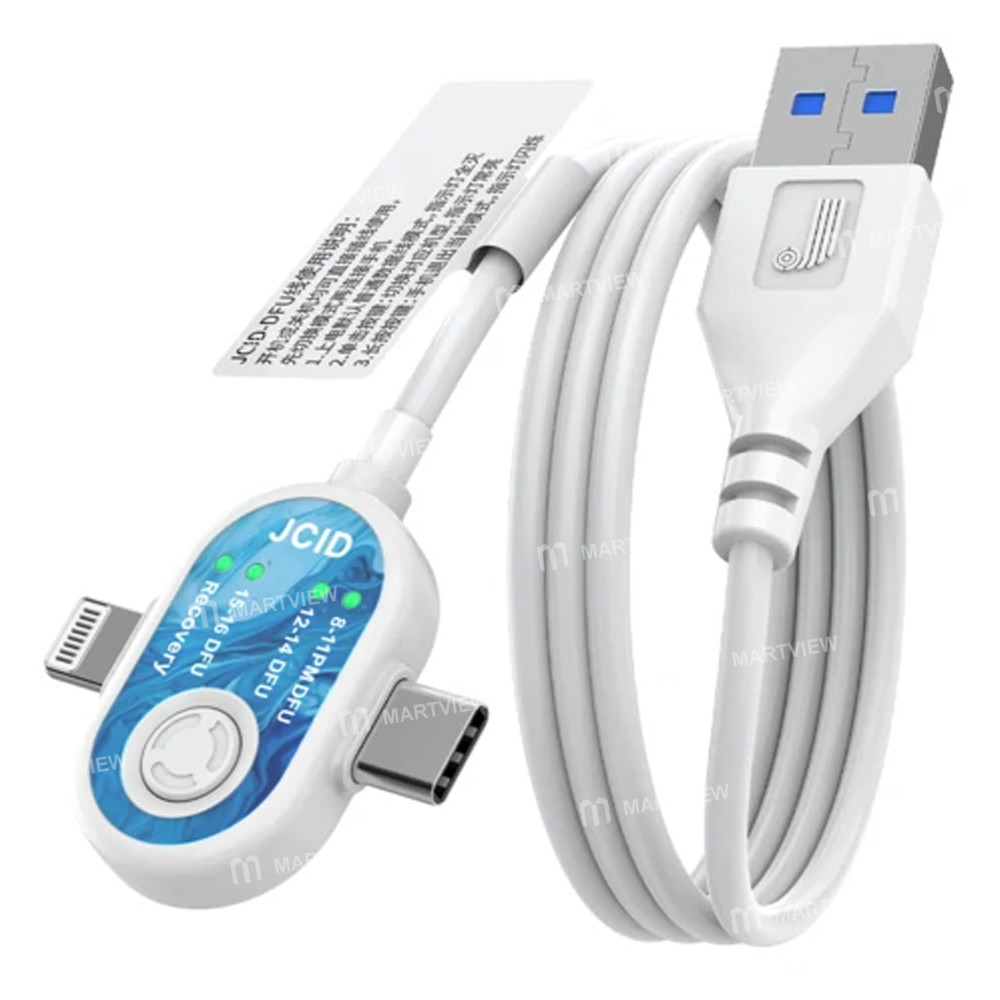
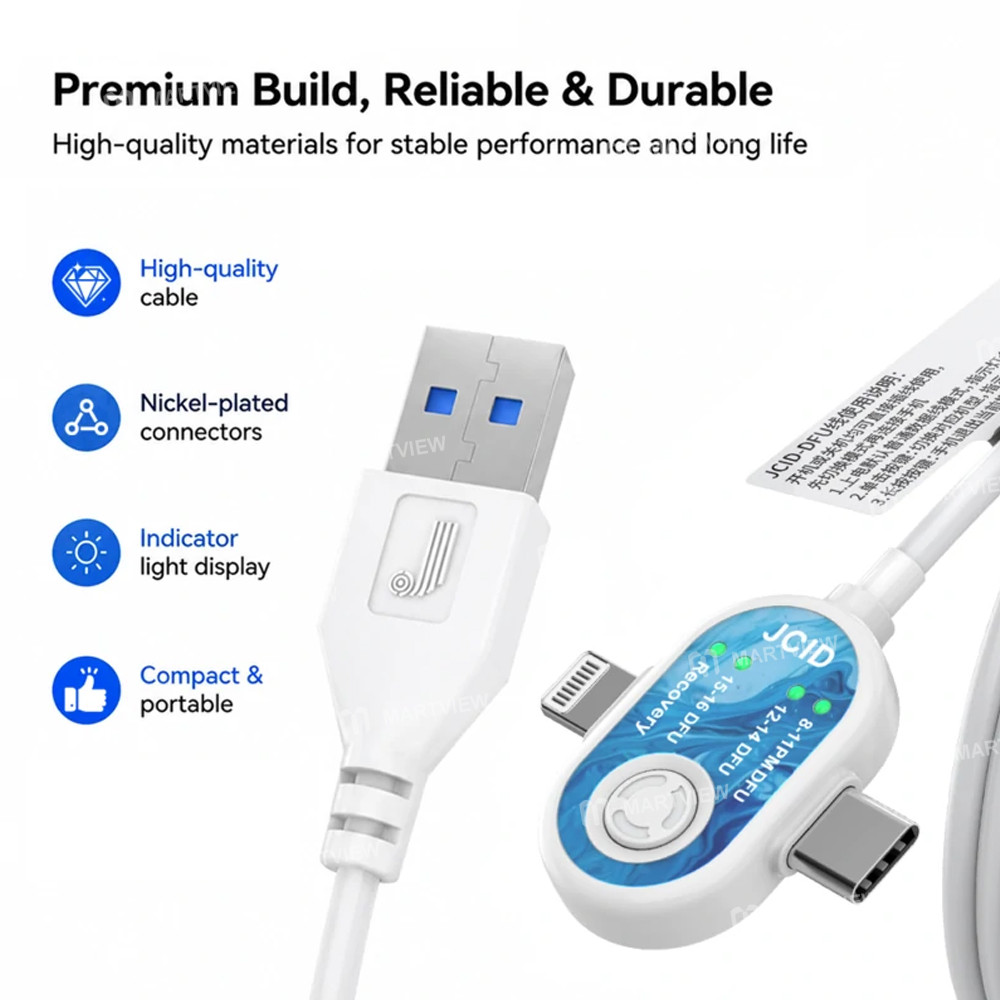
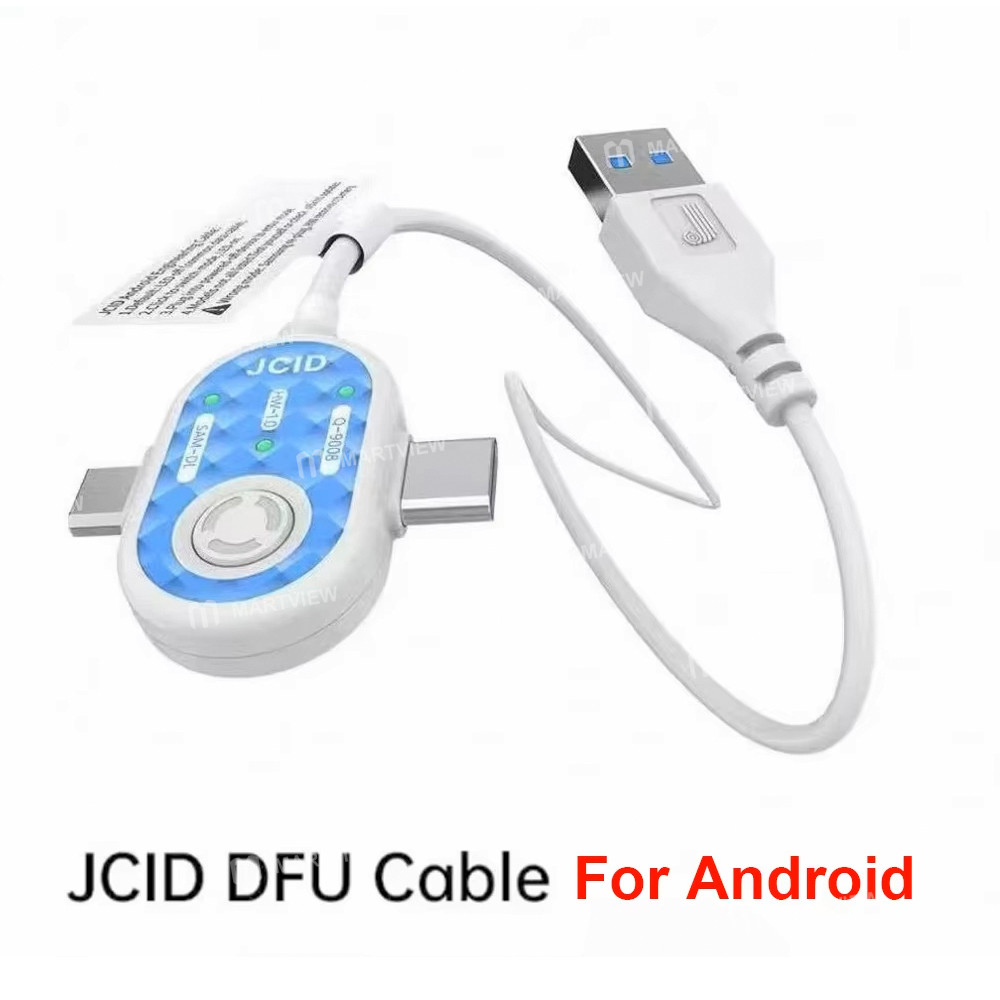
- JCID DFU Cable is a professional repair assistance tool designed to optimize system recovery workflows for iPhone and selected Apple devices
- It helps technicians simplify DFU mode entry during firmware flashing, system restoration, and diagnostic operations
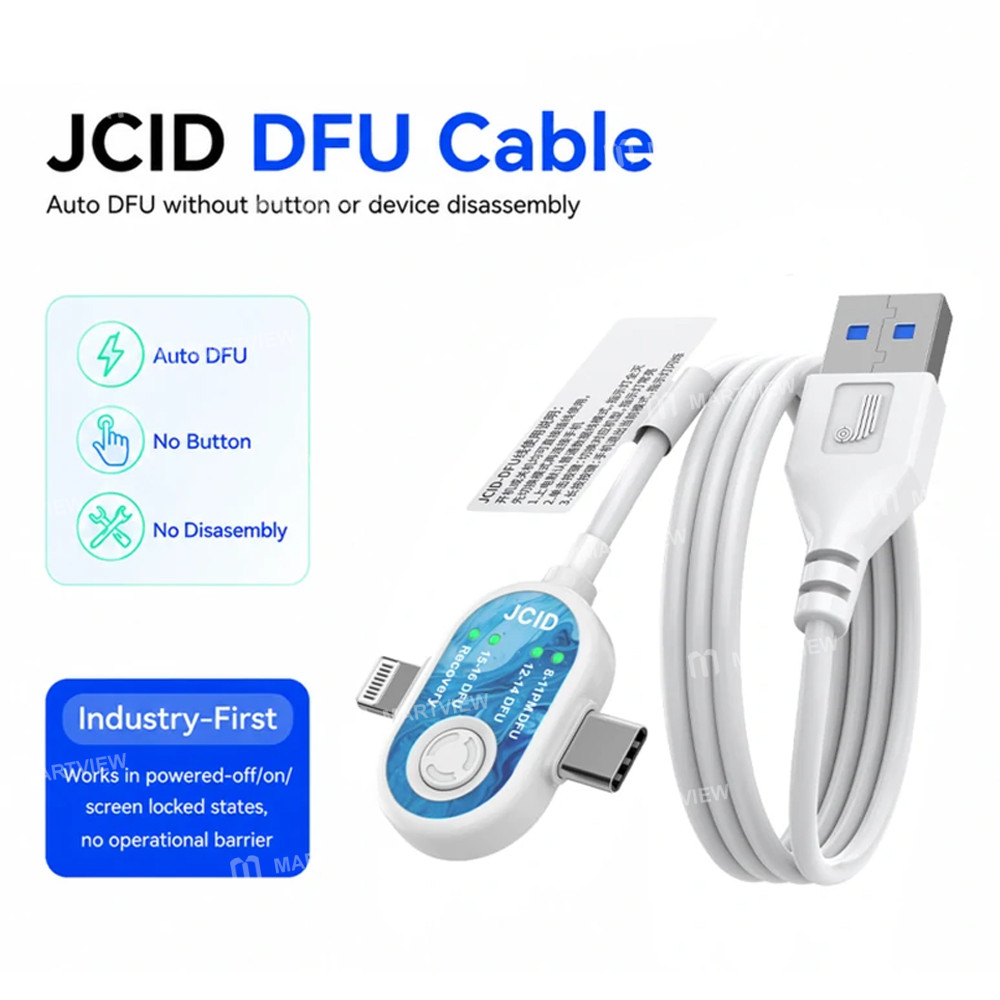
- The product is engineered to support efficient repair workflows by reducing manual button operations and minimizing device handling steps, making it suitable for professional maintenance environments where speed and stability are required
- It supports streamlined DFU-related procedures across different device conditions, helping improve overall servicing efficiency for technicians
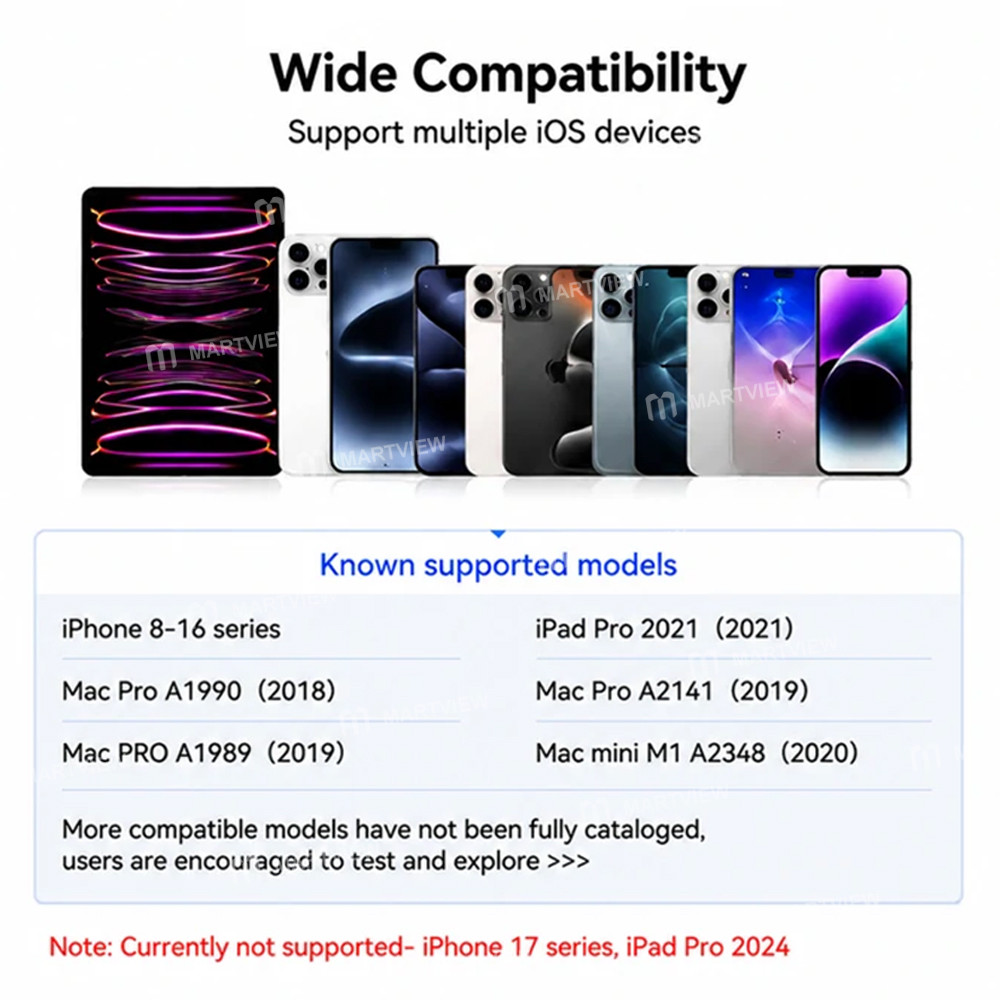
- Known supported models are as follows: iPhone 8~16 series, iPad Pro 2021 (2021), Mac Pro A1990 (2018), Mac Pro A2141 (2019), Mac Pro A1989 (2019), Mac mini M1 A2348 (2020)
- More compatible models are not fully cataloged yet, and users may verify additional compatibility through practical testing in repair environments
Instructions:
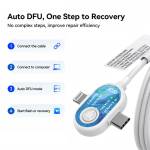
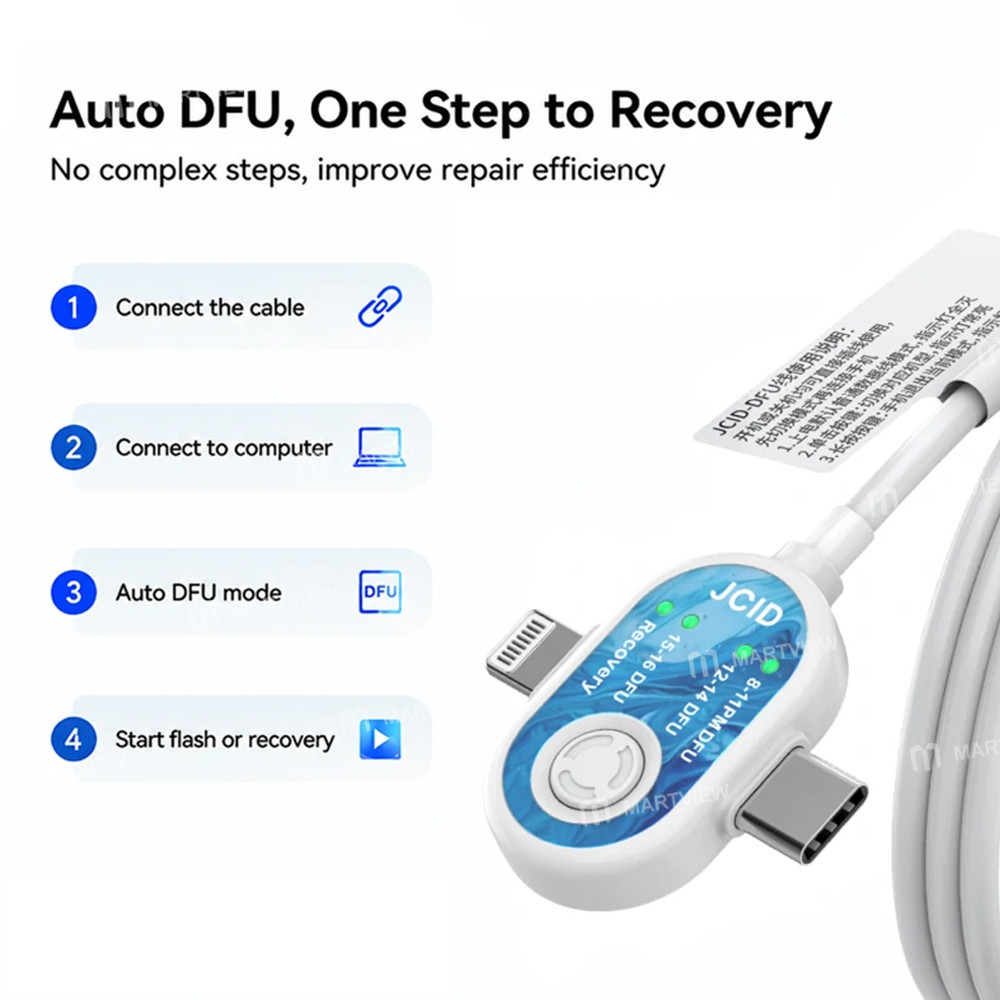
- Connect the DFU cable to the computer
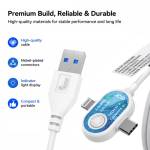
- Press the button once; when the green light comes on, this indicates that DFU mode has been entered
- Press the button again to switch between device models or to enter Recovery mode
- In Recovery mode, press the button again; when the green light goes out, this indicates that the device is in USB mode
- A steady green light indicates that DFU mode has been entered
- Press and hold the button; if the green light flashes, this indicates you have exited DFU mode
- The same principle applies when switching to Recovery mode: a steady green light indicates you have entered Recovery mode, whilst a flashing green light indicates you have exited Recovery mode
- Switch to the corresponding device’s DFU mode (Simply plug the cable into the phone; the phone will enter DFU mode regardless of whether it is switched off, locked, or switched on)
Notes:
- Whether switching to or exiting any of these modes, you must unplug and reinsert the charger (the same applies when switching to Recovery mode; if the green light is steady, simply plug it directly into the phone)
- Recovery mode does not require differentiation by phone model; it is universally applicable, and you can enter Recovery mode without any additional steps
Package includes:
- 1 x Cable
Customer reviews
0.0/ 5.0
0
0
0
0
0








