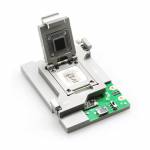
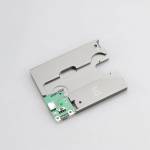
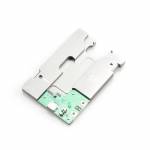
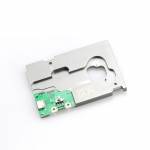
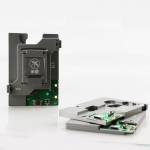
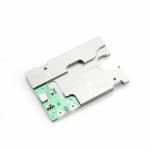
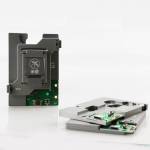
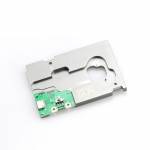
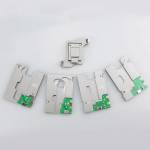
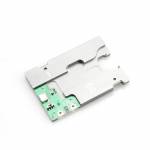
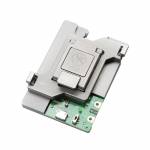
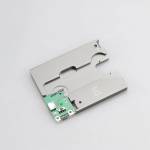
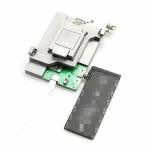
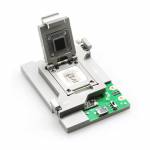
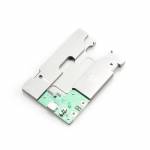
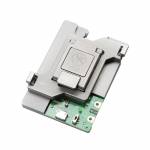
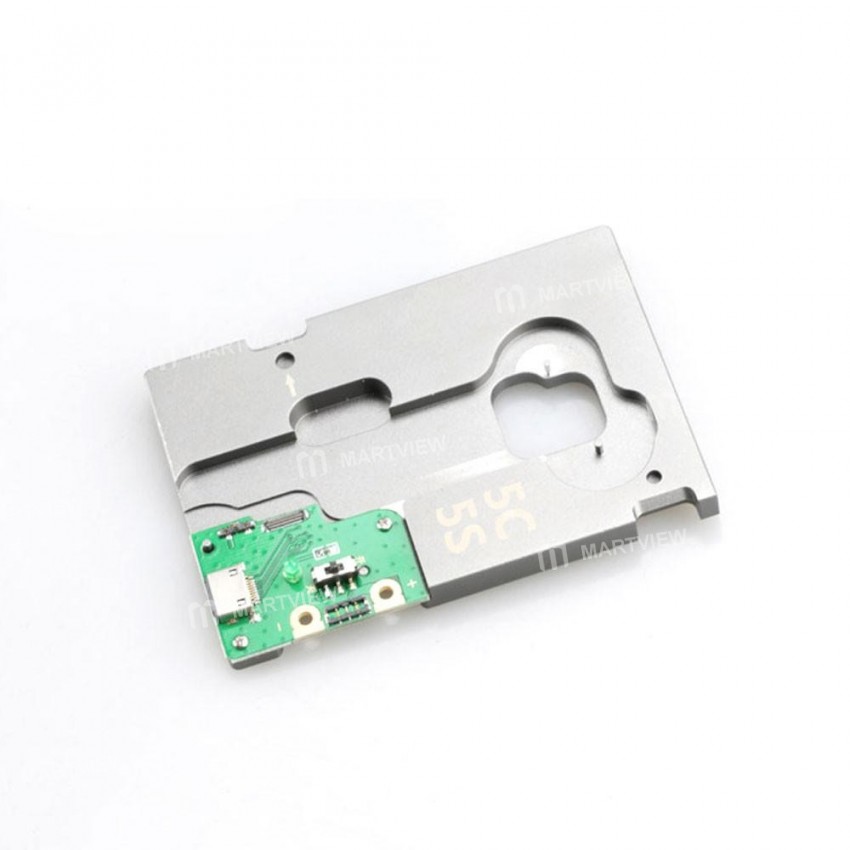
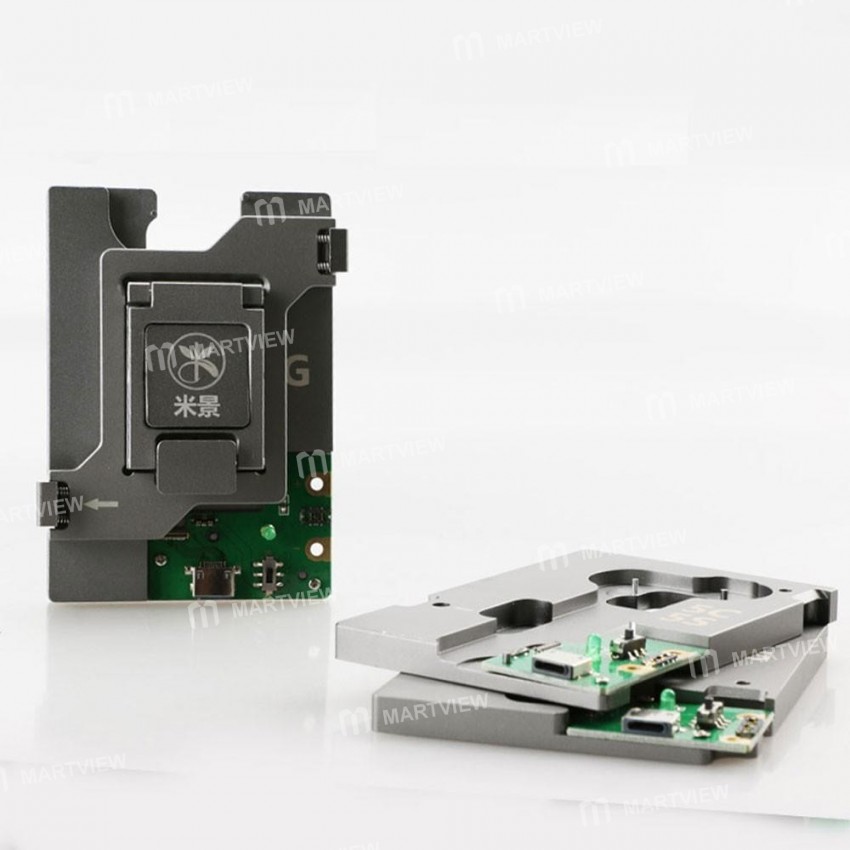
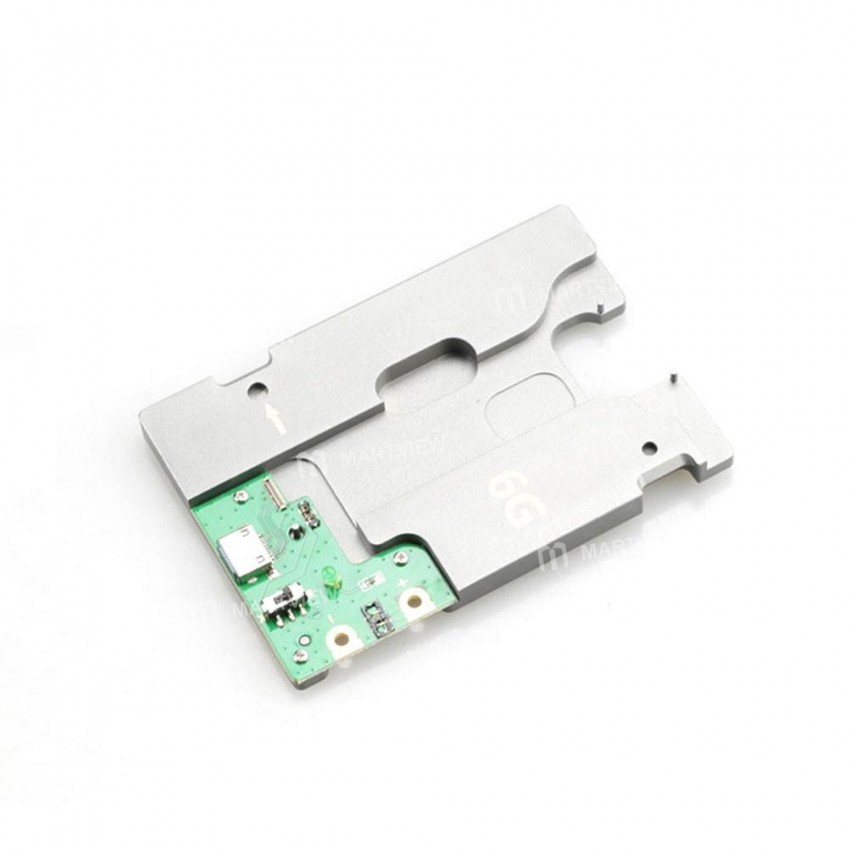
MJ-860 5‑in‑1 iPhone 5 / 5C / 5S / 6 / 6 Plus NAND Flash & HDD Test Fixture Tool


0 out of 5 stars
No review yetProduct details
Description
Description
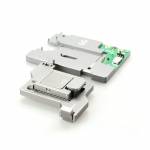
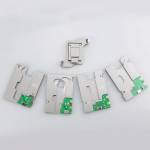
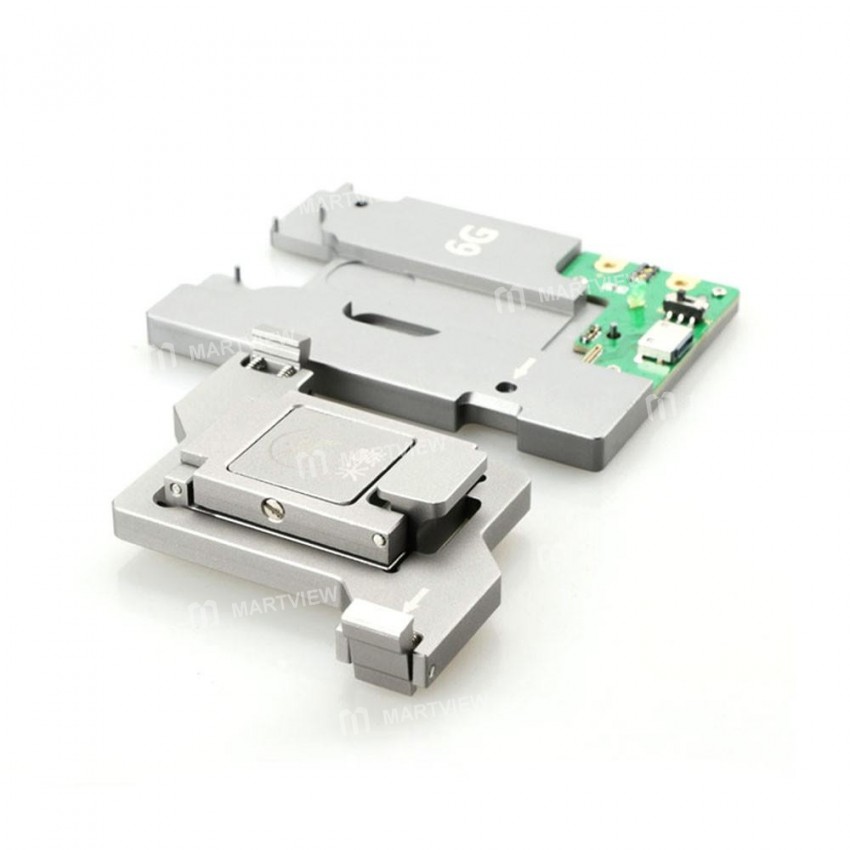
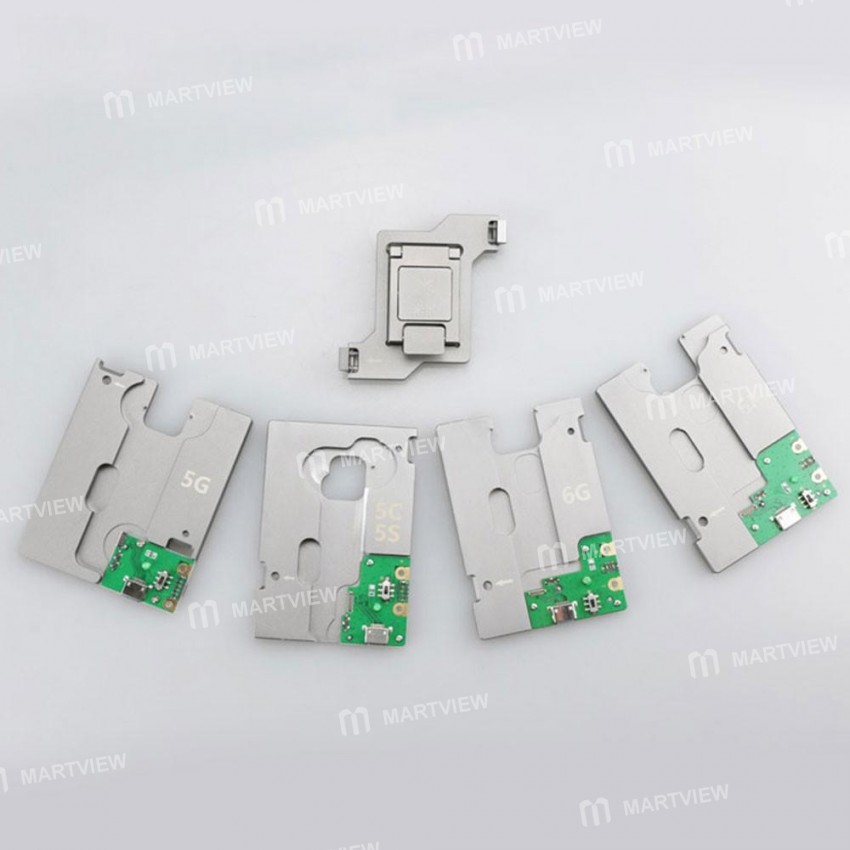
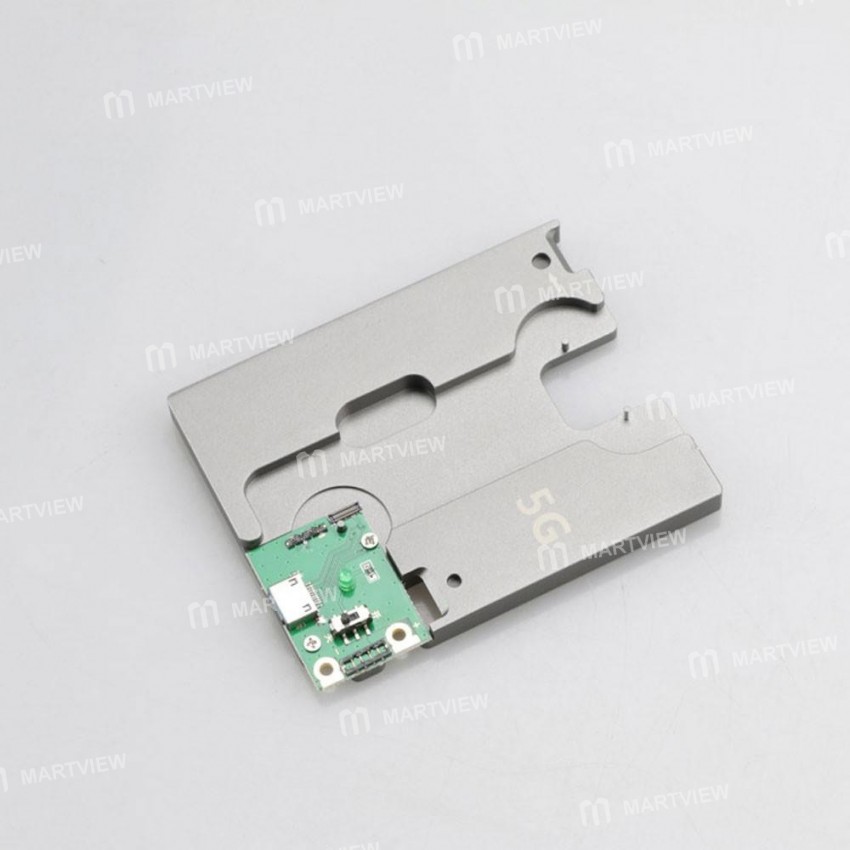
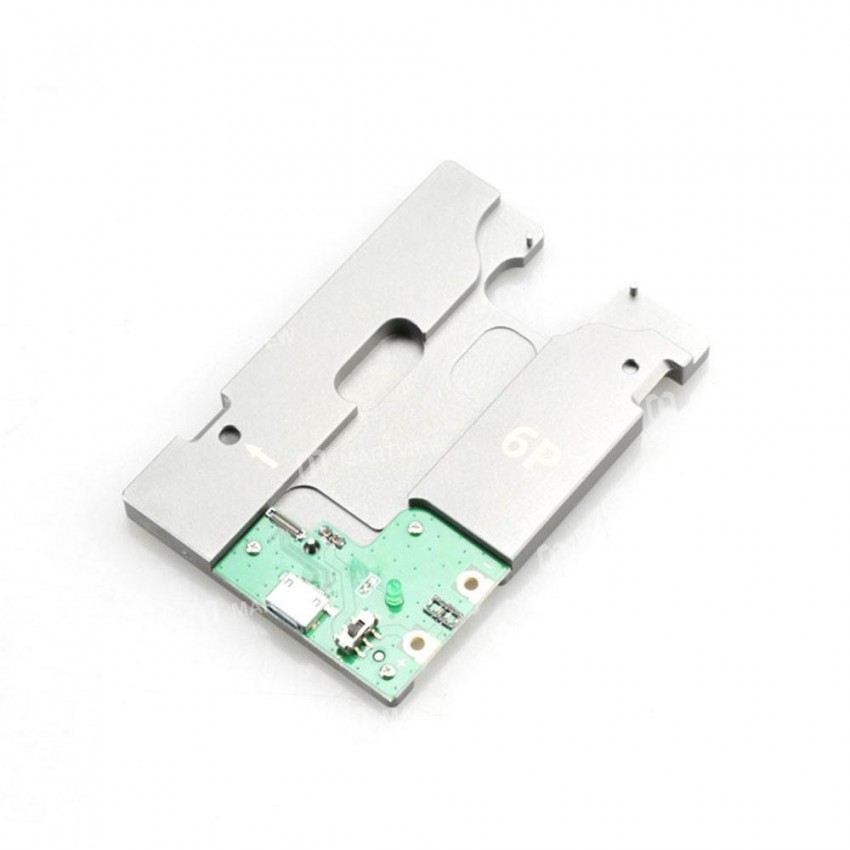
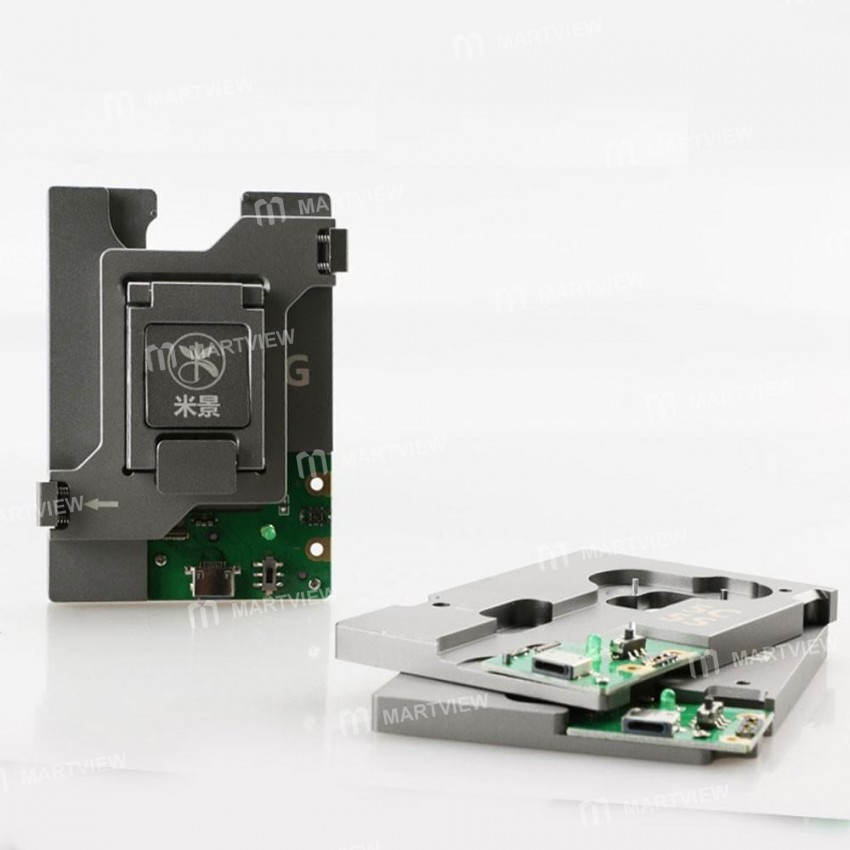
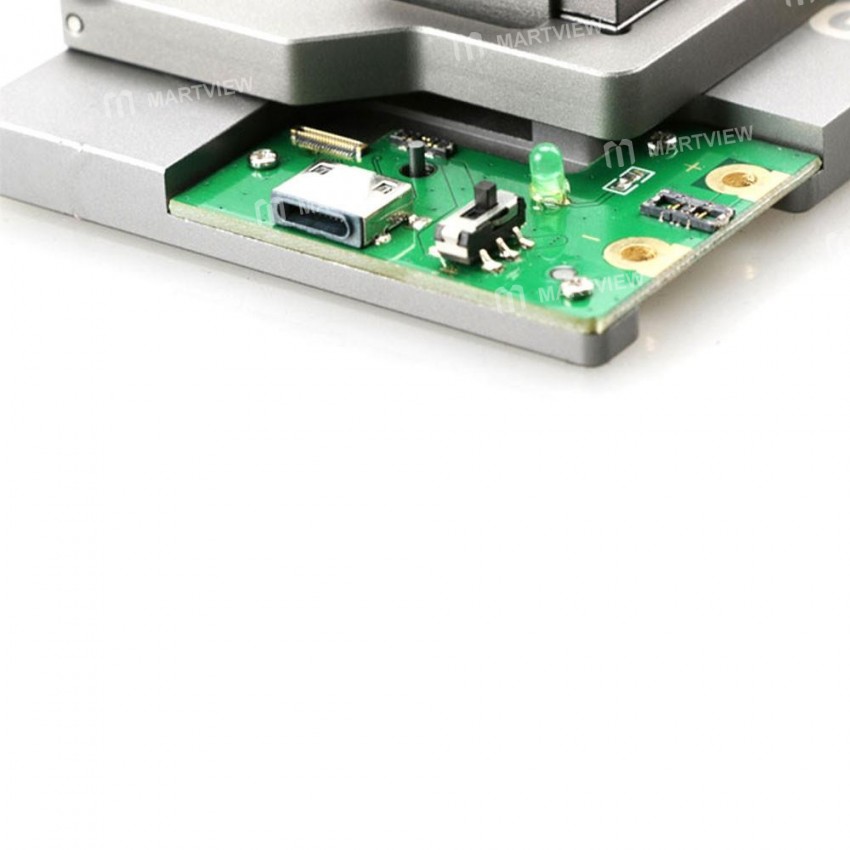
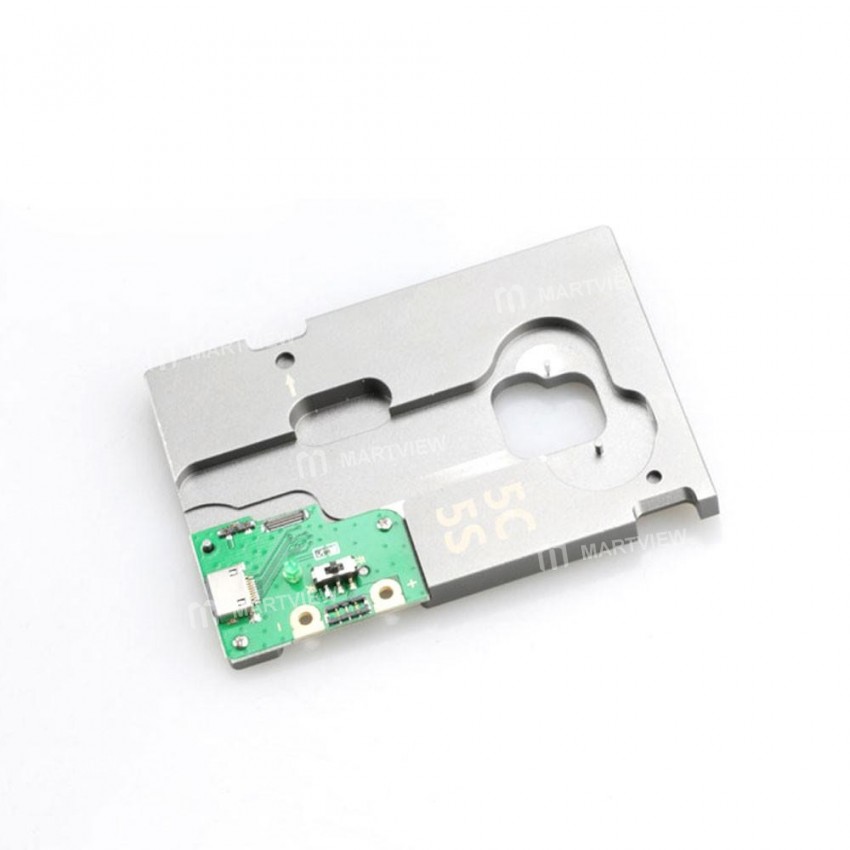
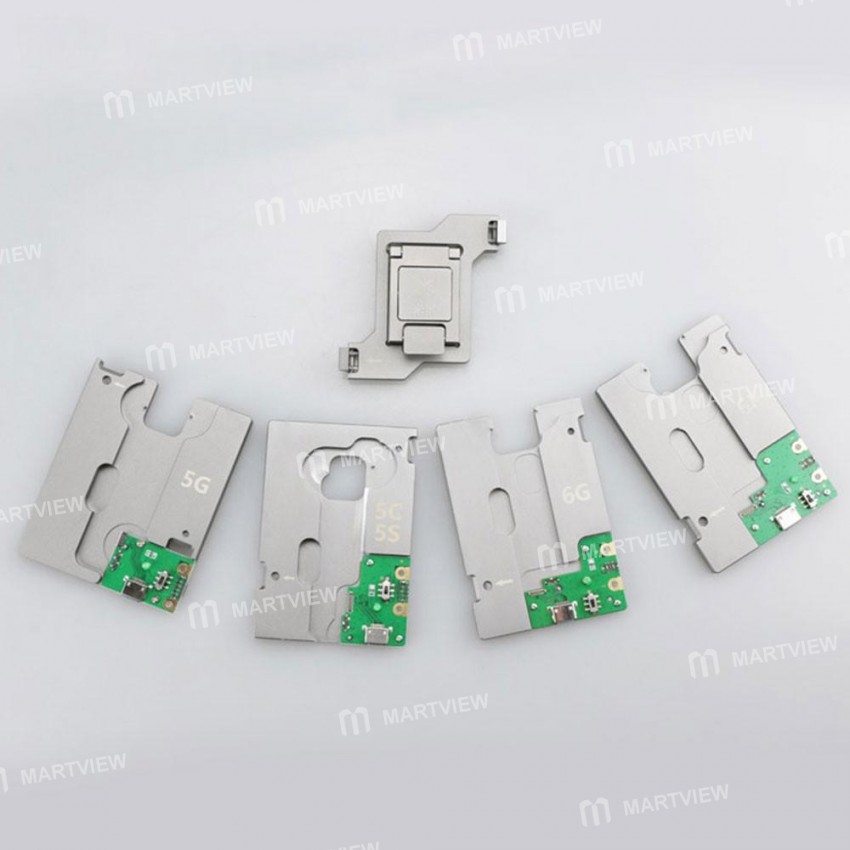
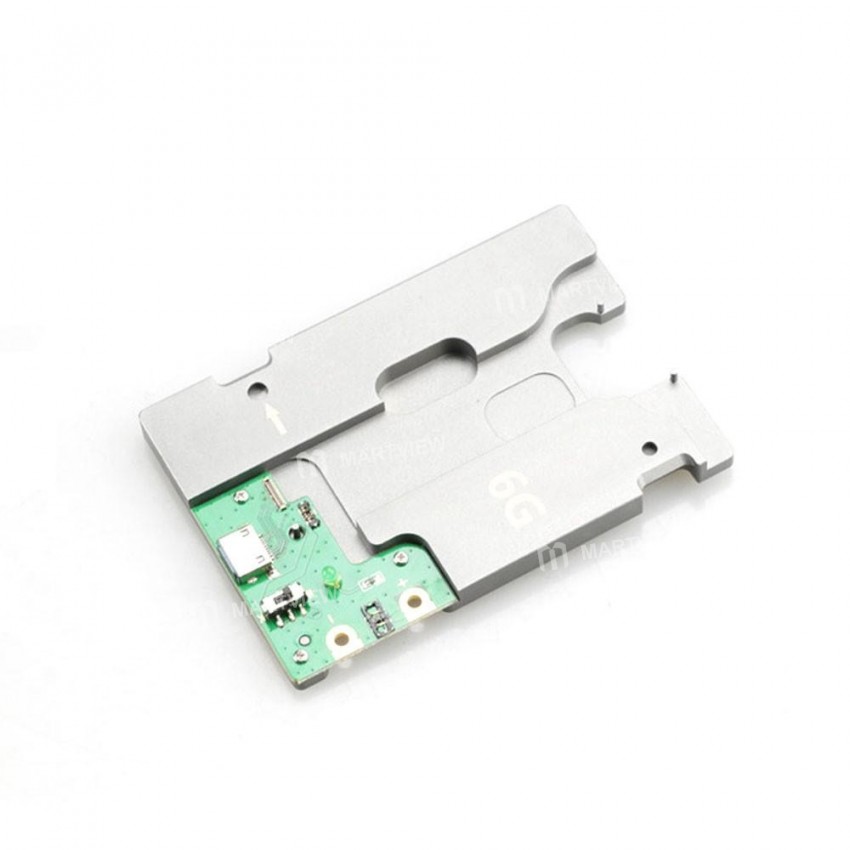
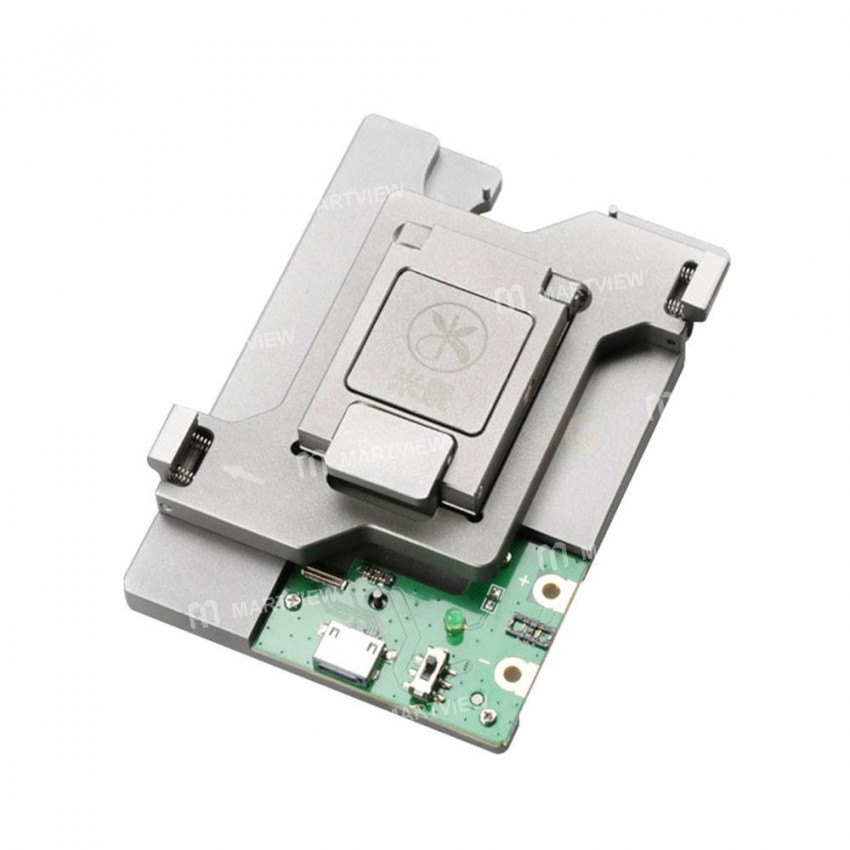
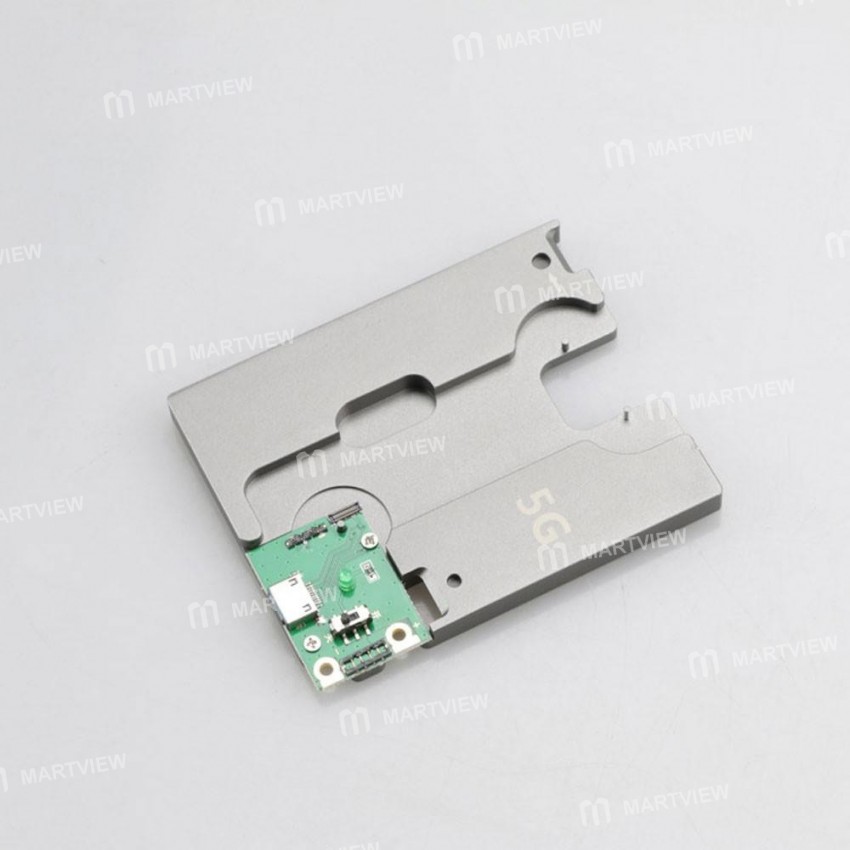
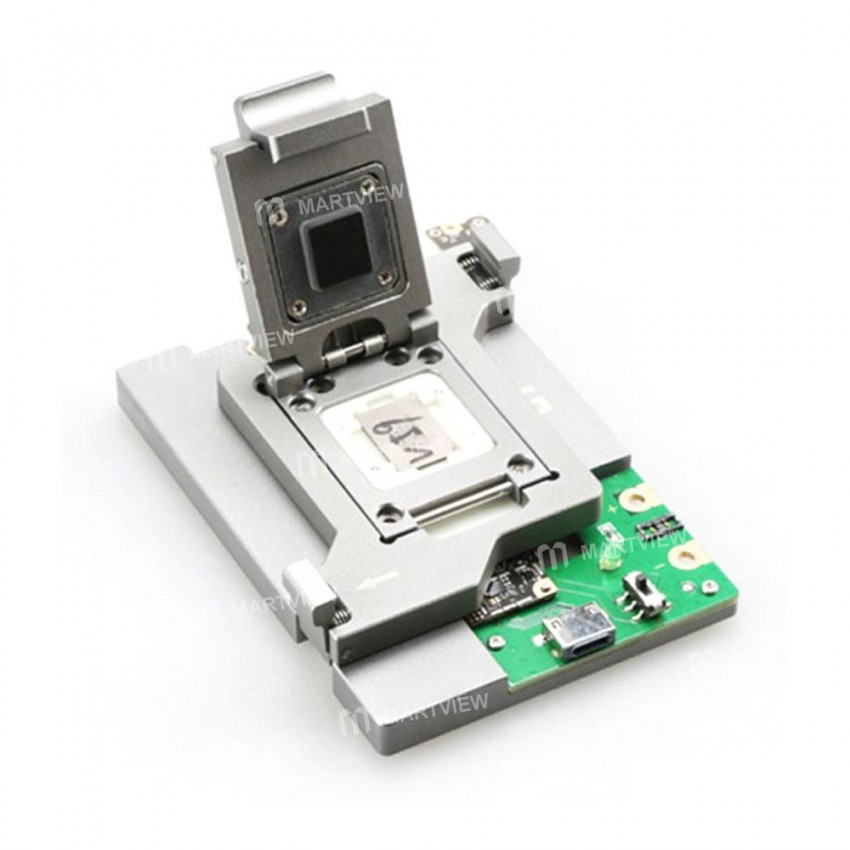
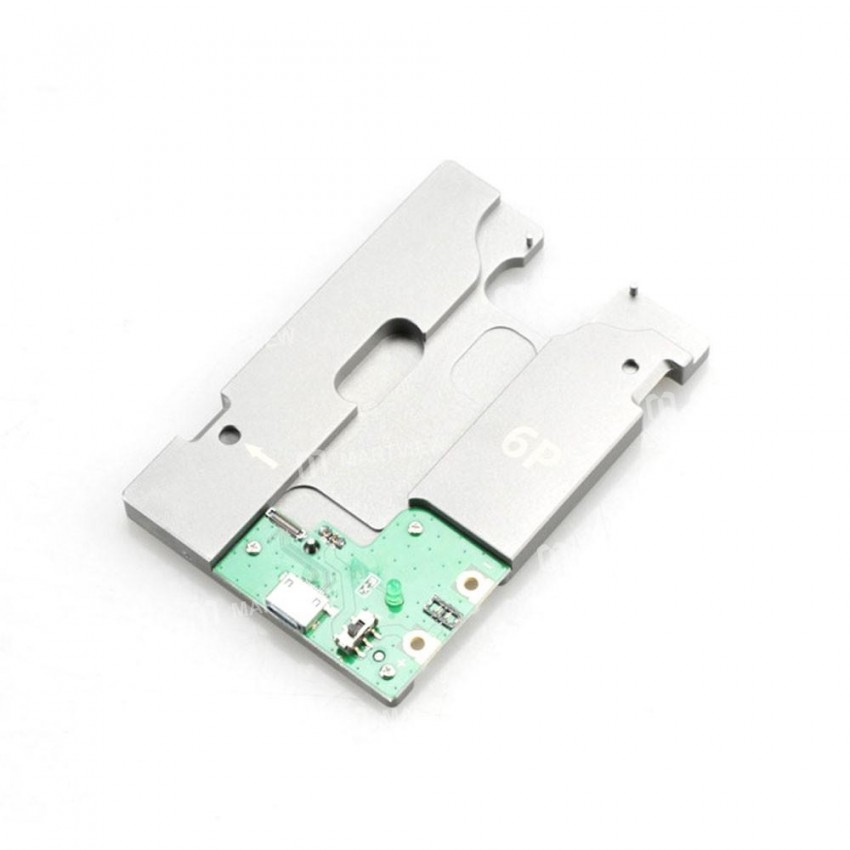
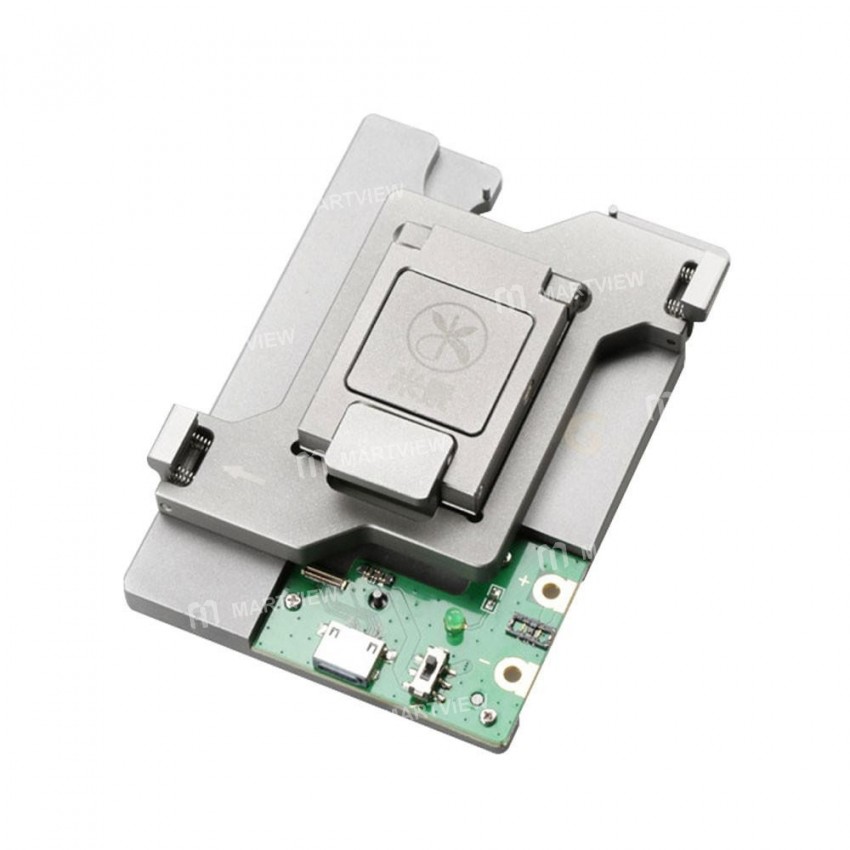
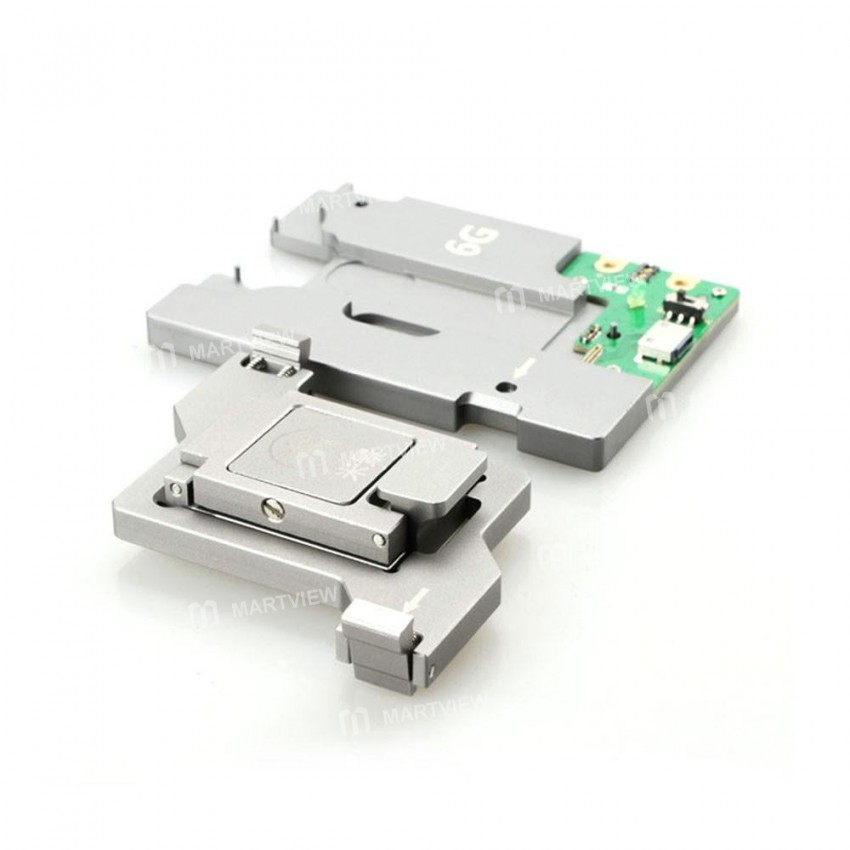
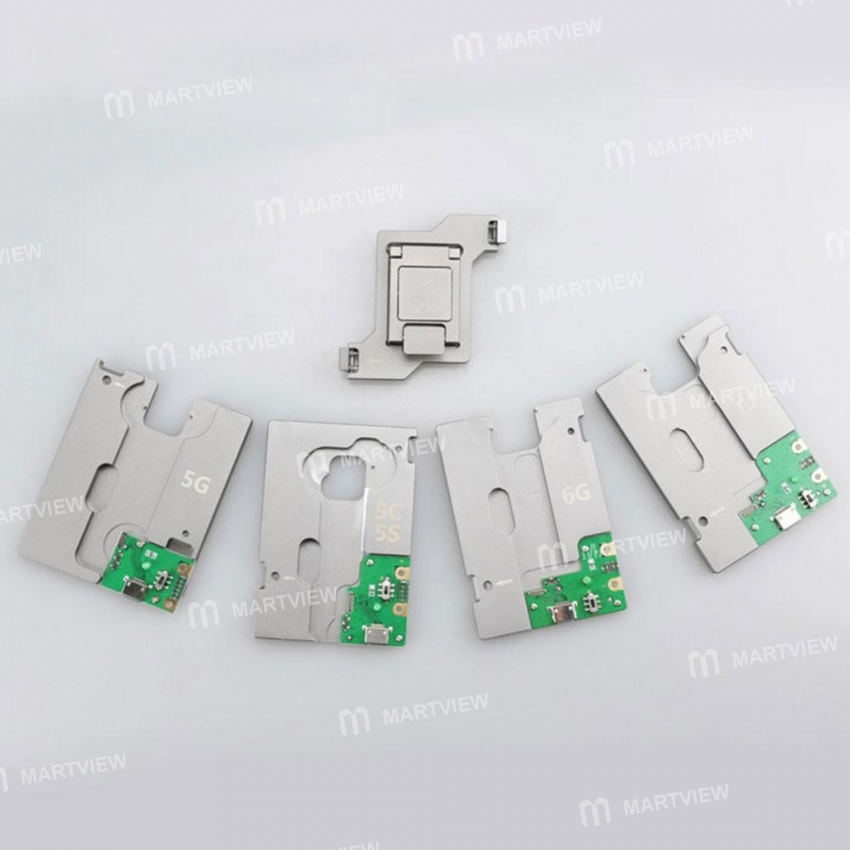
MJ-860 5-in-1 iPhone 5/5C/5S/6/6Plus NAND Flash HDD Test Fixture Tool (Mainboard not included)
Tool Overview: This versatile test fixture allows you to check the NAND status (Good or Bad) of iPhone 5, 5C, 5S, 6, and 6 Plus using the iPhone Tail Plug Flex Cable or the Multi‑function iPhone Root Test Repair Cable. It also supports firmware modification, flashing, and upgrades, helping you restore and repair your device efficiently.
Key Features:
- Comprehensive Testing: Detect NAND health (Bad/Good) quickly.
- Multi‑Function Compatibility: Works with Tail Plug Flex Cable and Root Test Repair Cable.
- Firmware Management: Modify, flash, and upgrade iPhone firmware.
- Easy Setup: Simple connection steps for accurate testing.
- Broad Device Support: Compatible with iPhone 5, 5C, 5S, 6, and 6 Plus.
Setup Instructions:
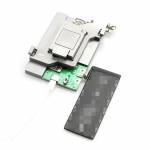
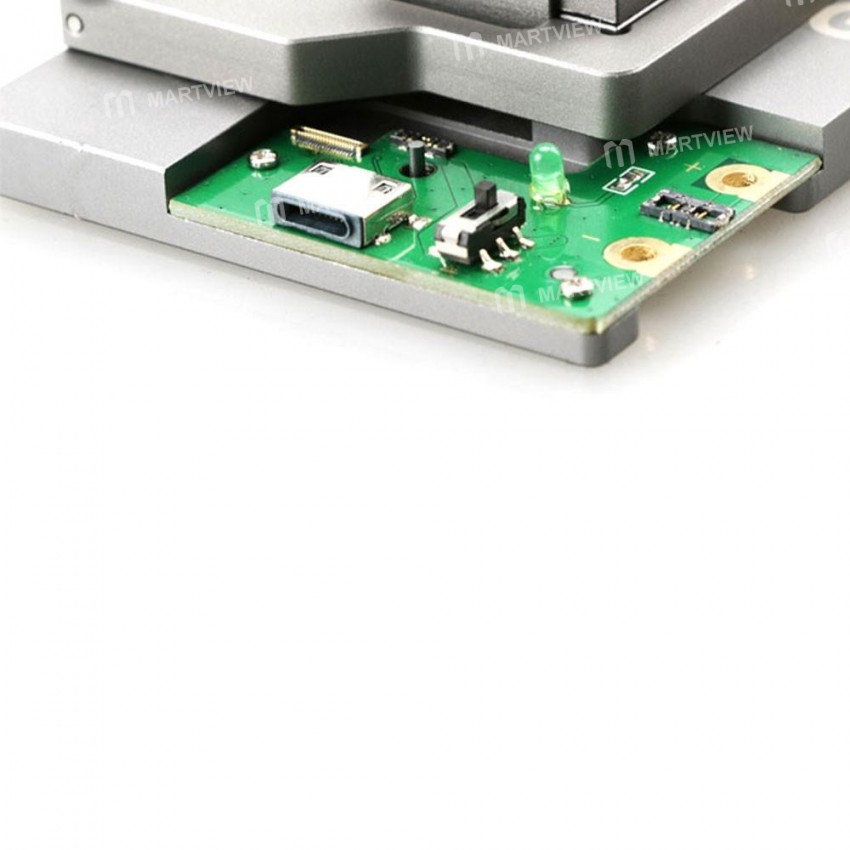
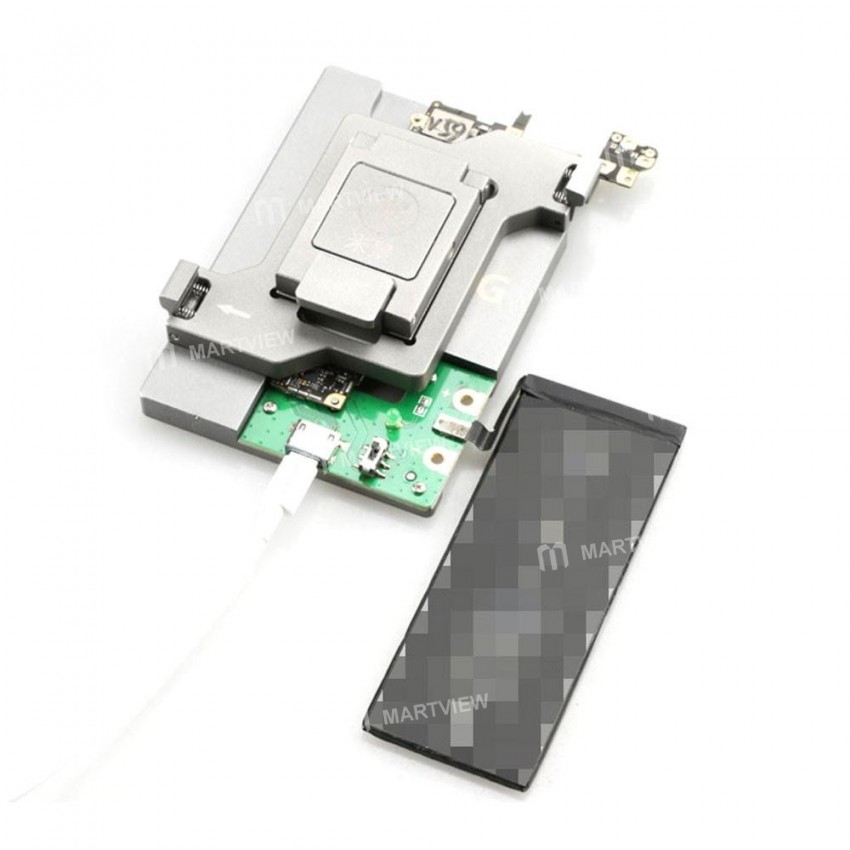
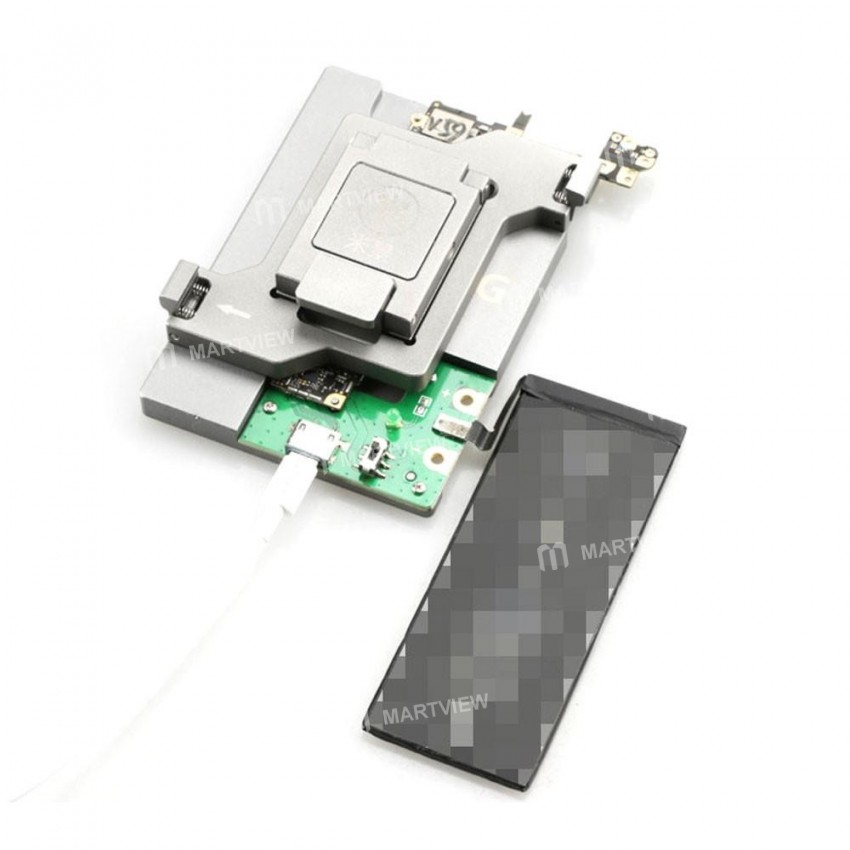
- Connect the mainboard to the Tail Plug Flex Cable and power supply cable.
- Attach the appropriate test fixture to the motherboard.
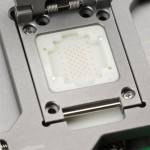
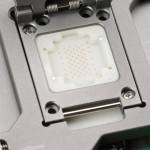
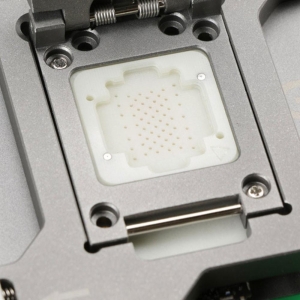
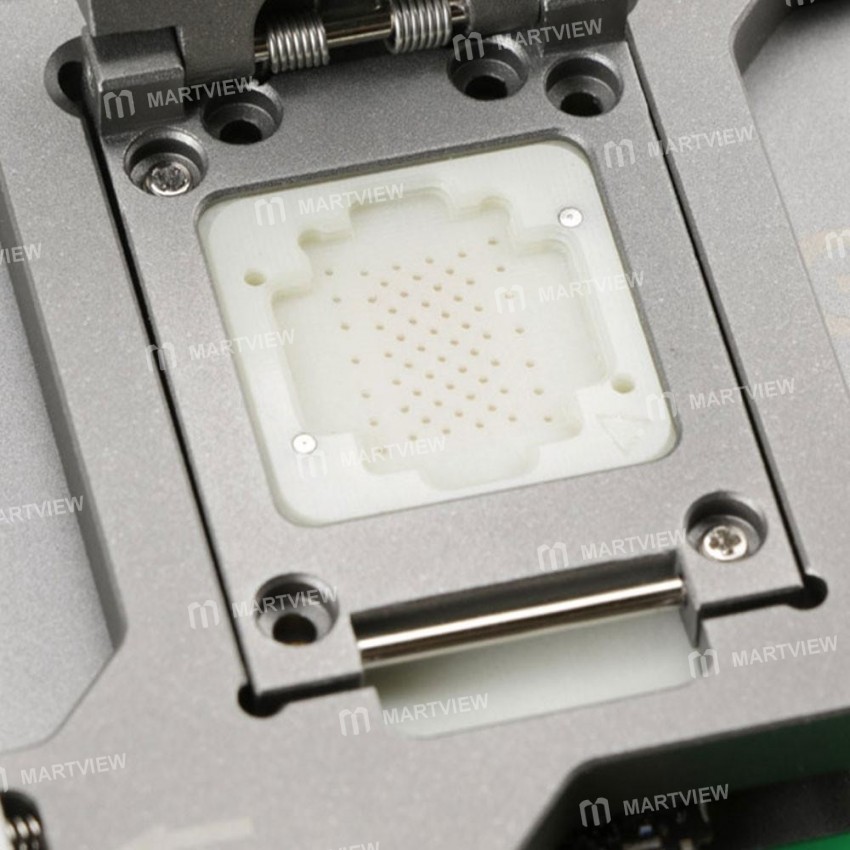
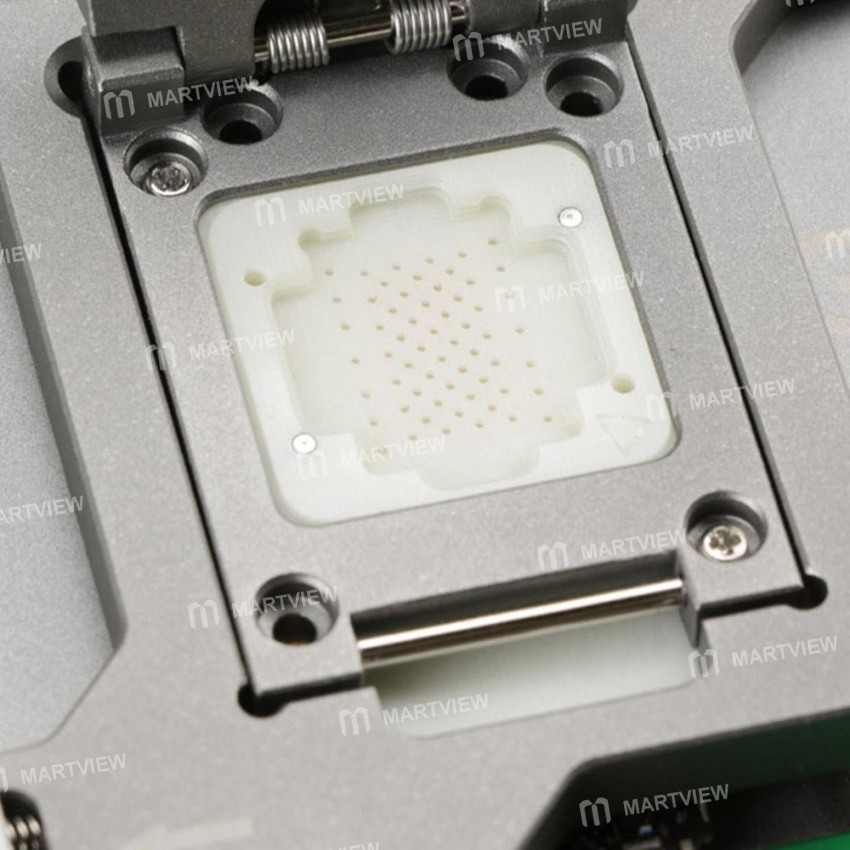
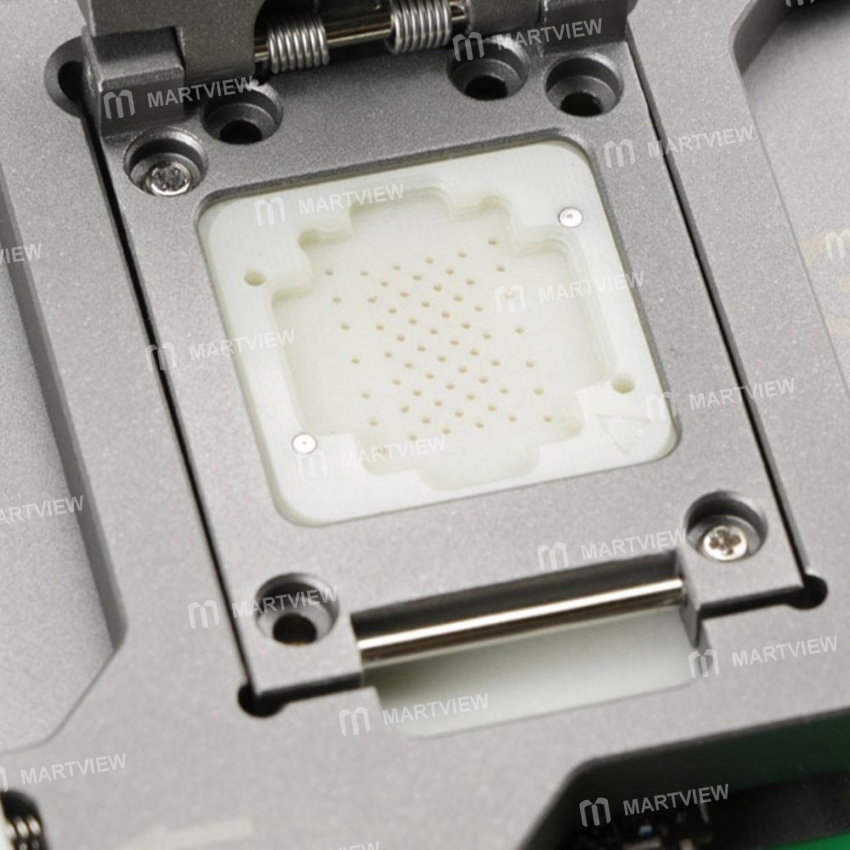
- Place the NAND Flash tester head onto the tester base plate.
- Insert the NAND Flash chip into the tester head.
- Connect the computer, launch the latest iTunes, and perform flash or test operations.
Common Error Codes & Meanings:
- Error 4014: NAND bad/good error.
- Error 9: Initial – NAND connection error; Final – NAND bad/good error.
- Error 1: Motherboard error.
- Error 14: iTunes update error.
- Error 53: Fingerprint error.
Note: Error codes may vary depending on the iTunes software version.

Customer reviews
0.0/ 5.0
0
0
0
0
0