MJ-870 4‑in‑1 Test Fixture Tool for iPhone 6S / 6S Plus, iPhone 7 / 7 Plus – NAND, PCIe Flash & HDD Testing

0 out of 5 stars
No review yetProduct details
Description
Description
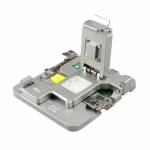
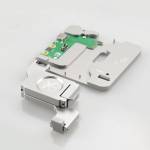
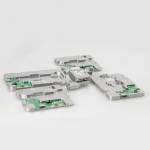
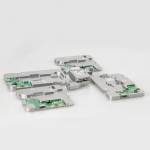
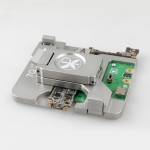
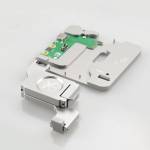
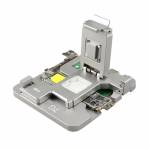
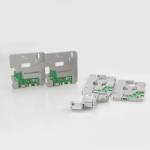
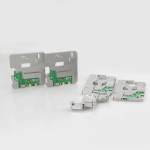
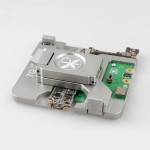
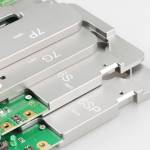
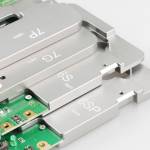
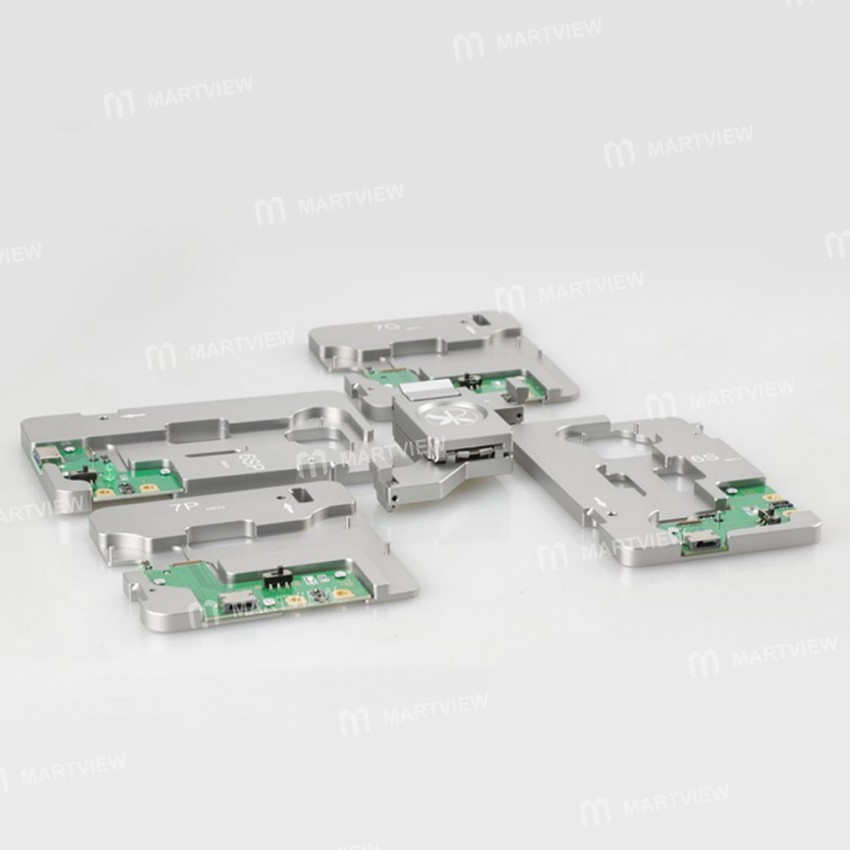
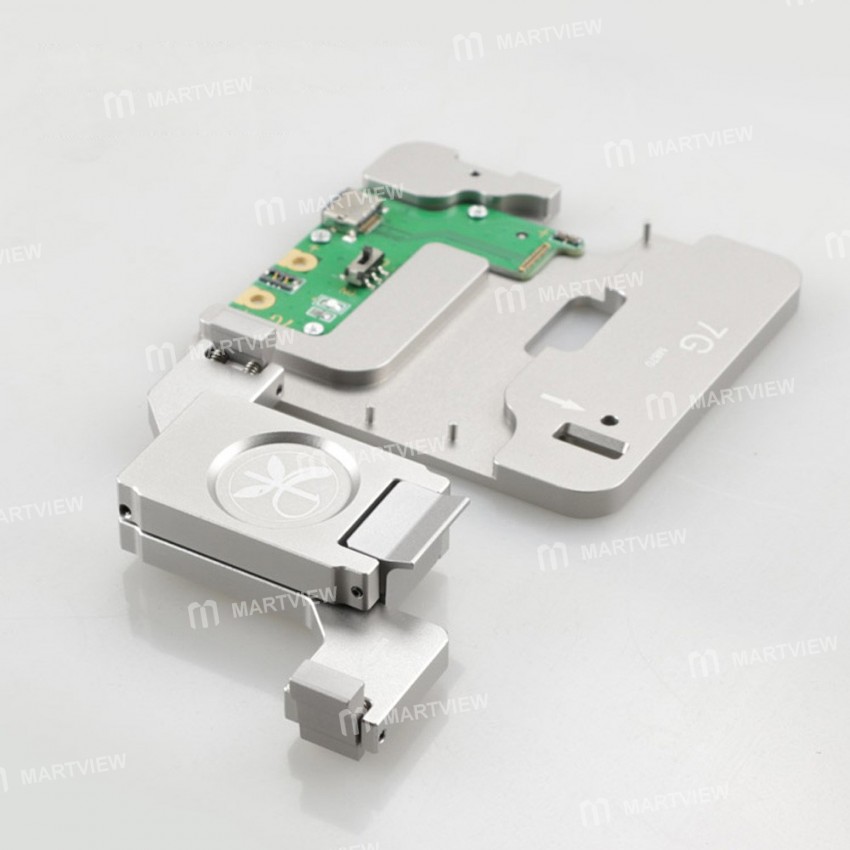
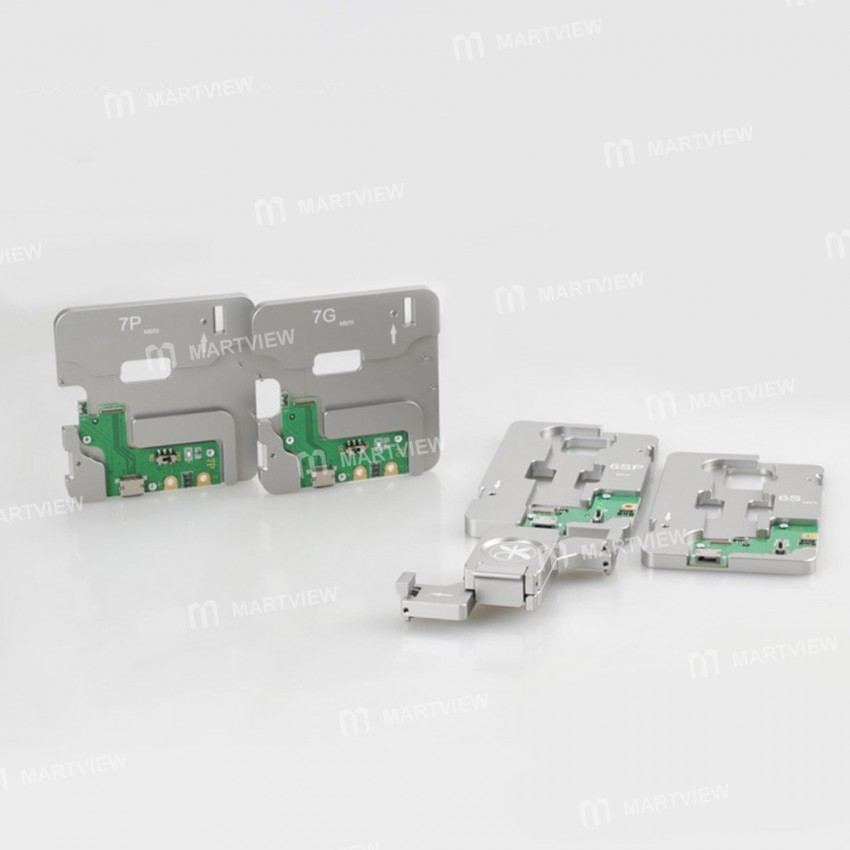
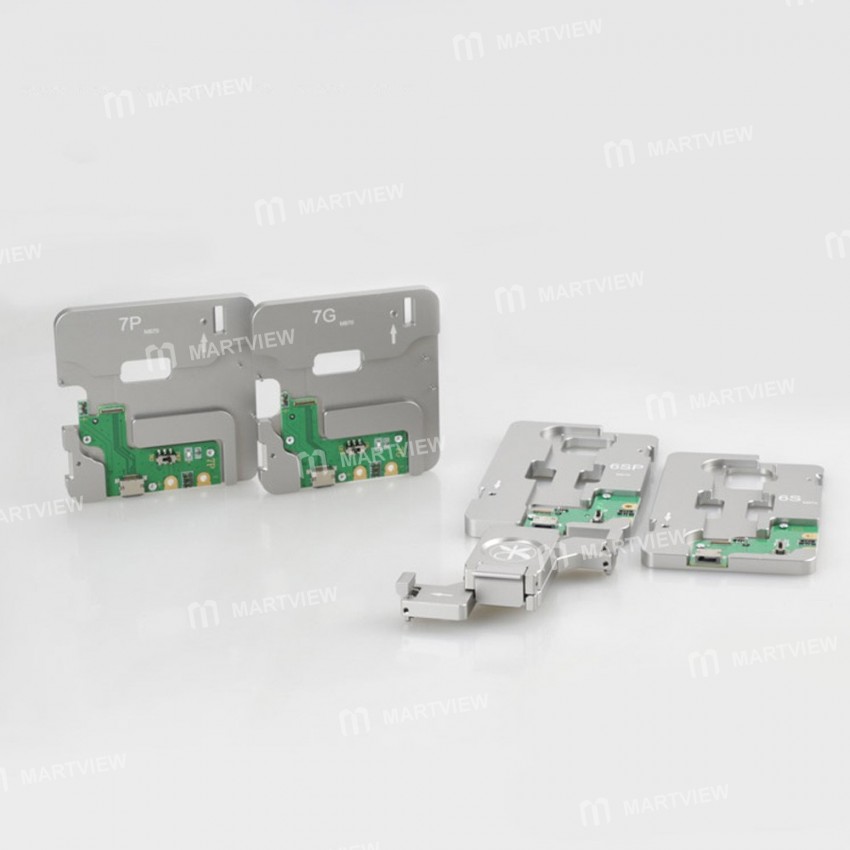
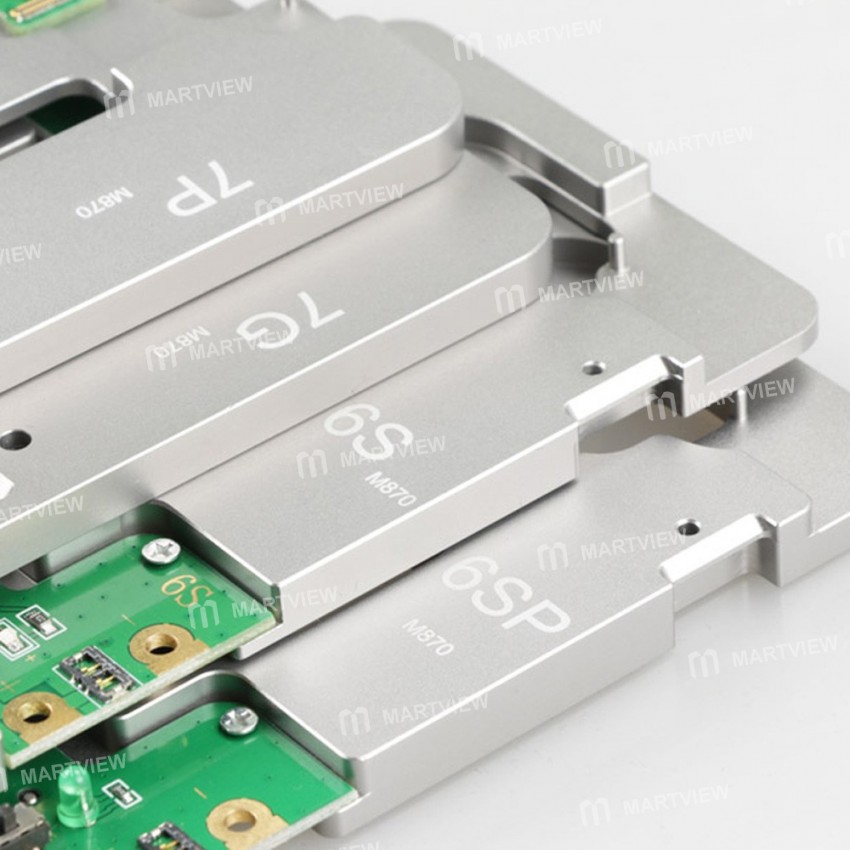
MJ-870 4‑in‑1 iPhone 6S, 6S Plus, 7, 7 Plus NAND PCIe Flash HDD Test Fixture Tool (Mainboard not included).
This fixture lets you test the NAND PCIe status (Bad or Good) using the iPhone Tail Plug Flex Cable / Multi‑function iPhone Root Test Repair Cable. It also enables you to modify, flash, or upgrade firmware on iPhone 6S/6S Plus/7/7 Plus devices.
Key Features
- All‑in‑One Testing & Flashing: Connect the mainboard, run diagnostics, and flash firmware with a single tool.
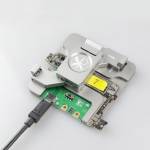
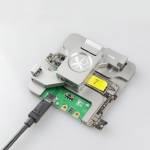
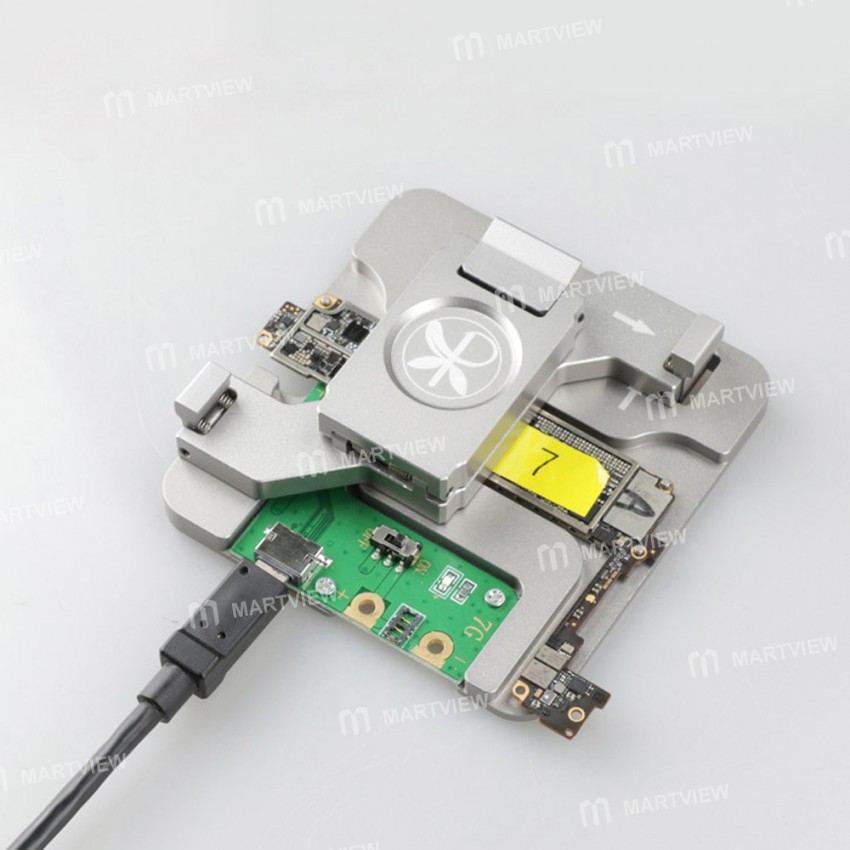
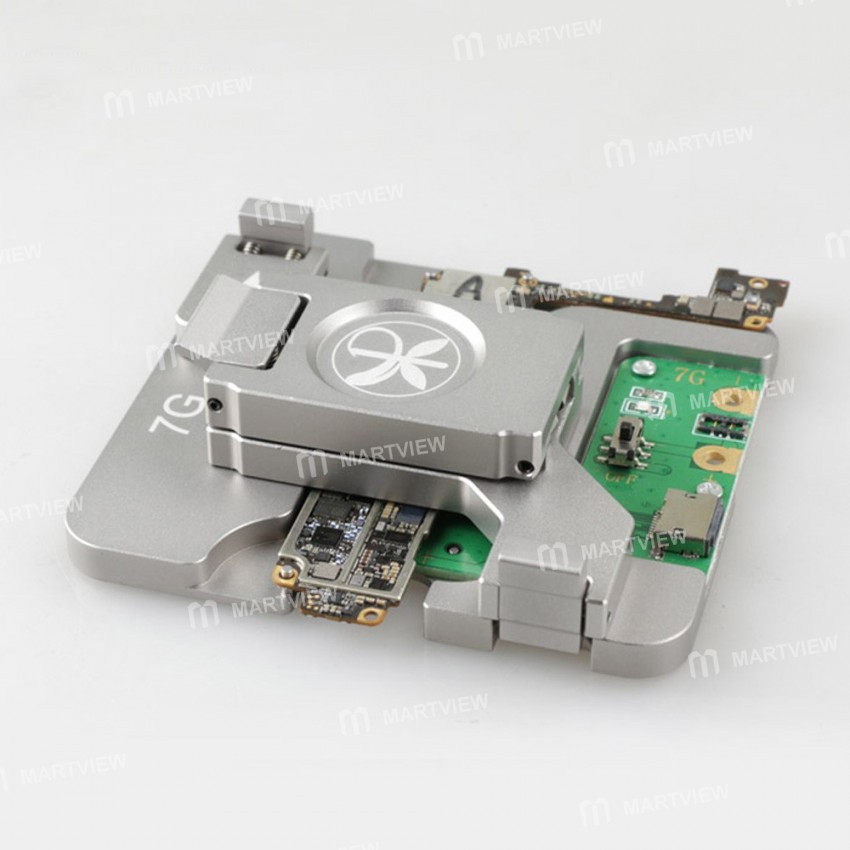
- Connect the mainboard with Tail Plug Flex Cable and power supply cable.
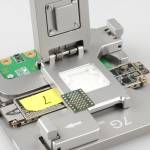
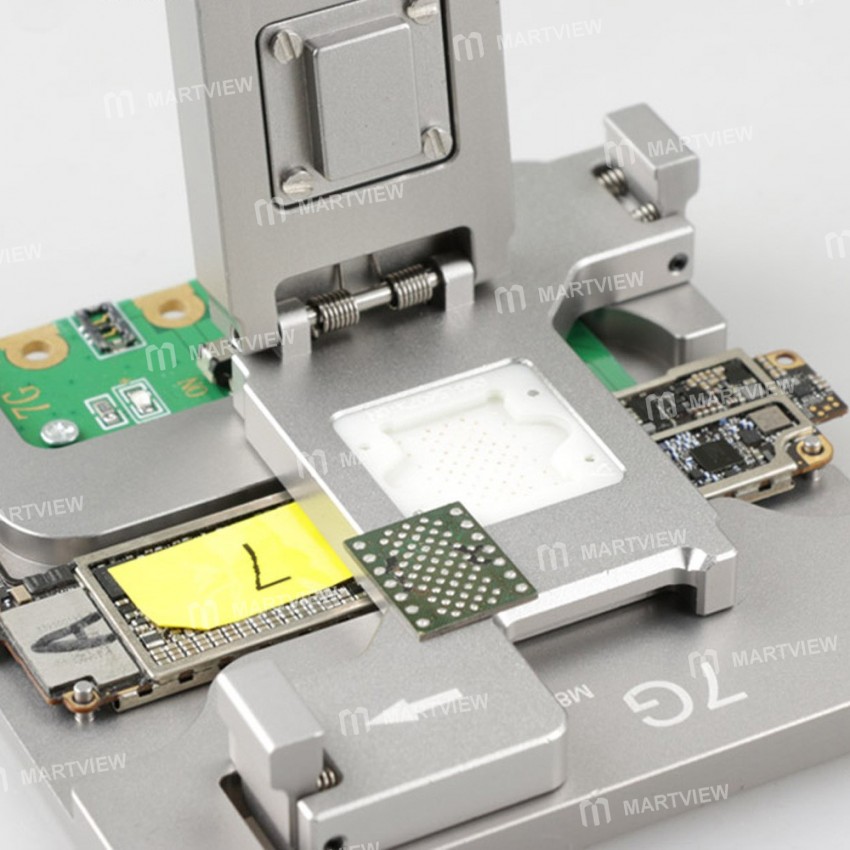
- Attach the appropriate test fixture to the motherboard.
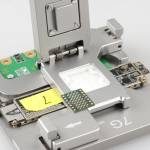
- Place the NAND Flash tester head onto the base plate.
- Insert the NAND Flash chip into the tester head.
- Connect to a computer, launch the latest iTunes, and perform flash or test operations.
Supported Error Codes for iPhone Restoration
- 4014 – NAND bad / good error
- 9 – Initial: NAND connection error; Final: NAND bad / good error
- 1 – Motherboard error
- 14 – iTunes update error
- 53 – Fingerprint error
Note: Error codes may vary with different iTunes software versions.





Customer reviews
0.0/ 5.0
0
0
0
0
0








