NAND Test Rack Programmer – Automatic Serial Number Generation, Wi‑Fi & Bluetooth, compatible with iPad 5, iPad Air, iPad 6, iPad Air 2


0 out of 5 stars
No review yetProduct details
Description
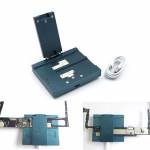
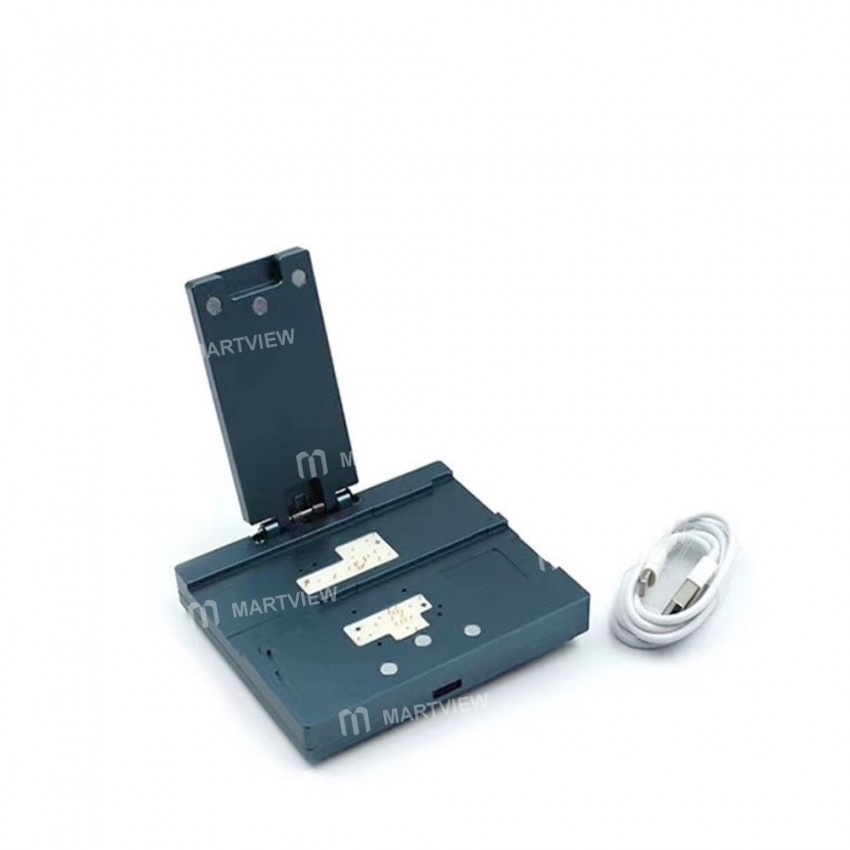
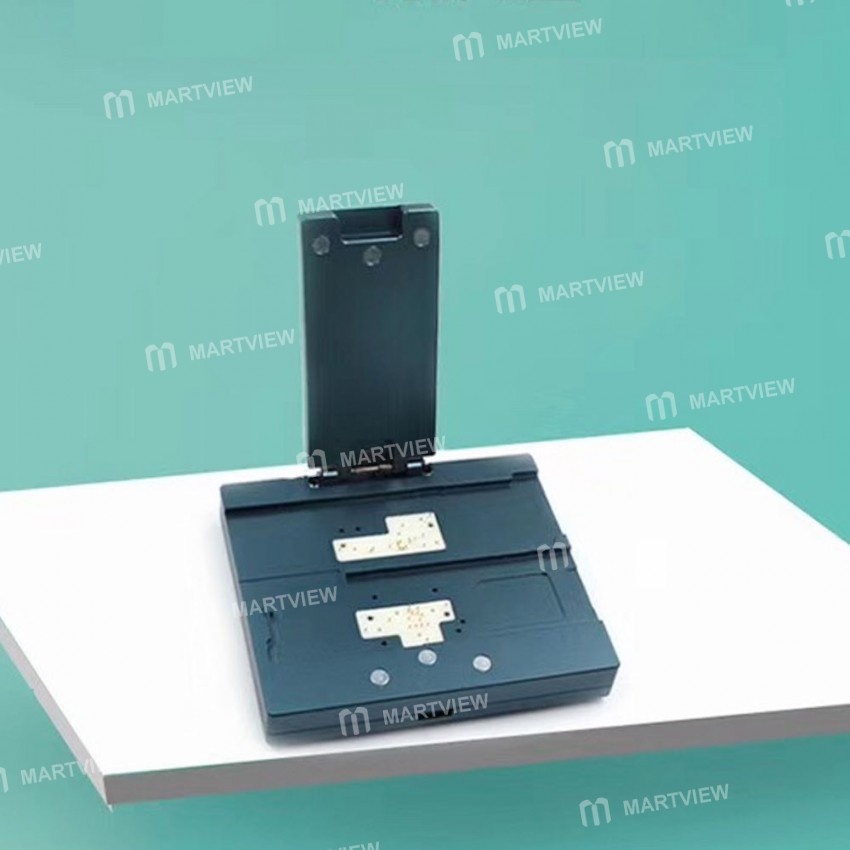
NAND Test Rack Programmer – Automatic Serial Number Generation, Wi‑Fi, Bluetooth, etc. Compatible with iPad 5 / iPad Air / iPad 6 / iPad Air 2
Key Features
- Supported iPad models: iPad 5, iPad Air, iPad 6, iPad Air 2
- Automatic driver detection (32‑bit or 64‑bit) based on Windows OS
- One‑click serial‑number generation and region‑code update
- USB‑C cable included for quick connection
- Compatibility notes (unsupported storage devices):
- Toshiba 32 GB THGBX2G8B4JLA01 – not supported
- Toshiba 64 GB THGBX4G9T4KLF0C – temporarily not supported
- SanDisk 64 GB SDMILBCF4 – temporarily not supported
- H2JTFG8PD1MMR – not supported
Steps for Use
- Select and install the 32‑bit or 64‑bit driver that matches your Windows operating system.
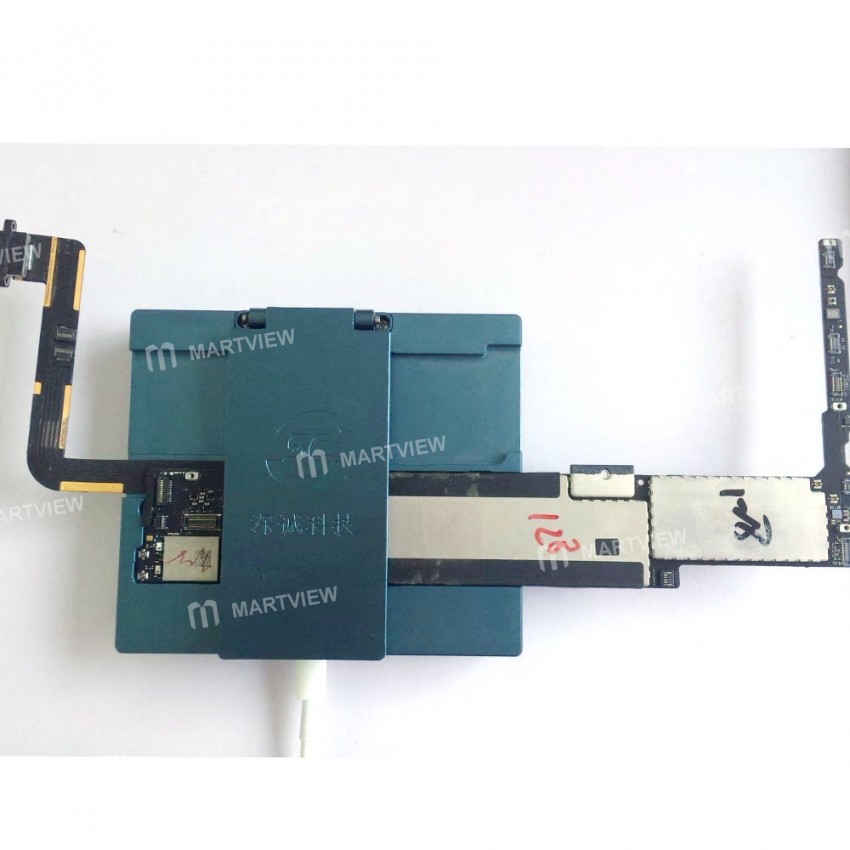
- Connect the programmer to your computer using the supplied USB cable.
- After the driver installs automatically, launch the software:
PAD_5_6.exe. - Choose the appropriate mode – padAir (pad5) for iPad 5 or padAir2 (pad6) for iPad 6.
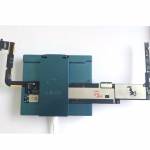
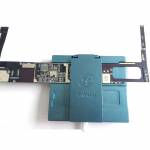
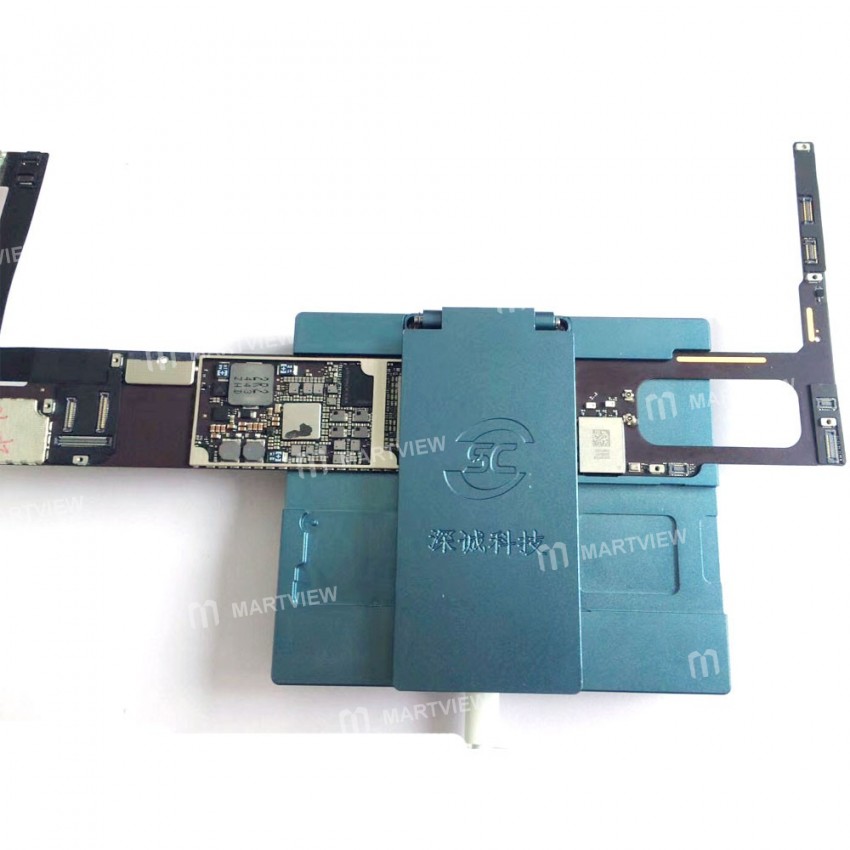
- Remove the adhesive from the bottom of the main board and place the board into the instrument.
- Click “Hard Disk Test”. If communication is normal, the software will display the hard‑disk model information.
- Click “Read Information” to retrieve the original serial number and regional data from the main board.
- Click “Generate” to create a new serial number and related info. If the ID is absent, use “Update All” to complete the operation.
Note:
When using the generated code to activate, the code is randomly created and may not work 100 % of the time. If activation fails, regenerate the code and try again. It is recommended to use your own iCloud‑free ID code.
Download Software (Windows only):
https://drive.google.com/file/d/1CPPdGpIVdm_37AnaMZwLoCY2TNdNtuqy/view?usp=sharing
Package Includes:
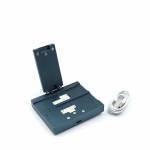
1 × NAND Test Rack Programmer
1 × USB Cable

Customer reviews
0.0/ 5.0
0
0
0
0
0








