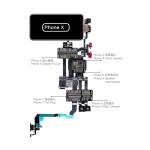
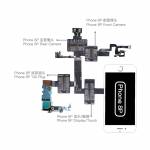
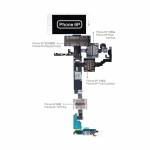
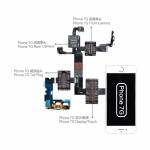
QianLi iBridge PCBA FPC Testing Cable for iPhone 6 / 6P / 6S / 6SP, 7 / 7P, 8 / 8P, X – front & rear camera, dock connector, display & touch fault checking






0 out of 5 stars
No review yet| Qty | Price | Discount |
|---|---|---|
| 1 | NaN | |
| 3 | NaN | -3.1% |
| 5 | NaN | -4.7% |
| 10 | NaN | -7.0% |
Please select Model
Choose a Model
for iPhone 6for iPhone 6 Plusfor iPhone 6Sfor iPhone 6S Plusfor iPhone 7for iPhone 7 Plusfor iPhone 8for iPhone 8 Plusfor iPhone XAll 9 models
Product details
Description
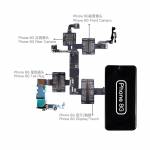
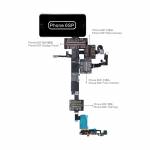
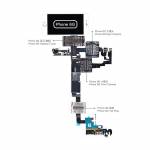
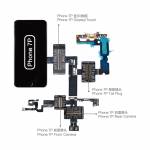
QianLi iBridge PCBA FPC Testing Cable for iPhone 6/6 Plus/6S/6S Plus/7/7 Plus/8/8 Plus/X – Front/Rear Camera, Dock Connector, Display Touch, Motherboard Fault Checking
Feature:
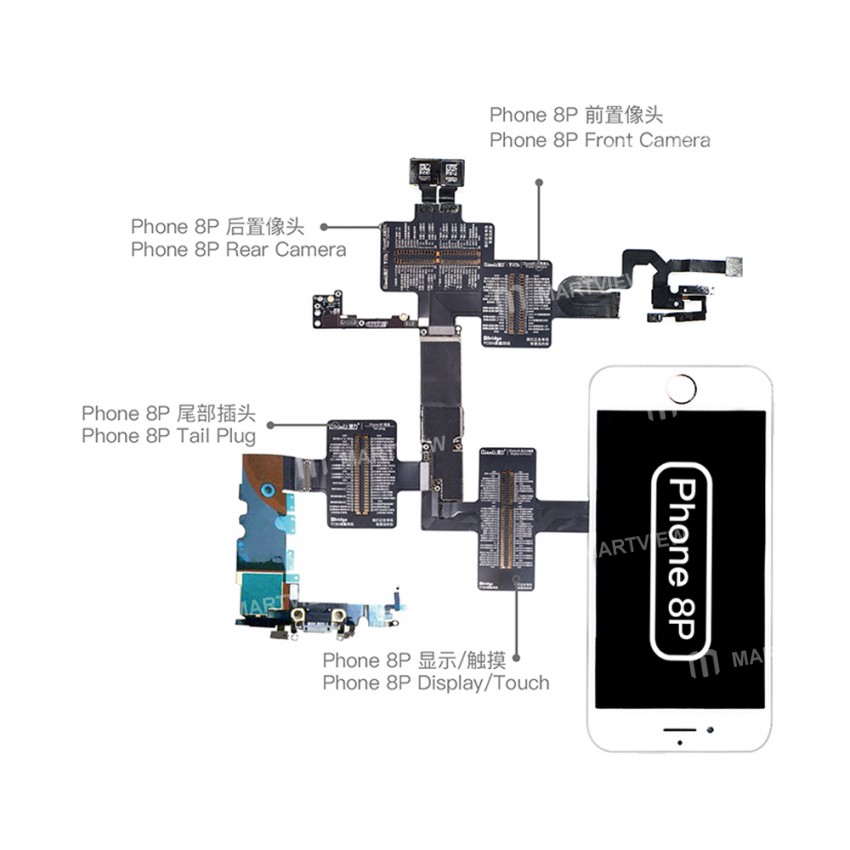
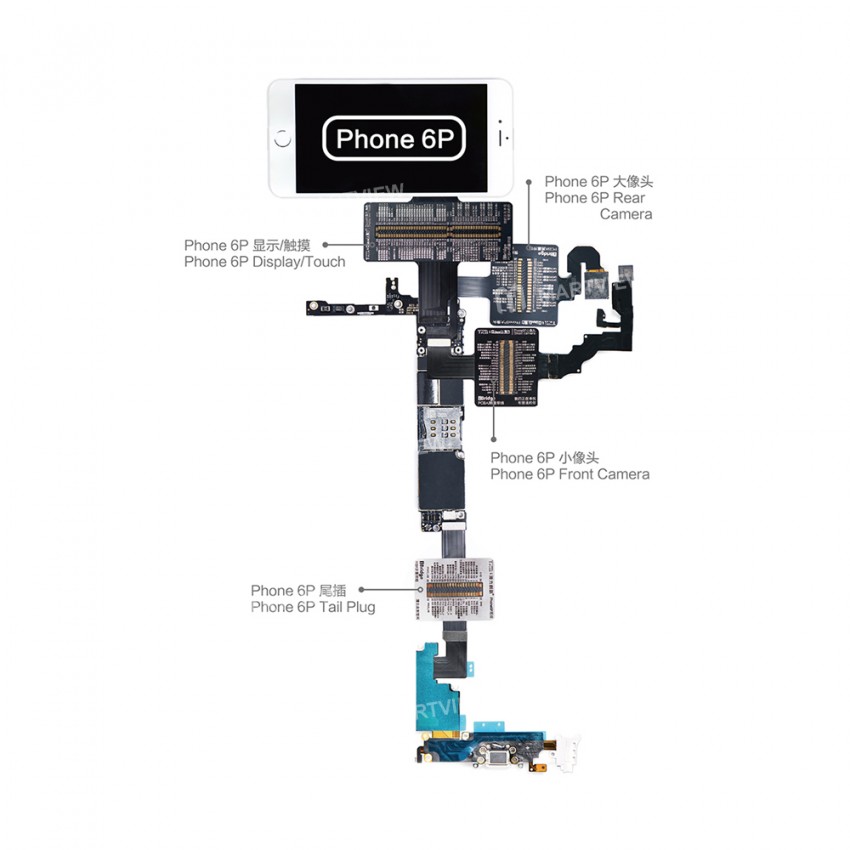
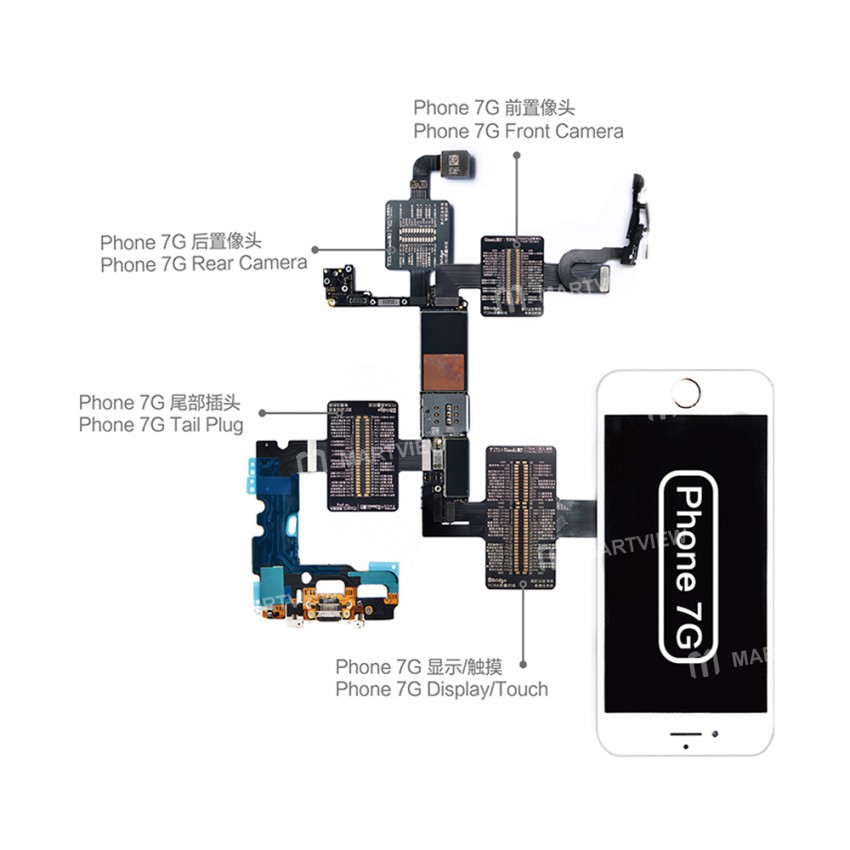
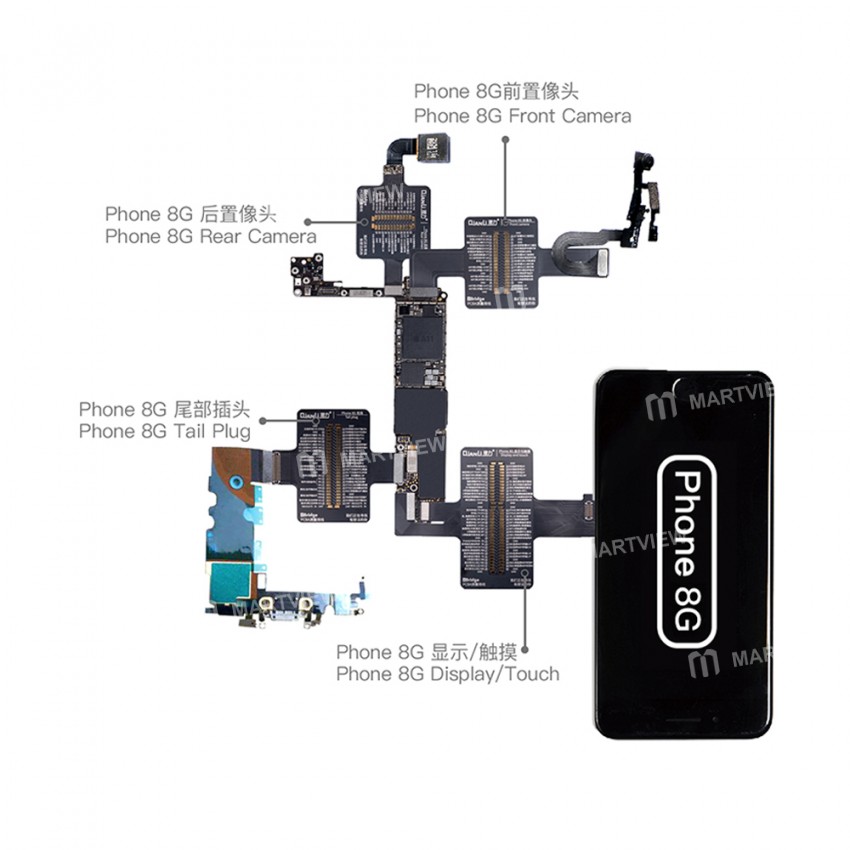
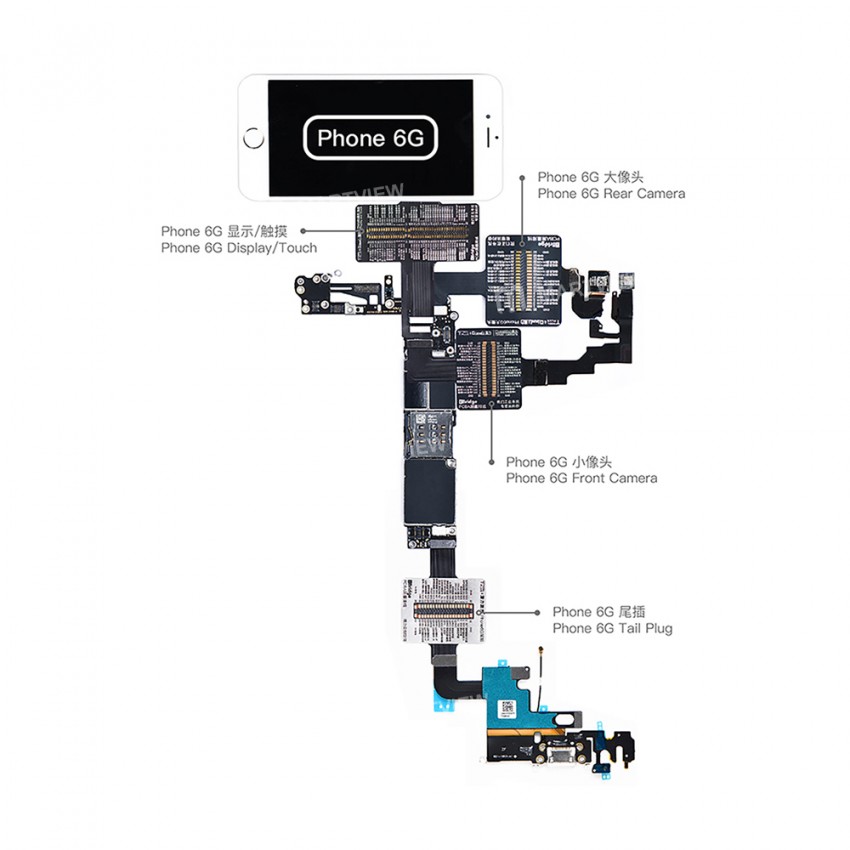
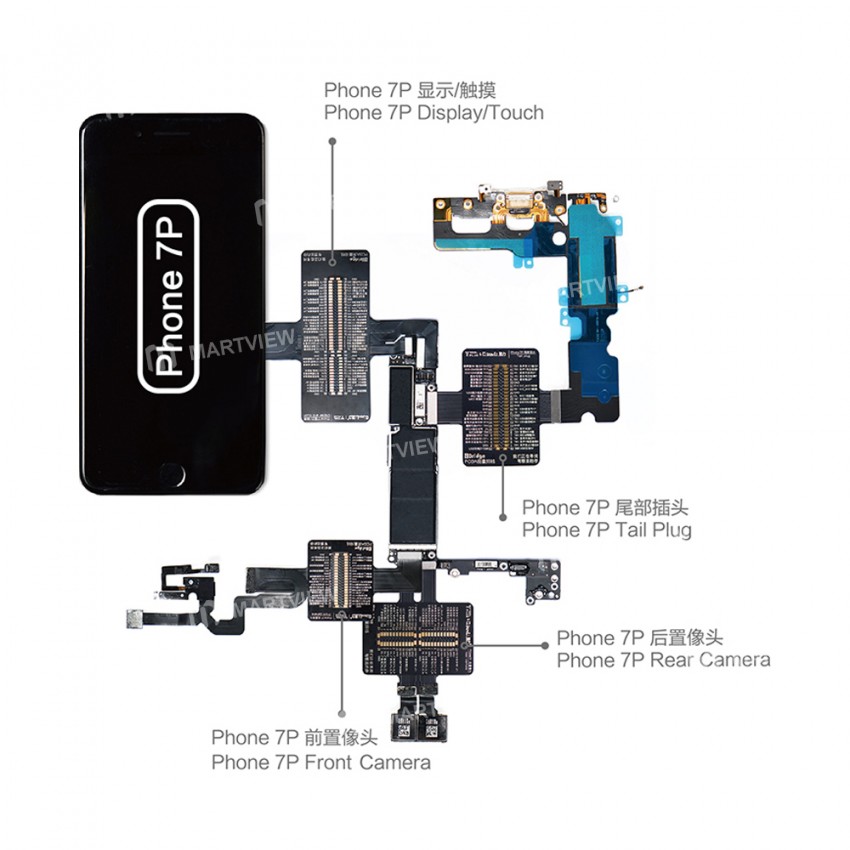
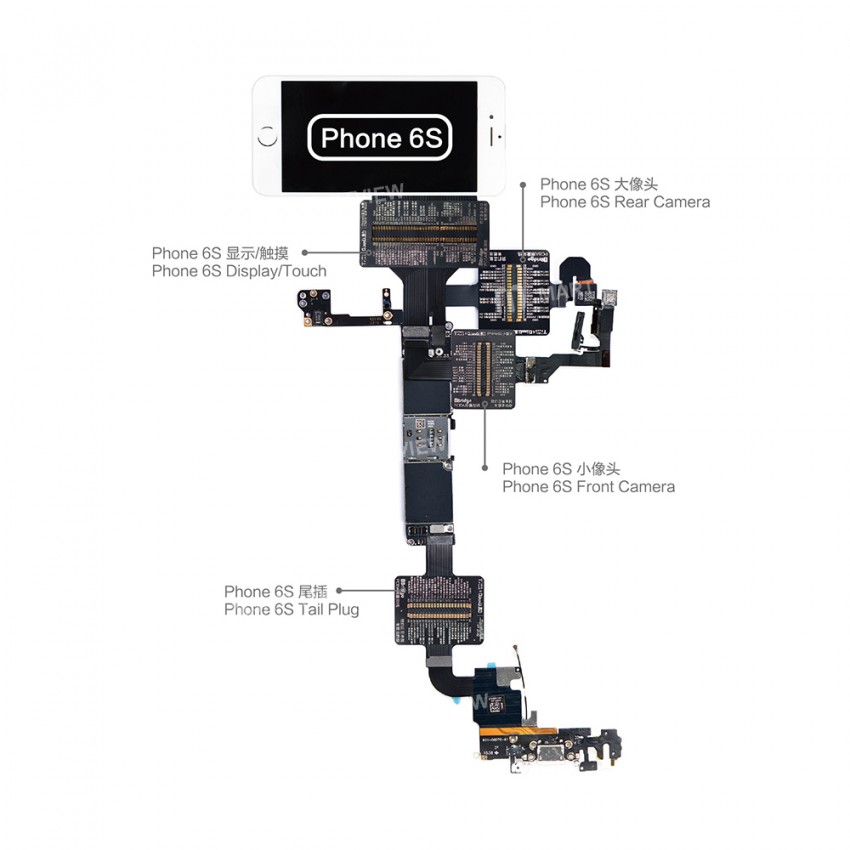
Summary: Four specialized test cables (rear camera, front camera, dock connector, touch screen) for precise fault diagnosis on iPhone PCBA.
- Compatible with Display Touch FPC, Front/Rear Camera FPC, Dock Connector FPC, and Fingerprint 3D Touch FPC.
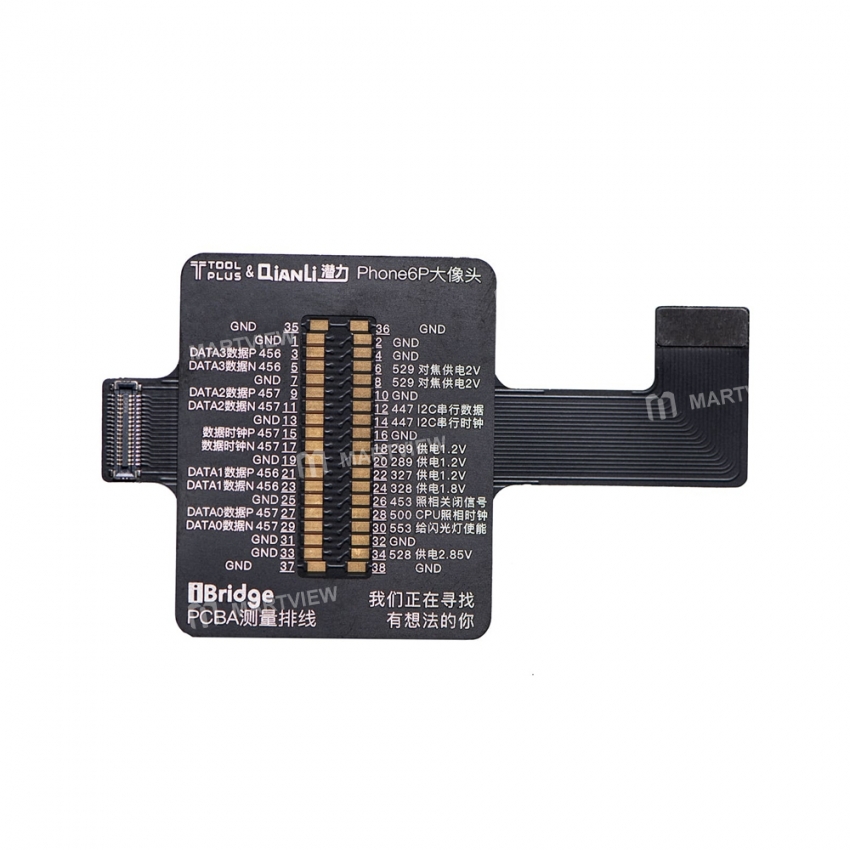
- Compact board layout with precise pin mapping; many pins lack epitaxial test lines, enabling detection of missing connections (e.g., LCD not detected → no voltage output).
- Each model includes four test cables: rear camera, front‑facing camera, dock connector, and touch‑screen cable.
Use tips:
- Connect one end of the FPC test cable to the corresponding motherboard connector, then attach external components (camera, display, battery, tail plug, etc.) to the same connector.
- Connect the opposite end of the cable, then print test points for all FPC interfaces (laser or ink‑jet) and label parameters and pins.
- With the device powered off, use a multimeter to measure resistance at each test point. Compare with values from a working device to locate abnormal points and diagnose faults.
Package includes:
1 x iBridge flex cable set








Customer reviews
0.0/ 5.0
0
0
0
0
0








