RP2354A Third-Generation Chip PICO DFU Engineering Board for iPhone Entering DFU / PWN Mode

0 out of 5 stars
No review yetReady stock
NaN
As low as NaN
Worldwide shipping
Seller: Martview Shenzhen
ID: MV-260811X28D32
Weight: 0.03 kg
| Qty | Price | Discount |
|---|---|---|
| 1 | NaN | |
| 3 | NaN | -2.4% |
| 5 | NaN | -4.8% |
| 10 | NaN | -7.1% |
Product details
Description
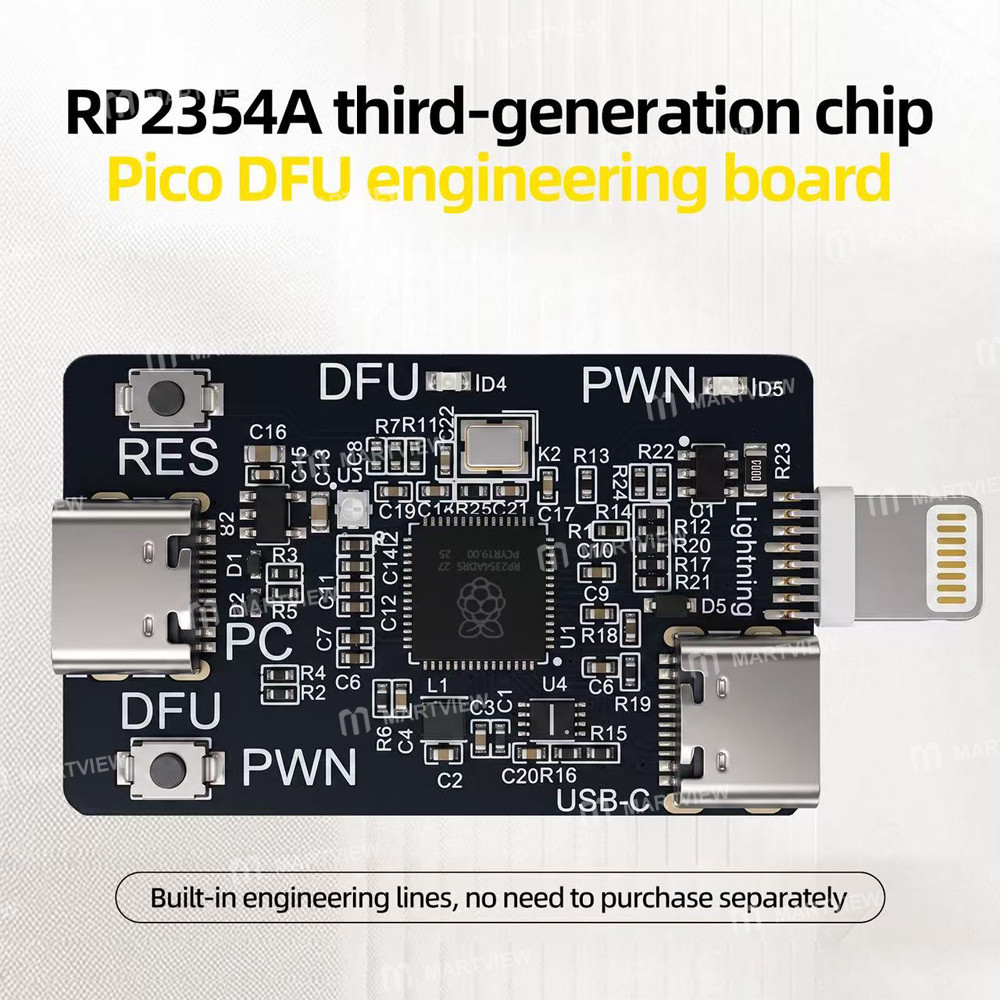
RP2354A Third-Generation Chip PICO DFU Engineering Board for iPhone Entering DFU / PWN Mode
Features:
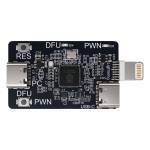
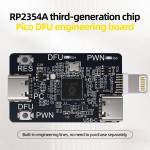
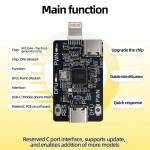
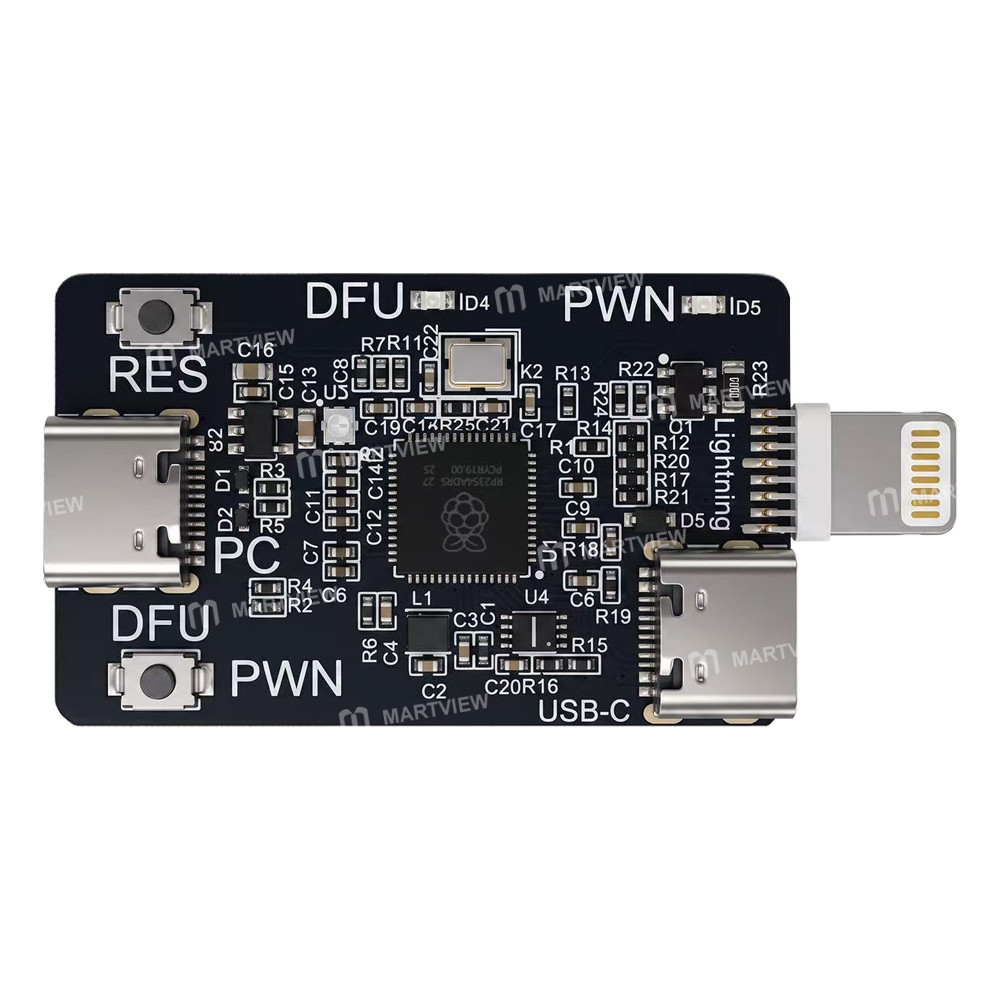
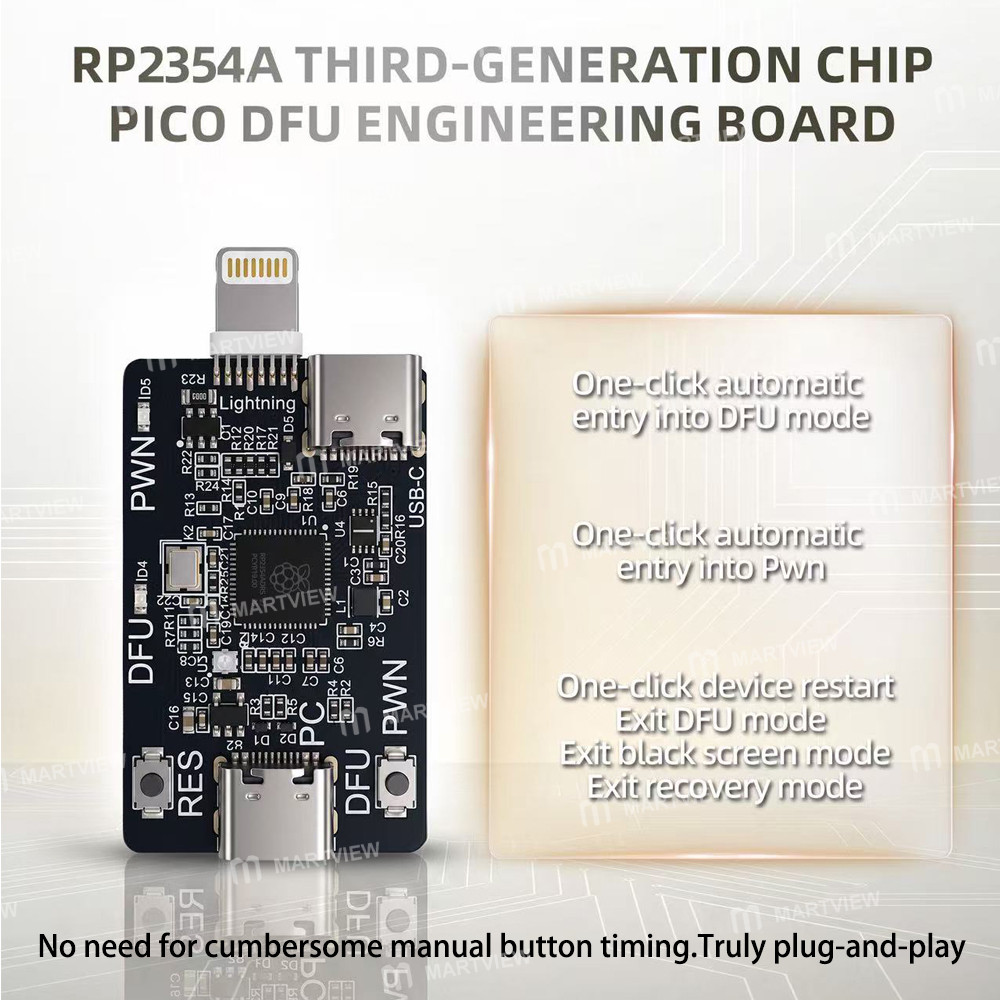
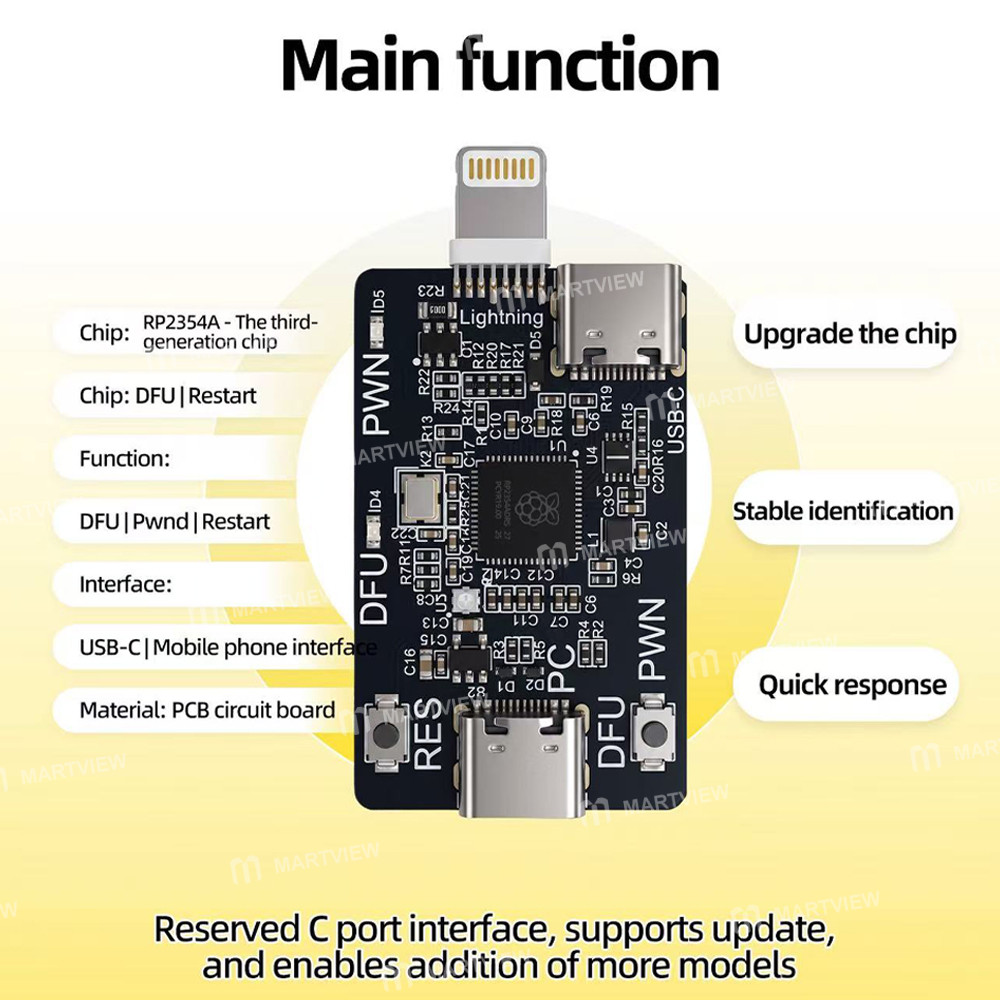
- RP2354A third-generation chip Pico DFU engineering board, built-in engineering lines, no need to purchase separately
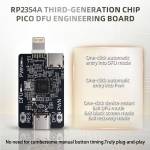
- One-click automatic entry into DFU mode/One-click automatic entry into PWN/One-click device restart/Exit DFU mode/Exit black screen mode/Exit recovery mode
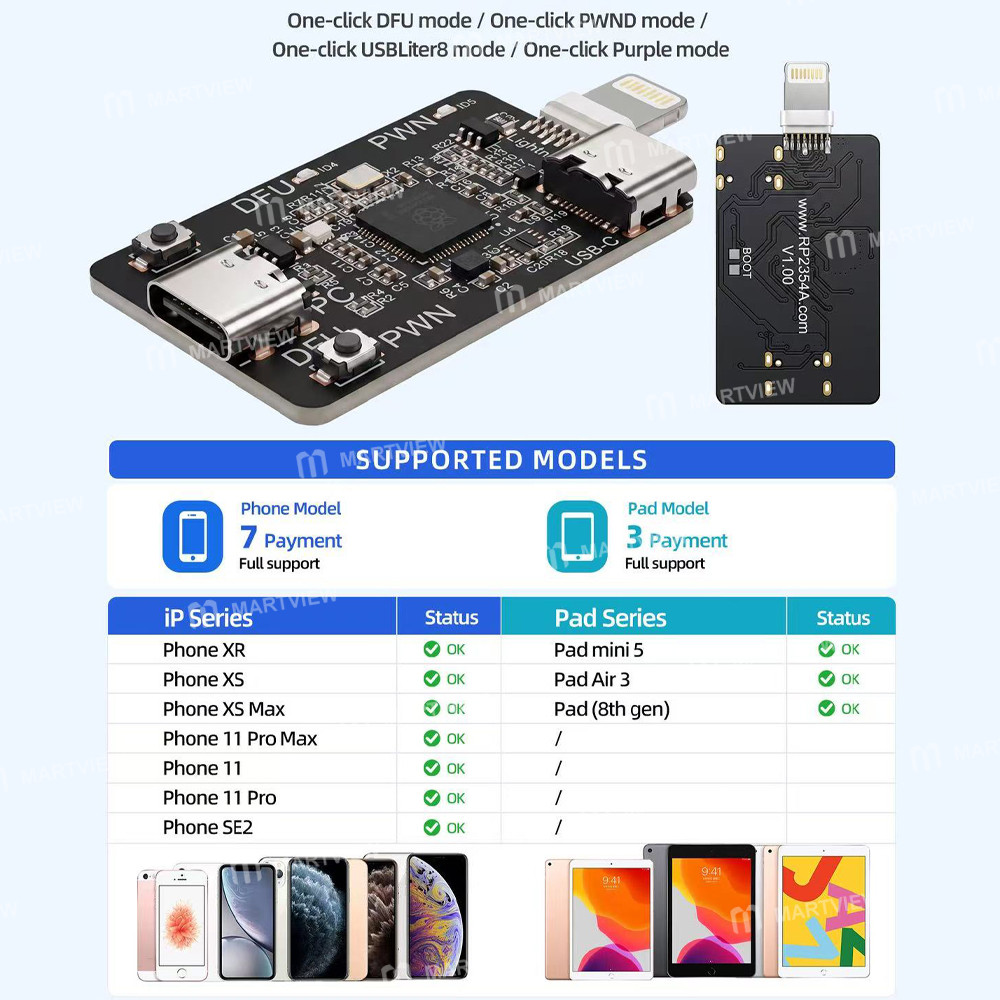
- One-click DFU mode/One-click PWND mode/ One-click USB Liter 8 mode/One-click Purple mode
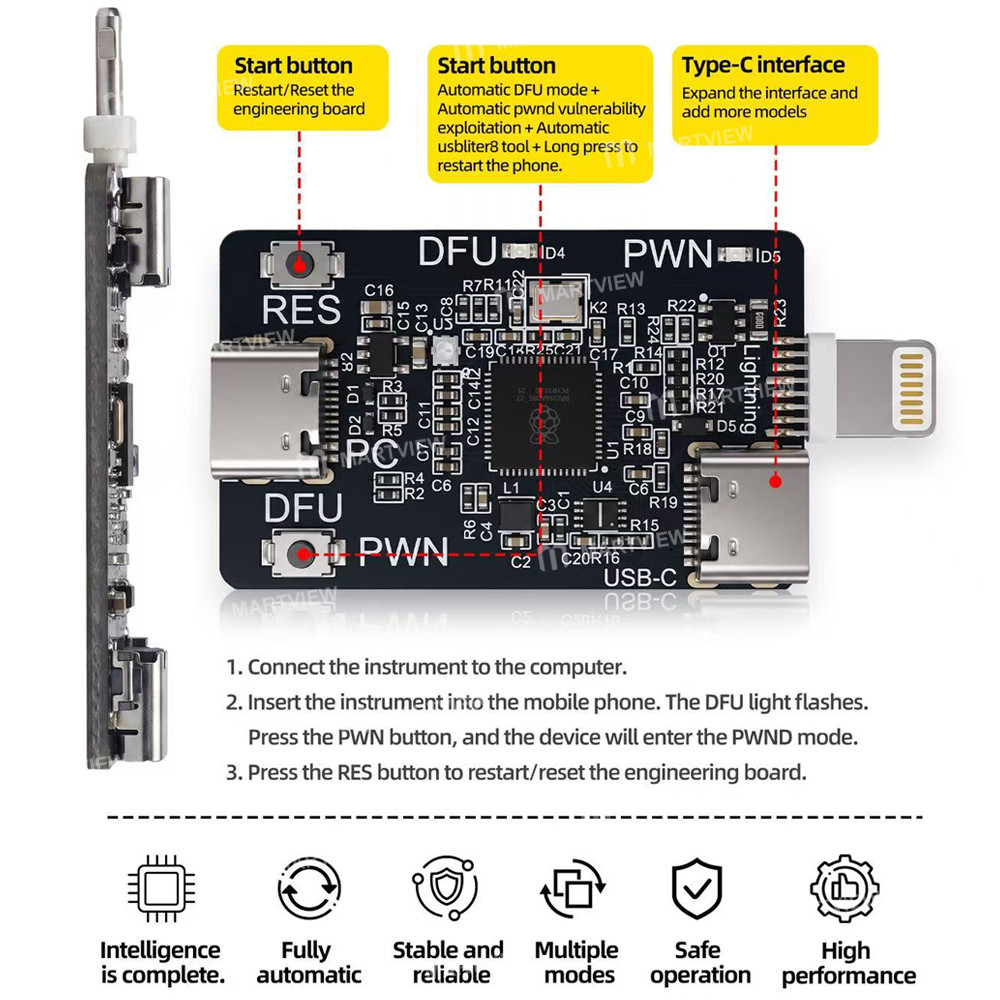
- Reserved C port interface, supports update and enables addition of more models
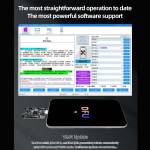
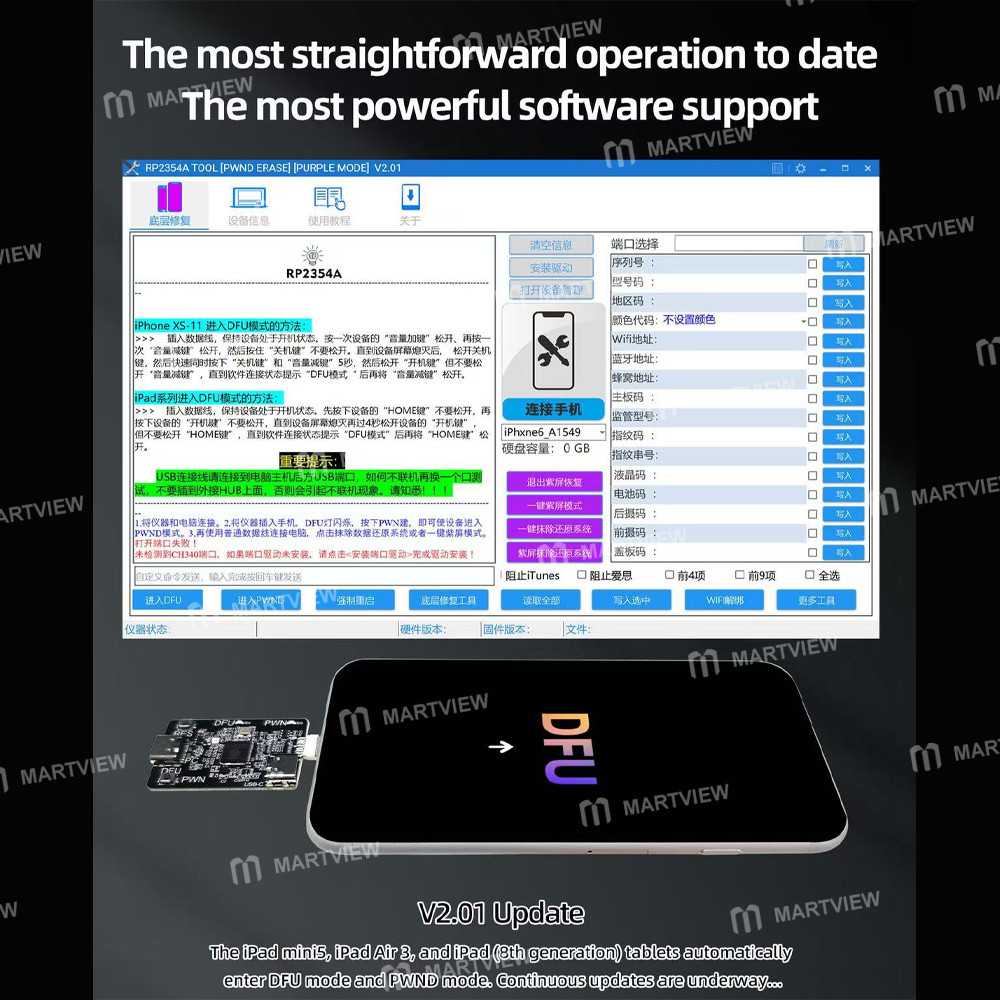
- The most straightforward operation to date; The most powerful software support
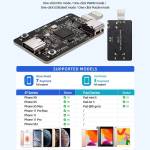
- Compatible with devices equipped with A12/A13 Chips: iPhone XR/XS/XS Max/11/11 Pro/11 Pro Max/SE2, iPad mini 5/Air 3/iPad (8th gen)
- The iPad mini5, iPad Air 3, and iPad (8th generation) tablets automatically enter DFU mode and PWND mode. Continuous updates are underway
Step:
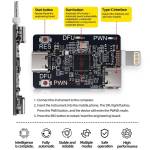
- Connect the instrument to the computer
- Insert the instrument into the mobile phone. The DFU light flashes. Press the PWND button, and the device will enter PWN mode
- Press the RES button to restart/reset the engineering board
Package includes:
- 1 x DFU Engineering Board
Customer reviews
0.0/ 5.0
0
0
0
0
0