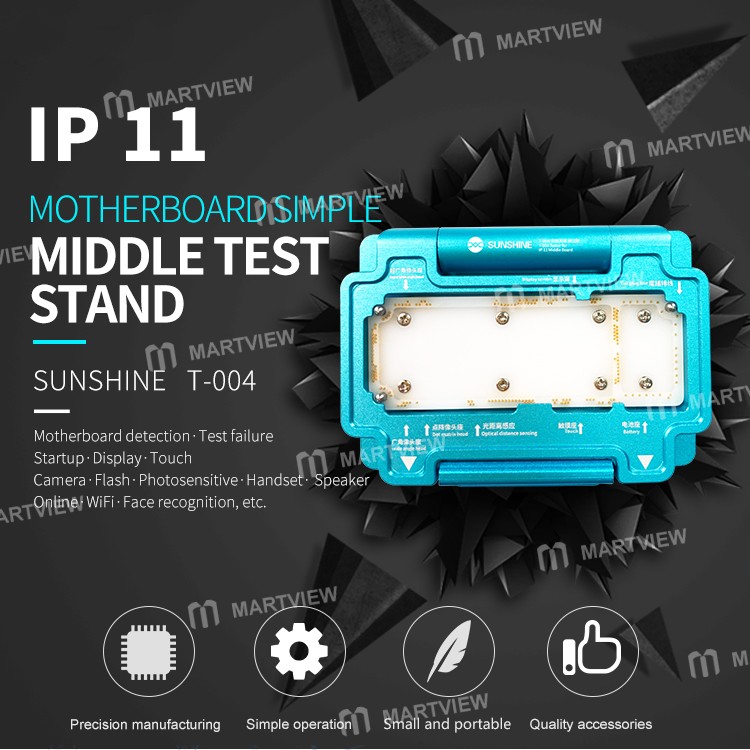
Sunshine T-004 Layering MainBoard Test Fixture for iPhone 11




0 out of 5 stars
No review yetProduct details
Description
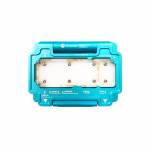
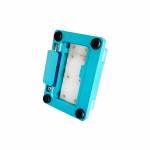
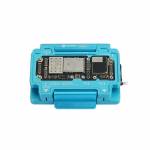
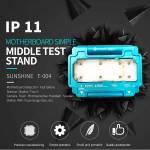
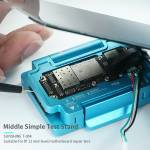
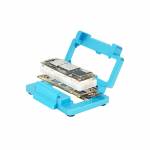
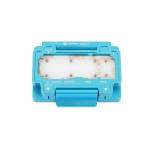
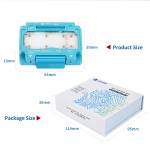
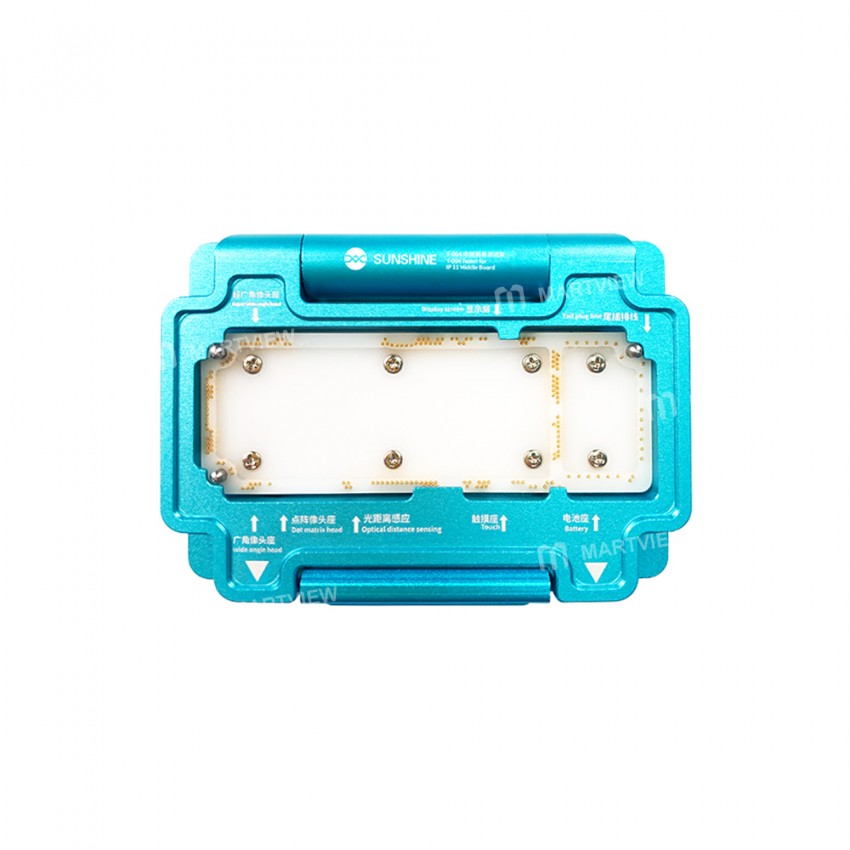
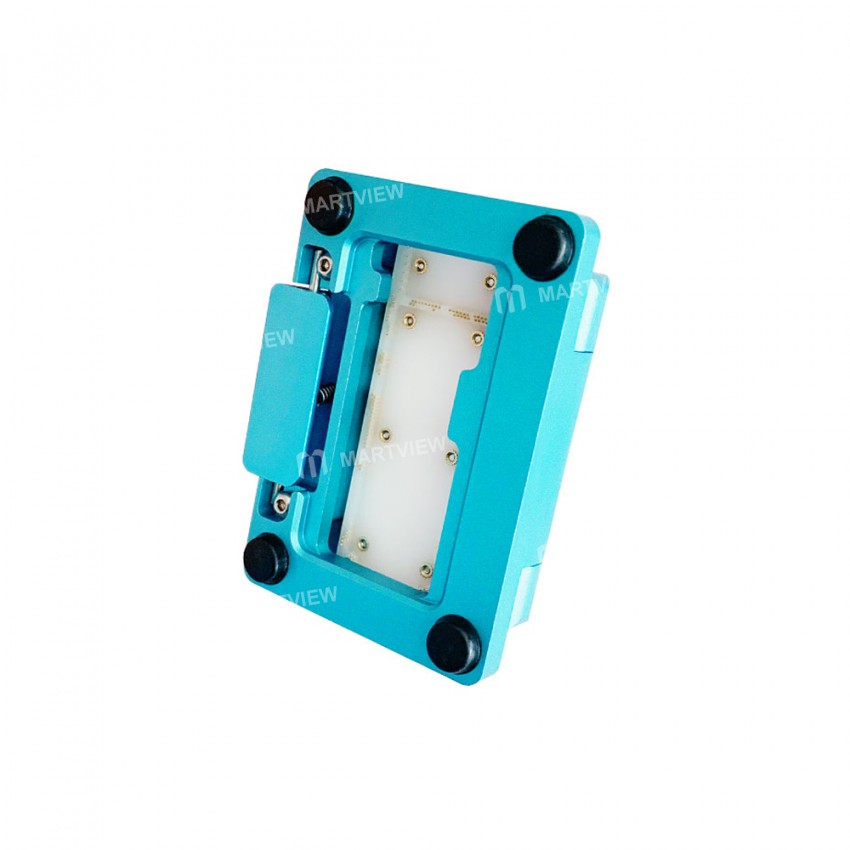
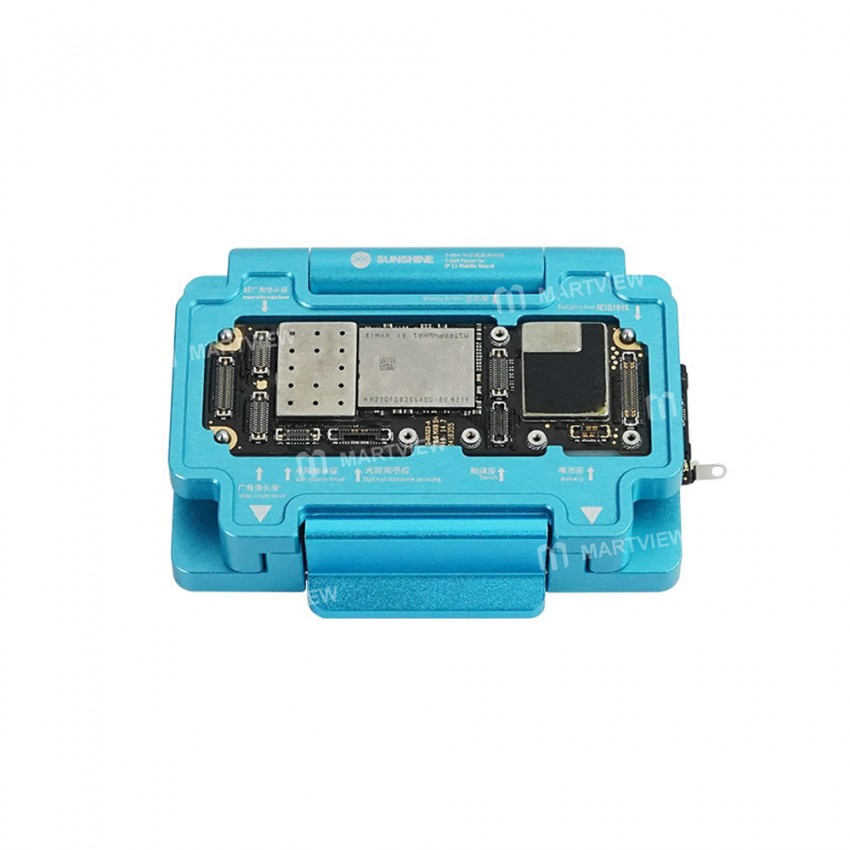
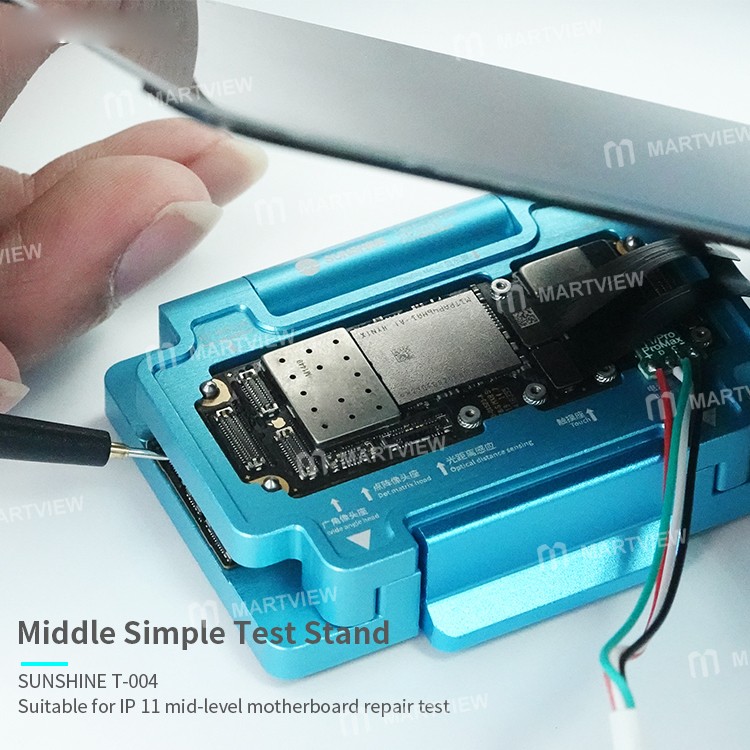
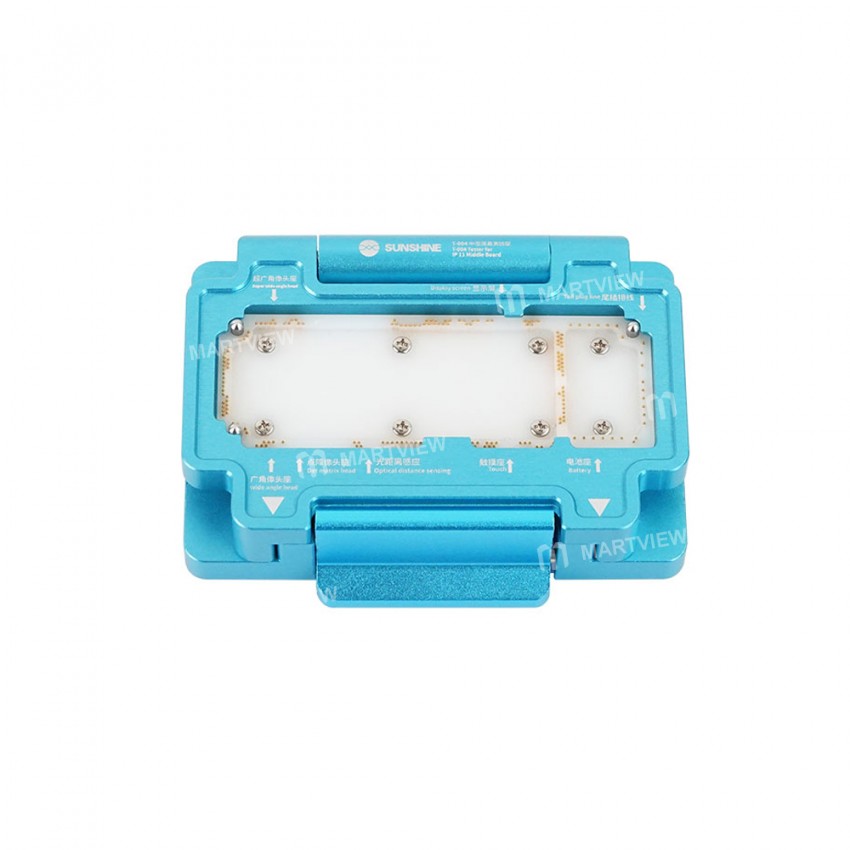
Sunshine T-004 Layering MainBoard Test Fixture Suitable for iPhone 11 mid-level motherboard repair test, motherboard detection, test failure, startup, display, touch Camera · Flash Photosensitive · Handset · Speaker Online, WiFi, face recognition test, etc.
Feature:
- Precision manufacturing,Simple operation,Small and portable
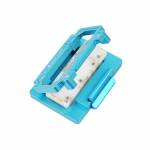
- Quality accessories,Flip buckle design
- Tight fit, no deformation, no harm to the motherboard
- Easy to align and durable
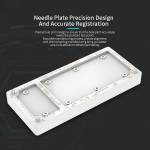
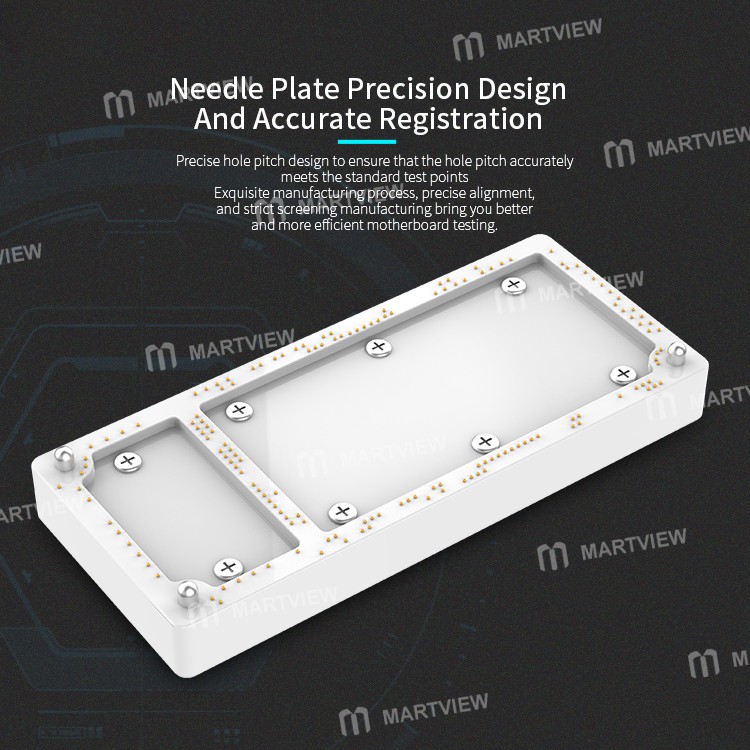
- Needle plate precision design and accurate registration
- Precise hole pitch design to ensure that the hole pitch accurately meets the standard test points
- Exquisite manufacturing processes, precise alignment, and strict screening manufacturing bring you better and more efficient motherboard testing.
- Imported high quality·Pure copper gold-plated probe
- Uses 0.2mm pure copper probes for better conductivity and accurate connection between motherboards
- Excellent material and durable
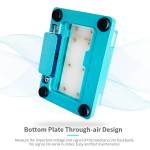
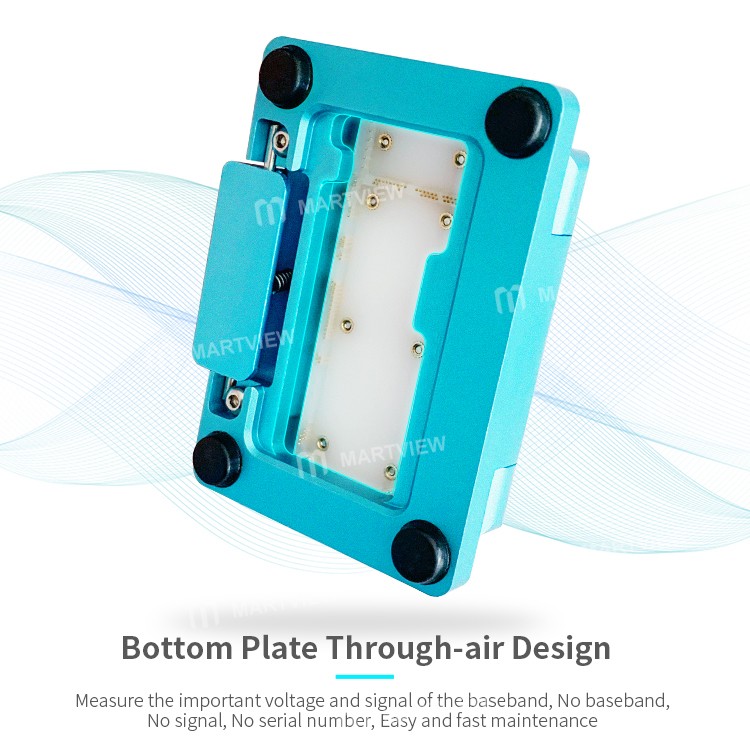
- Bottom plate through-air design
- Measure the important voltage and signal of the baseband, no baseband, no signal, no serial number, easy and fast maintenance
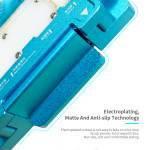
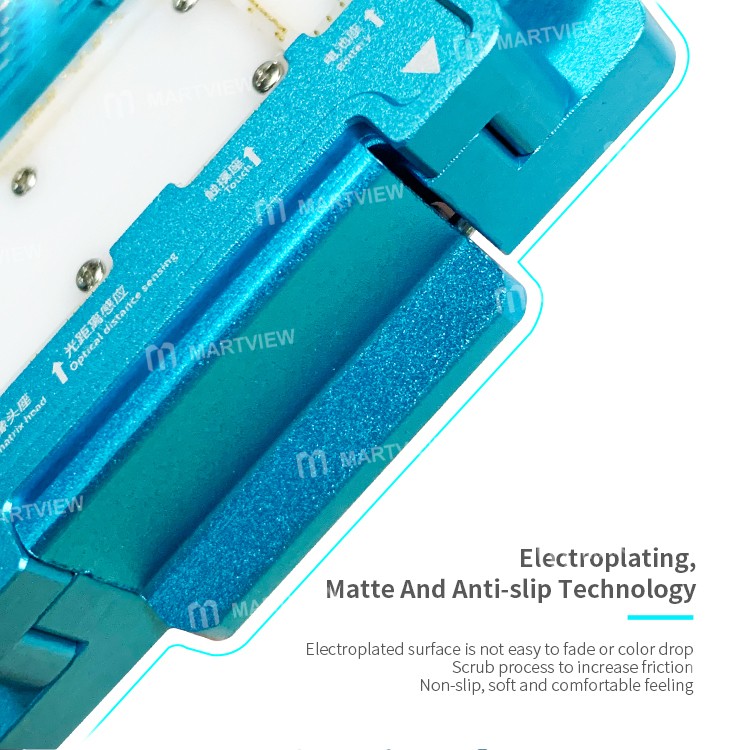
- Electroplating, matte and anti-slip technology
- The electroplated surface is not easy to fade or color drop
- Scrub process to increase friction
- Non-slip, soft and comfortable feeling
- CNC machining process
- Using CNC machinery and equipment for processing and production, effectively improving accuracy
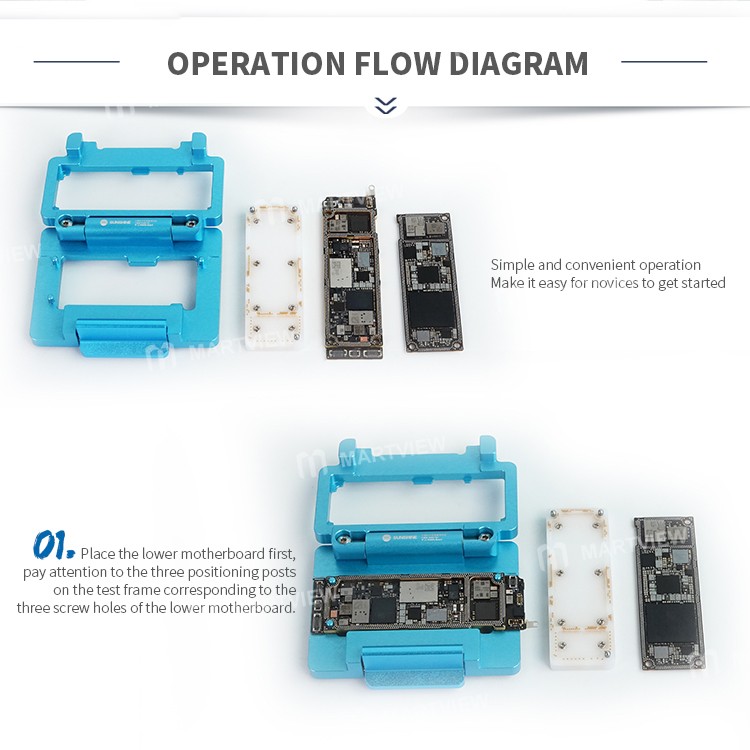
- Simple and convenient operation
- Make it easy for novices to get started
Method of use:
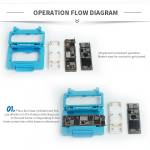
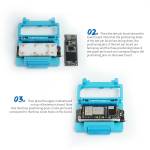
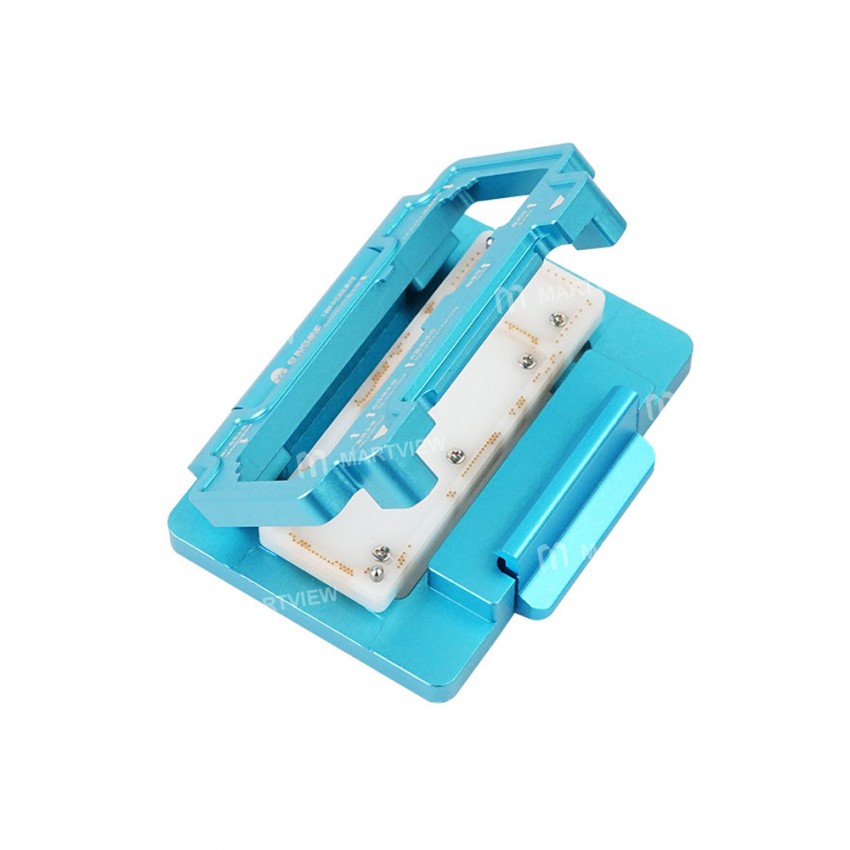
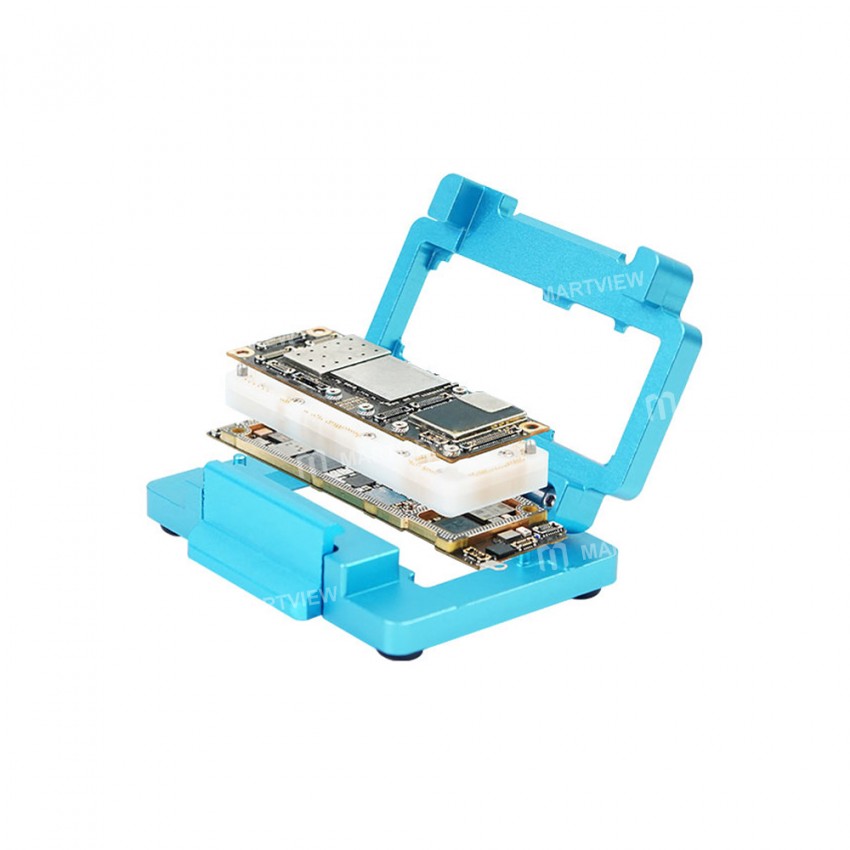
- Place the lower motherboard first, pay attention to the three positioning posts on the test frame corresponding to the three screw holes of the lower motherboard
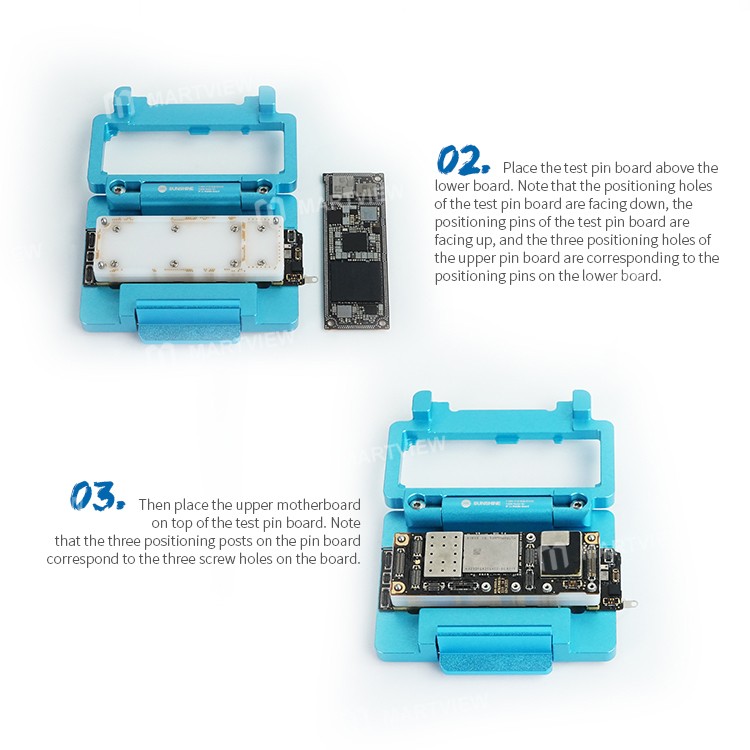
- Place the test pin board above the lower board. Note that the positioning holes of the test pin board are facing down, the positioning pins of the test pin board are facing up, and the three positioning holes of the upper pin board are corresponding to the positioning pins on the lower board
- Then place the upper motherboard on top of the test pin board. Note that the three positioning posts on the pin board correspond to the three screw holes on the board.
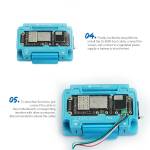
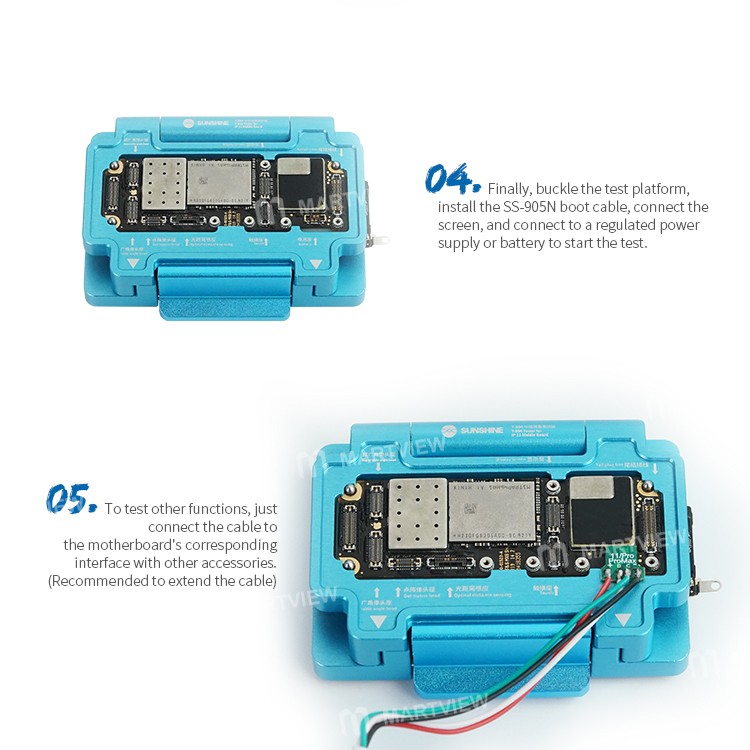
- Finally, buckle the test platform, install the SS-905N boot cable, connect the screen, and connect to a regulated power supply or battery to start the test.
- To test other functions, just connect the cable to the motherboard's corresponding interface with other accessories (recommended to extend the cable)
Package includes:
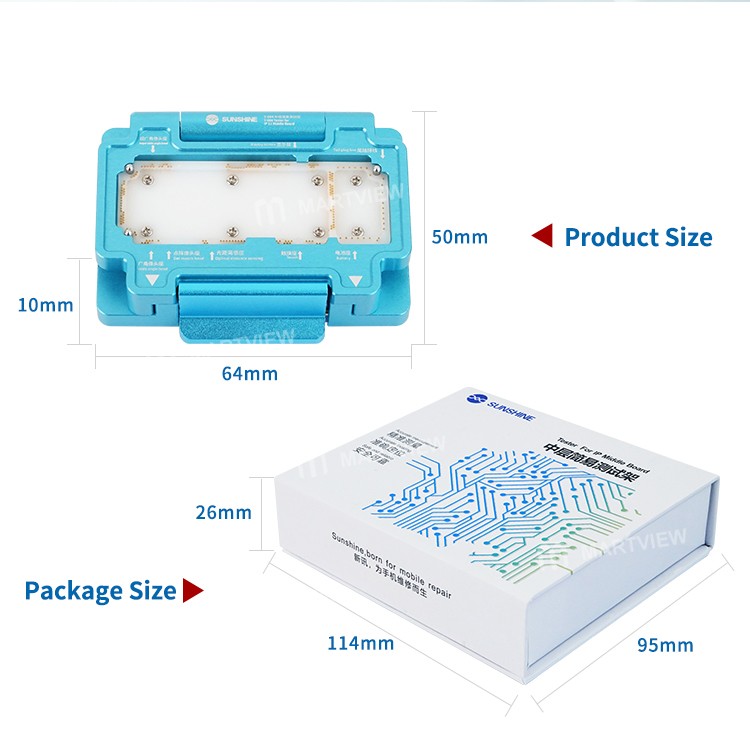
1 x Test Fixture
1 x Probe Module
1 x Boot line



Customer reviews
0.0/ 5.0
0
0
0
0
0








