WL NAND PCIe NVMe Flash HDD Test Fixture Tool for iPhone 5, 5C, 5S, 6, 6 Plus, 6S, 6S Plus, 7, 7 Plus, 8, 8 Plus



0 out of 5 stars
No review yetProduct details
Description
Product Overview
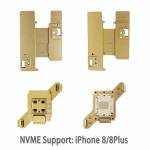
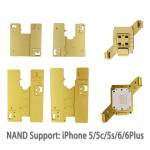
WL NAND PCIe NVMe Flash HDD Test Fixture Tool for iPhone 5/5C/SE/6/6 Plus/6S/6S Plus/7/7 Plus/8/8 Plus. Test NAND PCIe NVMe status (good/bad) via iPhone tail‑plug flex cable or multi‑function root test repair cable. Also supports firmware modify/flash/upgrade. Ideal for brushing iPhone models listed.
Key Features
- Comprehensive NAND testing: Detect good or bad NAND PCIe NVMe status.
- Multi‑function cable compatibility: Works with tail‑plug flex cable and root test repair cable.
- Firmware operations: Modify, flash, and upgrade firmware directly.
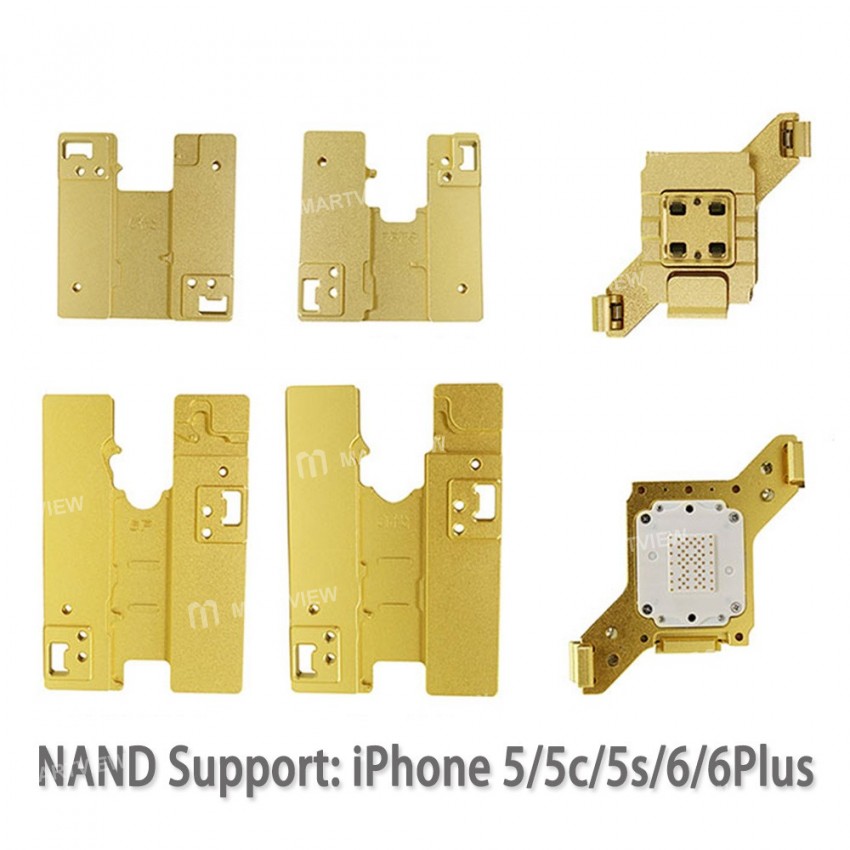
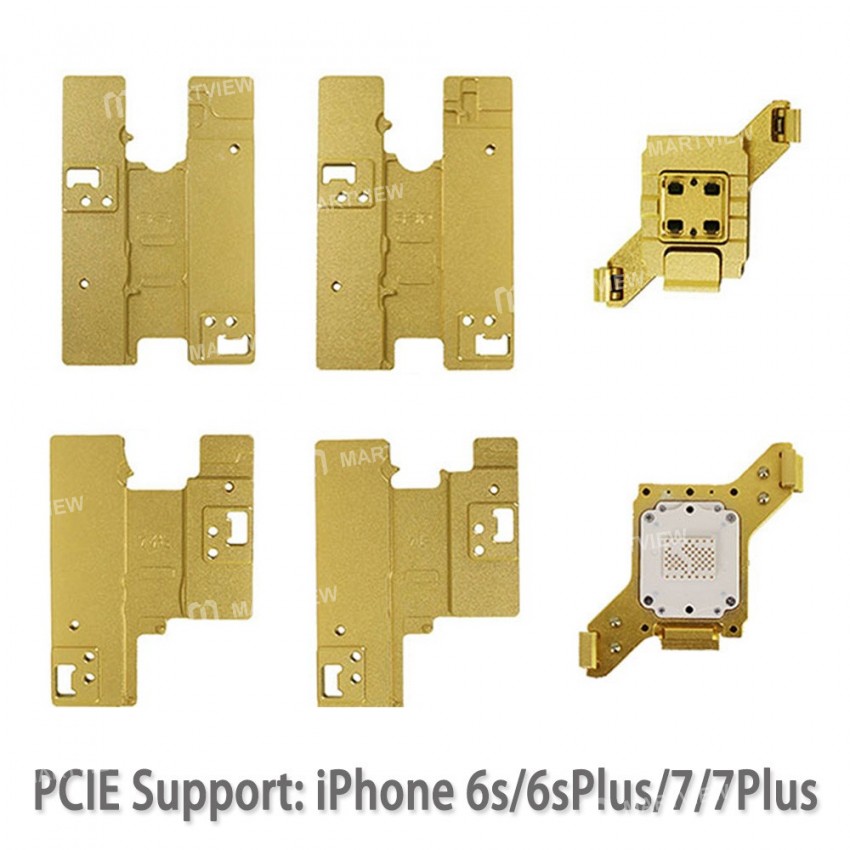
- Broad device support: iPhone 5, 5C, SE, 6/6 Plus, 6S/6S Plus, 7/7 Plus, 8/8 Plus.
- Easy installation: Simple 4‑step setup guide.
How to Use
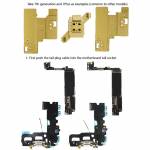
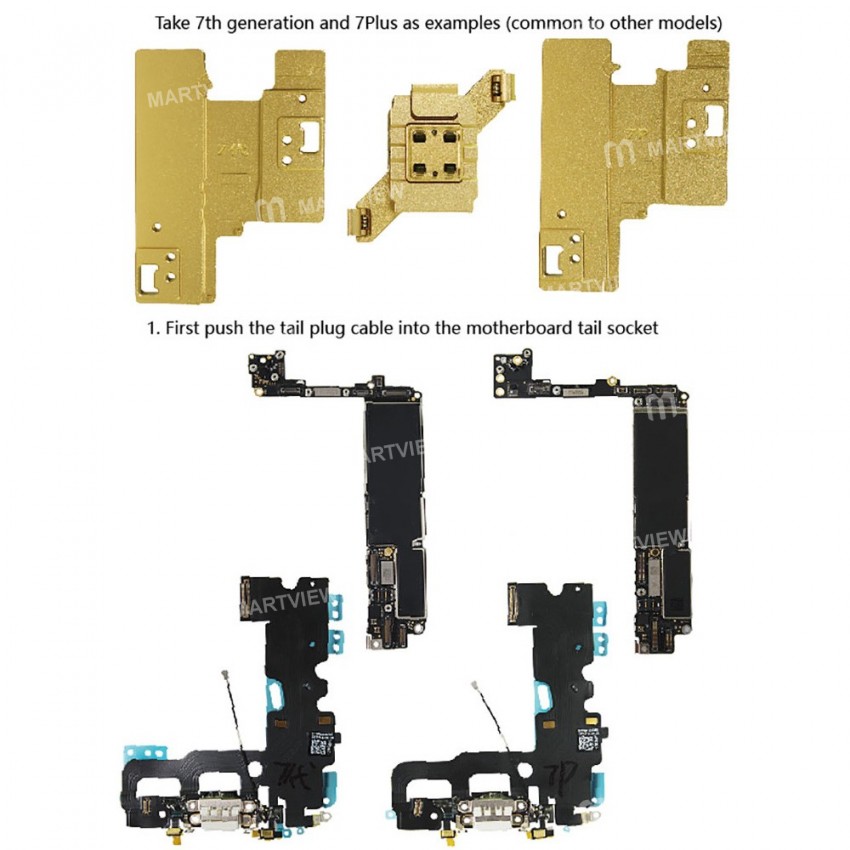
- Insert the tail‑plug cable into the motherboard’s tail socket.
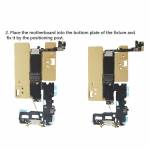
- Place the motherboard onto the fixture’s bottom plate and secure it with the positioning post.
- Insert the NAND flash drive into the seat pin plate, ensuring correct orientation of the drive and head, then lock it to the bottom plate.
- Connect the power‑boot line or battery, attach the data cable to go online, and start the brushing process. (Optional: attach the display for real‑time observation.)
Error Codes
4014 – NAND bad/good error
9 – NAND connection error (first) / NAND bad/good error (end)
1 – Motherboard error
14 – iTunes update error
53 – Fingerprint error
Note: Error codes may vary with different iTunes versions.
Important Notes
- The solder pads on the mobile‑phone motherboard’s NAND flash must be flat for reliable contact.
- Avoid using rosin or flux on the flash carrier probe; it can reduce rebound rate and cause poor contact.
- When cleaning sockets, handle probes gently to prevent damage.
Package Includes
1 × Test Fixture Tool Set
Download Software (Windows only)
https://drive.google.com/open?id=1H9b-y69Hk60qzi3gCB61dQNkYQOMC-pi




Customer reviews
0.0/ 5.0
0
0
0
0
0